How to Choose a 32-Inch 3D Monitor for Gaming
An objective buyer guide to choosing a 32-inch 3D monitor for gaming, covering glasses-free vs headset workflows, panel traits, content fit, and practical limitations.
How We Chose
Editorial recommendations are organized by reader intent, workflow fit, supplied evidence, and clearly stated limitations. Product-specific details require source verification.
How to Choose a 32-Inch 3D Monitor for Gaming
A 32-inch screen sits in a sweet spot for desktop gaming: large enough to fill a forward viewing area, small enough to stay a single-seat monitor rather than a living-room display. Adding 3D into that equation changes the buying problem significantly, because the term “3D monitor” covers several very different technologies. This guide walks through what to look for, what to verify, and what tradeoffs to expect when choosing a 32-inch 3D monitor for gaming.
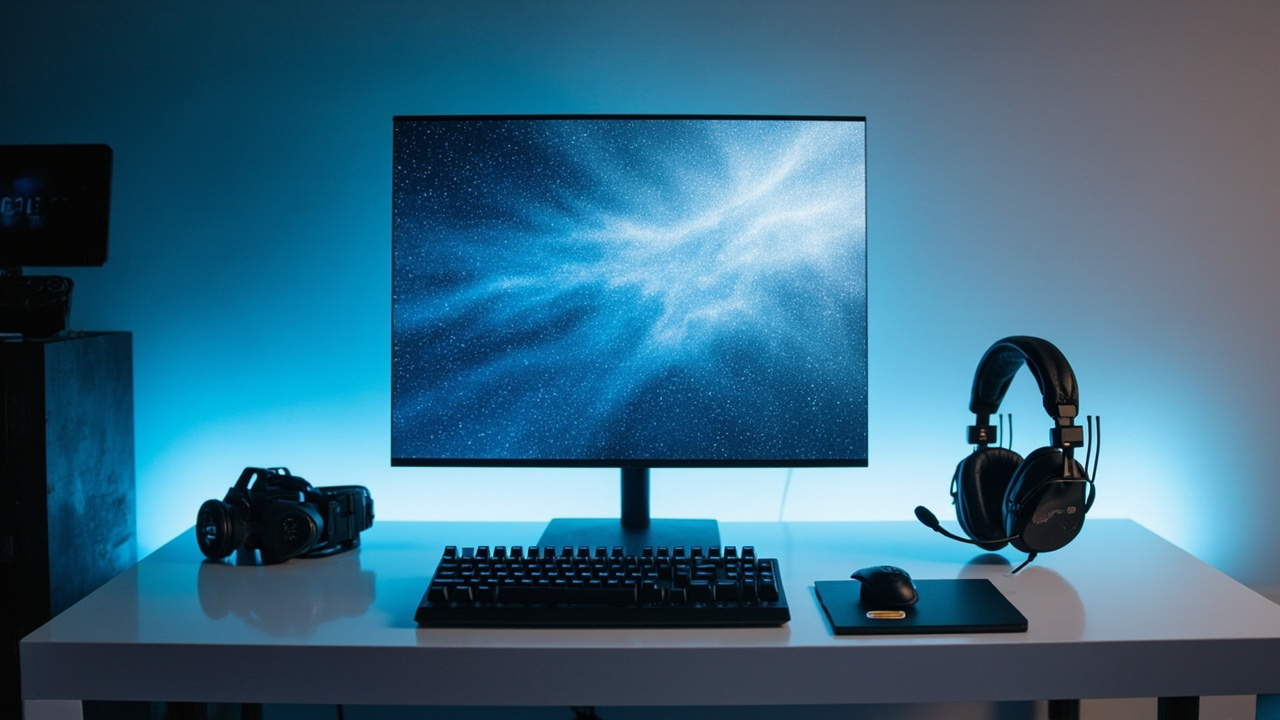
A 32-inch 3D monitor occupies a middle ground between desktop displays and larger immersive setups.
Search intent and what a 32-inch 3D gaming monitor actually means
Searches for “3D monitor 32 inch gaming” usually come from buyers who want a desktop-sized display that can show depth rather than a flat image. Before comparing models, it helps to separate the main 3D approaches you will see in product listings.
The three approaches most relevant to a 32-inch desktop monitor are:
- Stereoscopic 3D monitors, which require active shutter or polarized glasses to deliver separate left- and right-eye views. These are the most established category for PC gaming and historically dominated the “3D monitor” shelf.
- Glasses-free 3D monitors, also called autostereoscopic or naked-eye 3D displays. These use optical layers such as lenticular lenses or parallax barriers, combined with eye tracking in higher-end models, so the viewer perceives depth without wearing anything.
- Light-field and holographic-style displays, which are still niche at the 32-inch desktop size and more often appear in professional review contexts than in mainstream gaming catalogs.
For most buyers, the practical decision is between a glasses-required stereoscopic monitor and a glasses-free autostereoscopic monitor. Both exist at the 32-inch size class, and each maps differently onto gaming habits.
Glasses-free vs headset-based 3D for gaming at 32 inches
The biggest single decision is whether you are willing to wear glasses or a headset while playing.
Glasses-required stereoscopic 3D remains common in PC gaming ecosystems because game engines, middleware, and drivers have long supported stereo output modes. The tradeoffs are practical: glasses must be charged or have batteries, they can interfere with prescription eyewear, and they often require a specific viewing distance and angle to look correct.
Glasses-free 3D removes the wearable, which is appealing for long sessions and shared viewing. At 32 inches, glasses-free systems typically rely on eye tracking to maintain the stereoscopic sweet spot as the viewer moves. This works well for a single primary viewer at a fixed seat, but the experience can degrade if multiple people crowd around the screen or if the viewer shifts position frequently. For a one-player desktop setup, the workflow is closer to a normal monitor than to a VR headset, which is one reason buyers researching “3D monitor 32 inch gaming” often land here.
If you mainly play seated, single-player, or shared-couch titles with a clear primary viewer, glasses-free 32-inch monitors are worth serious consideration. If you mostly play fast multiplayer games where head movement and multiple viewpoints matter, a glasses-required system or a non-3D high-refresh display may be a more honest match for the use case.
Key selection criteria for a 32-inch 3D monitor
Once the technology direction is set, evaluate the monitor on the criteria below. Treat any number you see in marketing copy as something to verify on a spec sheet rather than something to assume.
- Panel type and resolution. At 32 inches, 4K-class resolution is the practical baseline for crisp 2D use and for clean stereo rendering. Lower pixel densities make the lenticular or parallax optical layer more visible in glasses-free designs.
- Refresh rate. For gaming, higher refresh rates matter even in 3D mode, because stereo rendering and eye tracking add processing overhead. Verify whether the rated refresh rate applies to 3D mode as well as 2D mode.
- Eye tracking and sweet spot. In glasses-free 32-inch monitors, eye tracking is what keeps the stereoscopic image stable. Check whether the system supports a single viewer or multiple tracked viewers, and how wide the comfortable viewing zone is.
- 2D / 3D switching. Some monitors, including Pro-class glasses-free displays, switch between a high-quality 2D mode and a 3D mode. If the display will also be used for everyday desktop work or non-3D games, this matters.
- Connectivity and PC compatibility. Confirm the inputs, the GPU support for any required stereo output format, and whether the display expects side-by-side, multi-view, or proprietary input signals.
- Ergonomics and desk fit. A 32-inch monitor with eye-tracking hardware has a defined ideal distance and height range. Make sure your desk depth and chair height can match that range.
- Touch capability. Most autostereoscopic displays in this class, including current Spatial Display positioning, are non-touch. If touch is important, check the spec sheet explicitly rather than assuming.
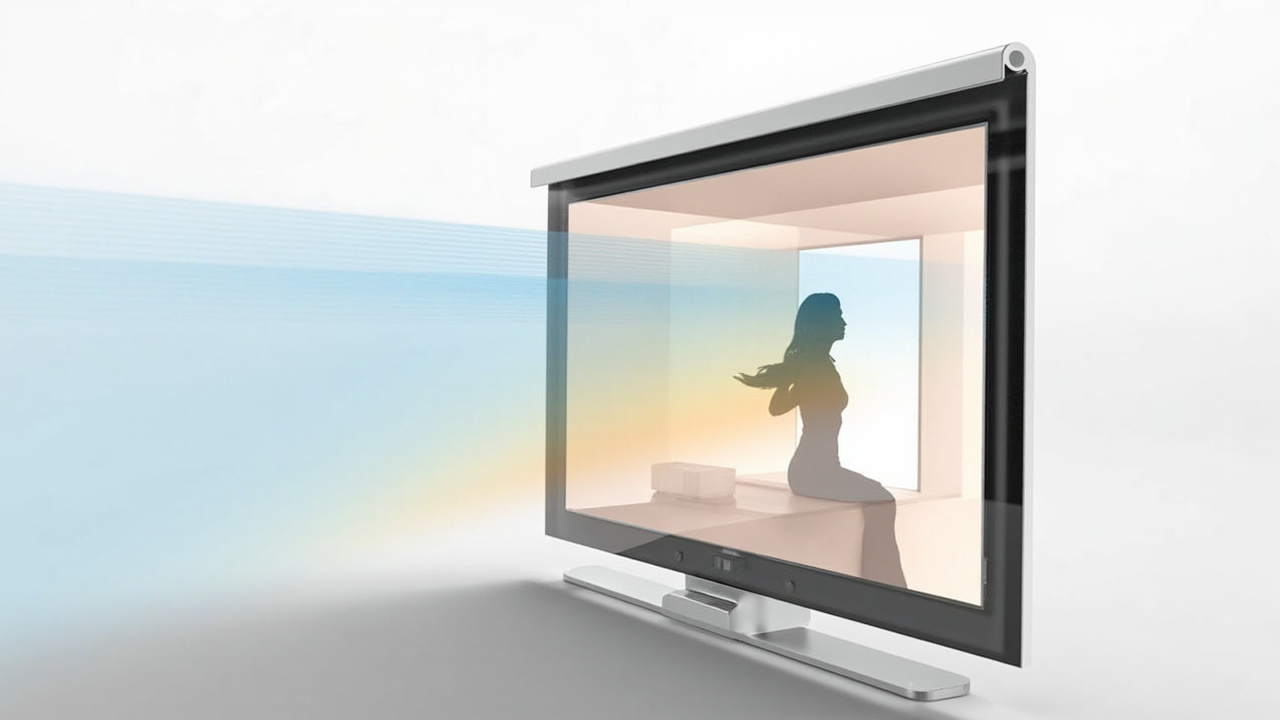
Eye-tracked glasses-free 3D uses an optical layer plus a tracker to maintain the stereoscopic sweet spot.
Gaming content and workflow fit
Not every game benefits equally from 3D, and not every 3D monitor handles every content type out of the box.
Content that tends to work well on a 32-inch 3D monitor:
- First-person and third-person exploration titles where depth cues help spatial reading.
- Racing, flight, and simulation games where foreground-to-background depth adds situational awareness.
- Cinematic single-player games where the goal is immersion rather than competitive reaction time.
- Titles that already output stereo formats or that can be configured to do so through engine settings or middleware.
Content that needs more preparation:
- Fast competitive multiplayer where motion clarity and low input lag matter more than depth.
- Games and engines that do not expose a stereo output mode without community patches.
- Live streaming workflows that need clean 2D capture of the same content others see in 3D.
A useful pre-purchase step is to make a short list of the five games you actually play most and check whether each one supports the stereo format the monitor expects. This single check filters out many “the monitor is great, but my library does not cooperate” disappointments.
Common limitations and tradeoffs
A 32-inch 3D monitor is a specialty purchase, and the tradeoffs deserve the same weight as the headline features.
- Sweet spot sensitivity. Glasses-free designs reward a still, centered viewer. Players who move a lot or share the screen will see the effect weaken.
- Content preparation. Without stereo-ready source content, the display falls back to 2D. Plan for some pipeline work.
- Price versus general 32-inch monitors. You pay a premium for the optical layer, the eye-tracking module, and the lower production volume. Set a realistic budget before comparing.
- Certification and benchmark claims. Marketing pages sometimes imply gaming-specific certifications or benchmark results that are not actually published. Treat such claims as verification tasks, not facts, until you can confirm them on the manufacturer’s documentation.
- Resolution and brightness tradeoffs. The optical layer reduces light transmission, so a 3D-mode image can look dimmer than the same panel’s 2D mode. Check brightness and contrast figures for 3D operation specifically.
Next steps before buying
A practical buying sequence for a 32-inch 3D gaming monitor looks like this:
- Decide glasses-free versus glasses-required based on your seating habits and the genres you play.
- List the three to five games you play most and confirm stereo support for each.
- Verify on the spec sheet: panel resolution, 3D-mode refresh rate, eye-tracking behavior, supported input formats, and whether the unit is touch or non-touch.
- Measure your desk depth and pick a model whose recommended viewing distance fits your setup.
- If possible, see the monitor in person or request a demo before committing, because the glasses-free sweet spot is best judged by eye.
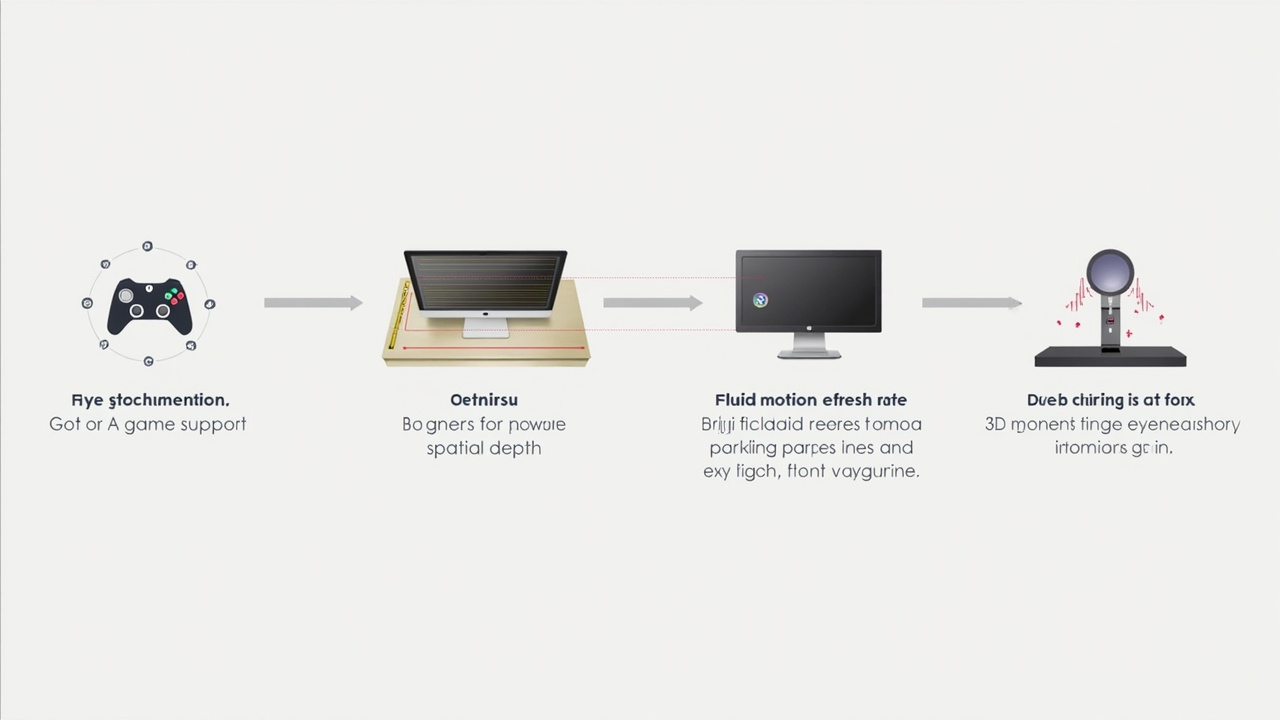
Matching the display’s stereo format and viewing distance to your games and desk is the core buying workflow.
Used carefully, a 32-inch 3D monitor can turn a desktop into a noticeably more immersive gaming station. Used carelessly, it can become an expensive display that spends most of its time in 2D mode. The difference is almost entirely in matching the display’s technology and content expectations to your actual games and seating habits before you buy.
Ready to explore 3D displays?
Browse our detailed comparisons and buying guides to find the right spatial display for your workflow.
View Best 3D MonitorsDisclosure: 3DMonitor.net's best lists are editorially independent. We may earn affiliate commissions on qualifying purchases. Rankings are based on hands-on testing, specifications, and expert assessment. Full disclosure.