Spatial 3D Display Buying Guide
An objective third-party buying guide for buyers searching for a spatial 3D display for sale, covering selection criteria, workflow fit, model sizing, and pre-purchase checks on 3dmonitor.net.
How We Chose
Editorial recommendations are organized by reader intent, workflow fit, supplied evidence, and clearly stated limitations. Product-specific details require source verification.
Spatial 3D Display Buying Guide
A spatial 3D display for sale is one of the more specific hardware purchases a professional team can make, so it pays to slow down before clicking checkout. This guide walks through what a glasses-free spatial 3D monitor actually does, how to compare the options that appear in a typical search, and which questions to answer before paying for one. It is written as objective third-party editorial coverage for 3dmonitor.net and is intentionally cautious about specs, pricing, and certification claims.
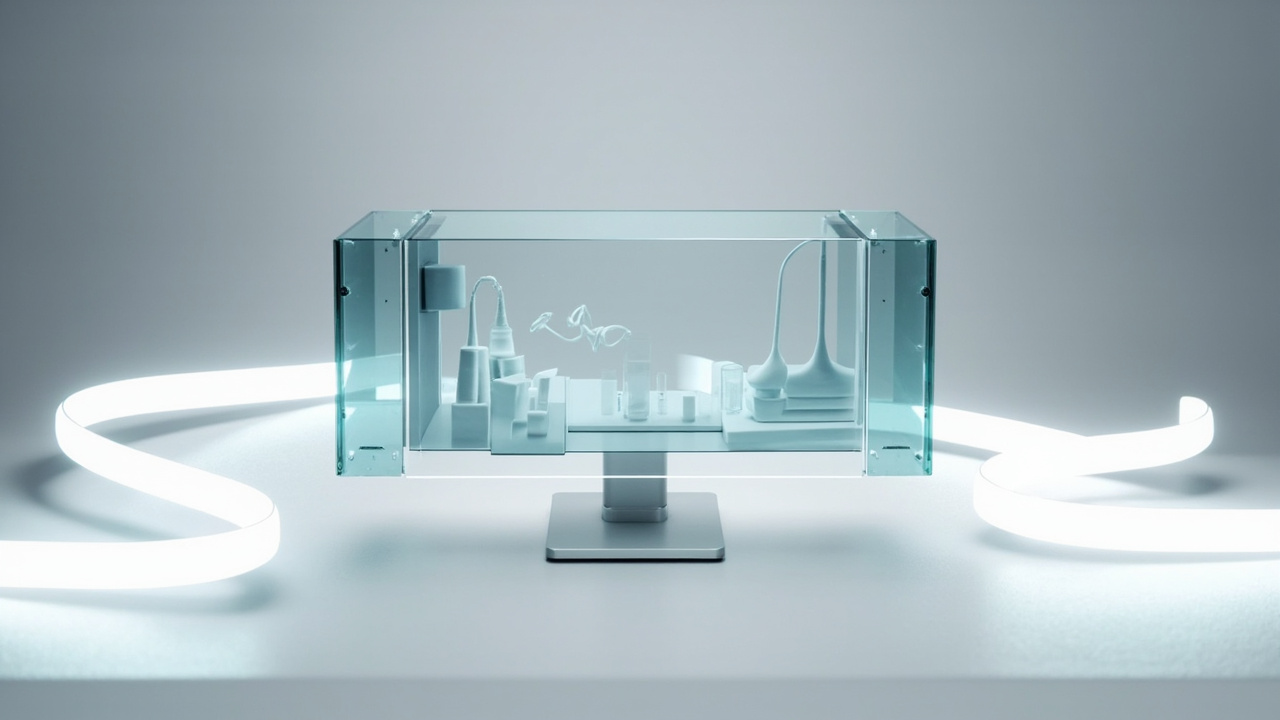
A spatial 3D display fits a monitor-style review workflow instead of a headset setup
What buyers mean by spatial 3D display for sale
When buyers search for a spatial 3D display for sale, they are usually looking for a monitor-style screen that delivers depth perception without VR headsets or 3D glasses. The category overlaps with several technical terms, and clearing them up makes the rest of the buying decision easier.
- Glasses-free 3D display: a monitor that creates a stereo view without active or passive eyewear.
- Autostereoscopic display: the technical term for the same idea, usually relying on eye tracking and a lenticular or microlens optical layer.
- Spatial 3D display: the marketing-friendly framing used by vendors such as 3DV, which emphasizes shared review and depth in professional workflows rather than personal headset viewing.
- Light field display / holographic display: related ideas, but with different optical architectures and viewer counts; do not assume they are interchangeable with autostereoscopic monitors.
If a listing blends any of these terms without explaining the optical approach, treat that as a follow-up question rather than a confirmed feature.
How to evaluate a spatial 3D display before buying
Because the category is niche, a useful buyer-guide filter is to score each candidate against a fixed checklist instead of trusting marketing language. The criteria below are the ones buyers most often weight, in roughly the order that matters for professional deployment.
- Viewing model: single-viewer eye tracking vs. multi-viewer shared screen. The decision shapes how the display fits a review room.
- Source-content compatibility: whether your CAD, DICOM, CT, SBS, or 3D pipeline can output stereo or 3D-ready frames at all.
- 2D fallback quality: how the panel performs as an ordinary monitor when no 3D content is being shown.
- Room and mounting constraints: desk depth, viewing distance, and whether the display is meant to be portable or stationery.
- Software stack: native viewers, plugins for common 3D tools, and whether stereo output is exposed through standard APIs.
- Procurement and support: warranty terms, lead times, return windows, and pre-purchase technical support.
Run any candidate through this list before reading further into model-specific claims.
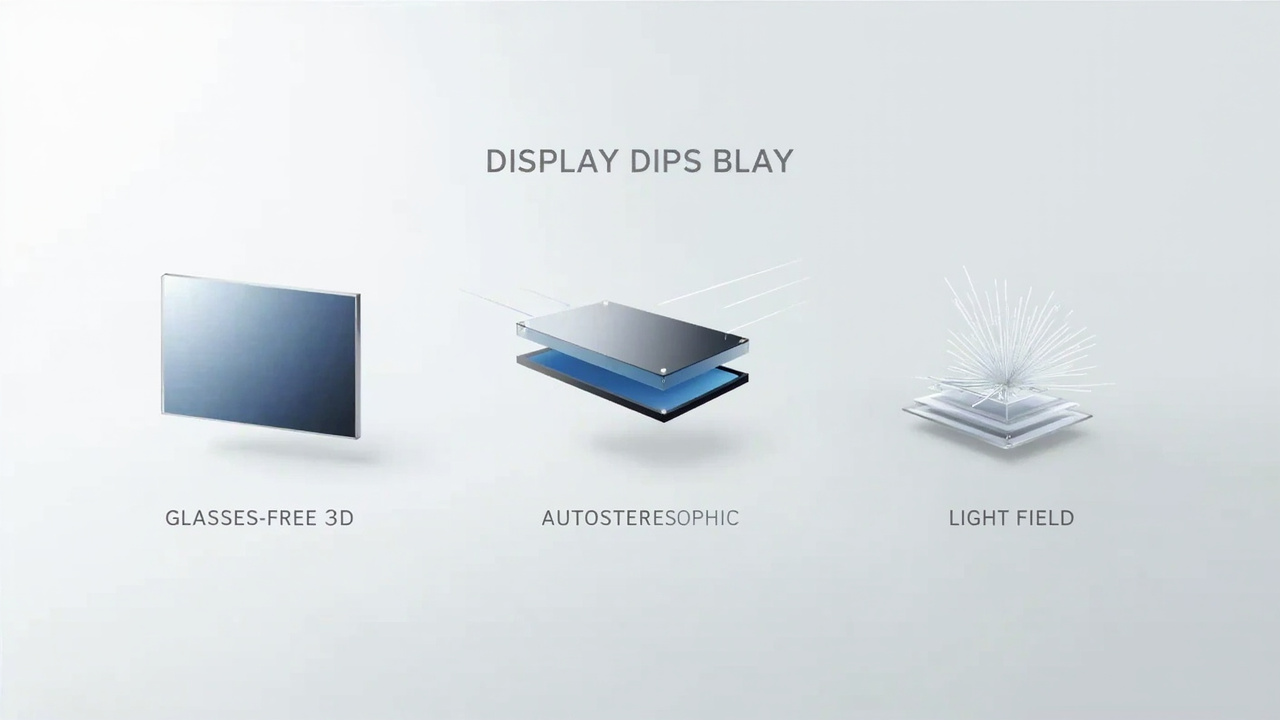
Comparison of glasses-free 3D, autostereoscopic, and light field display categories
Matching the display to your workflow and room
A spatial 3D display is rarely a general-purpose monitor. Match the candidate to the dominant workflow instead of buying the largest screen you can justify.
- Medical visualization and anatomy review: depth helps when teaching layered structures, but team viewing and DICOM export support matter more than panel size.
- Industrial inspection and NDT: shared viewing for QA teams is often the deciding factor. Make sure stereo CT or volume data can actually reach the display.
- CAD and design review: real depth matters for assemblies and curved surfaces, so eye-tracked single-viewer behavior is usually the priority.
- Spatial Microscope workflows: confirm microscope camera output and recording format are supported before sizing the display.
- Showrooms, demos, and education: a larger screen with stable eye tracking and predictable ambient-light behavior tends to be more forgiving than the densest panel.
If two workflows compete for the same display, list the dominant one first and treat the second as a constraint, not a co-equal requirement.
Sizing the display: 14, 15.6, 27, and 32 inch options
Sizing decisions are easiest when the room and viewing distance are already settled. The current Spatial Display lineup on 3DV is organized around four screen sizes, each aimed at a different kind of station.
| Size | Series | Typical fit |
|---|---|---|
| 14 inch | Essential | Compact demos and dedicated 3D review setups where desk space is tight |
| 15.6 inch | Pro | Portable mixed 2D / 3D workstation use, useful for traveling reviewers |
| 27 inch | Pro | Main professional review station for engineering, medical, or inspection teams |
| 32 inch | Essential | Large dedicated 3D room, lab, showroom, or classroom |
The 27 inch Pro tends to be the safest default for a single review station. The 32 inch Essential is the better pick when the room is built around the display. The 14 inch and 15.6 inch options are situational rather than default picks, so treat them as exceptions rather than the headline recommendation.
Pro vs Essential: when each series fits
The Pro vs Essential distinction is more useful than the size distinction once you know the room.
- Pro series is the stronger fit when the display is going to be used as a daily monitor that also handles 3D review. Buyers who switch between spreadsheets, code, design tools, and 3D sessions tend to want this balance.
- Essential series is the stronger fit when the display is dedicated to 3D spatial work and the buyer does not need top-tier 2D behavior on the same panel.
If the buyer cannot decide between the two, the deciding question is usually how much high-quality 2D time the panel will see. Heavy 2D use pushes toward Pro. Pure 3D stations push toward Essential.
Content readiness: stereo, SBS, CAD, and DICOM
The most common reason a spatial 3D display underperforms in the field is not the panel itself; it is source content that cannot produce a stereo signal. Buyers should verify content readiness before paying for any candidate.
- SBS side-by-side stereo: confirm the player pipeline can decode and route SBS frames to the display.
- CAD and 3D viewers: check whether the viewer exposes stereo output or relies on a single 2D render path.
- DICOM and medical stacks: confirm the viewer can produce a 3D volume render with depth, not only a flat slice view.
- Game engines and WebGL: Unity, Unreal, and WebGL apps can usually feed stereo output, but only if the engine is configured for it.
- Flat 2D content: ordinary 2D video and images will display, but without depth, so factor that into the expected daily mix.
The compatibility Learn article and the Content-to-3D Path Checker are the most useful official routes for verifying readiness before committing.
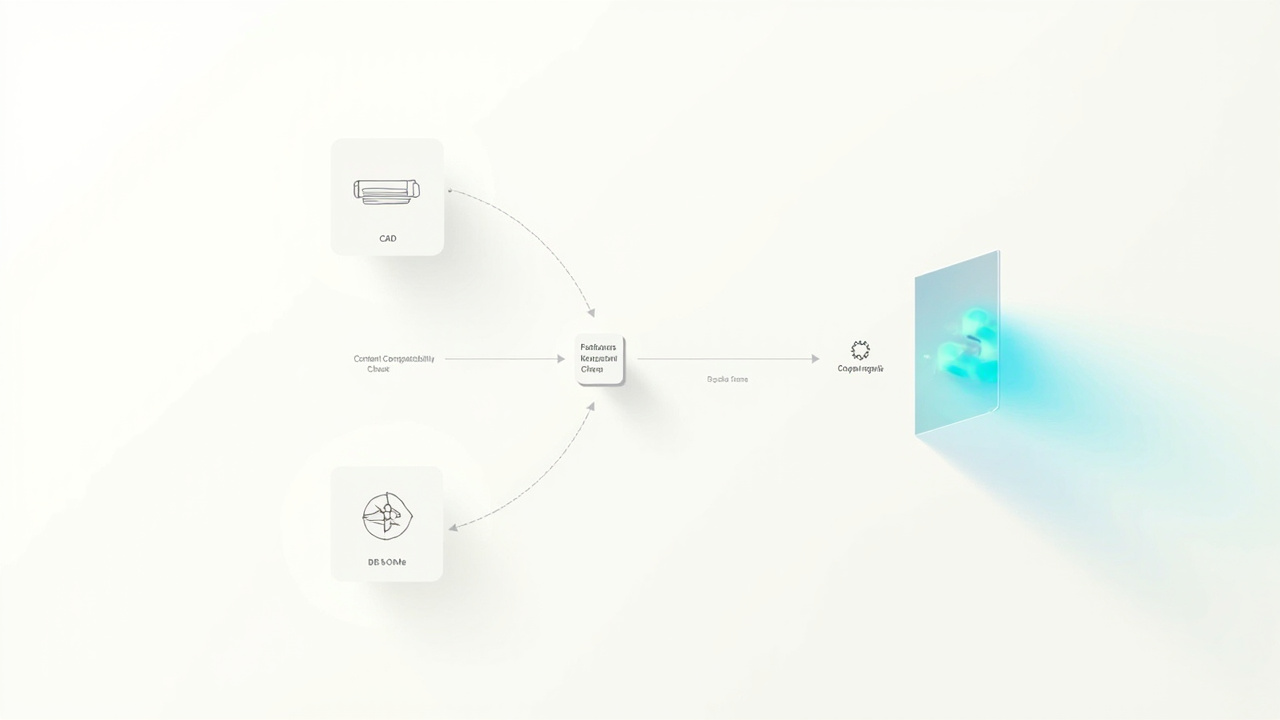
Workflow diagram for routing CAD, DICOM, and SBS content to a spatial 3D display
Pre-purchase checklist before you commit
This checklist is the practical filter used in the rest of the article. Skipping items here is the single most common source of post-purchase frustration.
- Confirm that the dominant workflow can actually output stereo or 3D-ready frames.
- Decide between a single-viewer eye-tracked display and a multi-viewer shared-screen display.
- Measure desk depth, viewing distance, and ambient light for the intended room.
- Compare Pro and Essential against expected 2D usage, not just 3D usage.
- Verify native viewers and plugins for the tools the team already uses.
- Ask the vendor about warranty terms, return windows, and lead times in writing.
- Run the candidate content through the Spatial Display Simulator and the 3DV Spatial Player to confirm the pipeline.
- Use Ask Before Ordering for any procurement question that has not been answered in writing.
Limitations and uncertainty to flag
A few honest limits should be carried into the buying decision.
- The source bundle for this article does not include verified pricing, certification, or benchmark data, so this guide deliberately avoids quoting specific numbers or rankings.
- Current Spatial Display models are positioned as non-touch displays. Do not assume touch support unless the vendor states it explicitly on the model page.
- Light field and holographic displays are sometimes marketed alongside autostereoscopic monitors. They are not interchangeable, and treating them as the same category is one of the more common buyer mistakes.
- Vendor ecosystems evolve. Treat any single-vendor feature list as a snapshot rather than a permanent capability, and re-check before procurement sign-off.
Next steps and soft informational CTAs
The fastest way to move from research to a confident order is to use the existing official paths rather than improvising.
- Walk through the Display Selector to narrow models by room size and workflow.
- Preview glasses-free 3D output through the Spatial Display Simulator.
- Confirm source-content readiness with the Content-to-3D Path Checker and the content compatibility Learn article.
- Route procurement questions through Ask Before Ordering so the answers are written down.
- When ready, review the Spatial Display product page for the current model lineup and request a demo rather than relying on a single search result.
This guide is informational and does not represent an official 3DV sales recommendation. Re-verify pricing, certifications, and availability against the current shop data before placing an order.
Ready to explore 3D displays?
Browse our detailed comparisons and buying guides to find the right spatial display for your workflow.
View Best 3D MonitorsDisclosure: 3DMonitor.net's best lists are editorially independent. We may earn affiliate commissions on qualifying purchases. Rankings are based on hands-on testing, specifications, and expert assessment. Full disclosure.