PluraView 3D Monitor Alternatives and Workflow Fit
An objective look at where a PluraView 3D monitor fits in stereoscopic review workflows, the glasses-free alternatives worth considering, and the content-side trade-offs to weigh before switching.
PluraView 3D Monitor Alternatives and Workflow Fit
Buyers searching for a pluraview 3d monitor are usually weighing whether a two-viewer stereoscopic display still earns its place in a modern review workflow, or whether a glasses-free autostereoscopic monitor is a better fit. This article keeps the comparison objective: it summarises where a PluraView-style display is commonly used, what trade-offs teams report, and how it lines up against glasses-free alternatives. It does not quote prices, certifications, or benchmarks that are not in the supplied source bundle.
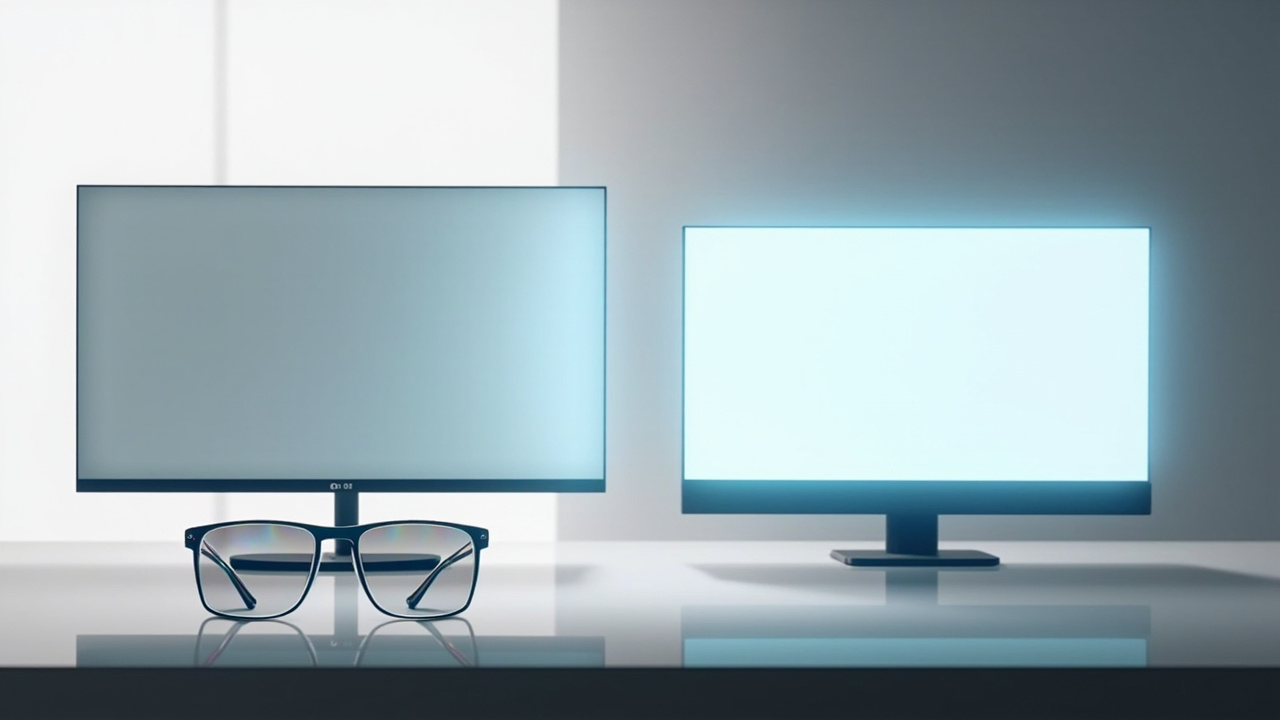
A side-by-side framing of stereoscopic 3D monitors and glasses-free autostereoscopic alternatives, used to anchor the workflow comparison.
Where the PluraView 3D monitor sits in the stereoscopic landscape
A PluraView 3D monitor is, in the categories used on this site, a stereoscopic 3D monitor: the left- and right-eye images are separated with passive polarised glasses rather than delivered as two autostereoscopic views to a glasses-free viewer. That distinction matters because it sets the assumptions for the rest of the workflow.
Three points of context help frame the comparison:
- Two-viewer focus. Passive polarised stereo monitors in this family are often deployed where two reviewers can sit side by side and both see the correct left/right image at the same time. That is unusual for autostereoscopic panels, which are typically tuned for a single primary viewing position.
- Stereoscopic content readiness. The display expects a stereo source (side-by-side, dual-output, or a quad-buffer graphics card). Teams that already run CAD, DICOM, photogrammetry, or stereo microscopy pipelines usually have this output; teams that only have 2D content will need to prepare or convert it first.
- Comfort and session length. Polarised glasses are light and have no electronics, which can be an advantage for long review sessions, but the glasses themselves are a workflow step that autostereoscopic monitors remove.
These are the same trade-offs discussed in our broader stereoscopic selection guide and the glasses-free collaborative review explainer, so the rest of the article focuses on the comparison rather than re-deriving the technology.
Stated workflow strengths and where two-viewer stereo helps
A PluraView-class display is most often discussed in connection with workflows that already centre on stereoscopic content:
- CAD and engineering review. Teams that export stereo views from CAD packages or 3D viewers can review geometry with a sense of depth that a flat panel cannot reproduce. Two engineers can step up to the display together, both wearing passive glasses, and discuss the same model in real time.
- Geospatial and photogrammetry visualisation. Point clouds, terrain models, and photogrammetric meshes are common sources where two viewers in the same session can each perceive depth correctly.
- Medical and microscopy review. Stereo microscopy and certain DICOM-derived 3D renderings are a longstanding use case, although medical visualisation can also be served by single-viewer autostereoscopic monitors depending on the room layout.
- Simulation and review-room layouts. A passive polarised setup keeps the viewer in a fixed but comfortable viewing cone, and the lack of active-shutter electronics means there is no synchronisation requirement between glasses and display.
The honest summary is that the PluraView family’s strength is shared viewing of stereo content in a structured workspace, not necessarily a step up in raw image fidelity for a single viewer.
Limitations to weigh before standardising on it
The same characteristics that make a PluraView-style display useful in a review room also create the constraints buyers most often report:
- Polarised glasses are part of the workflow. Every viewer needs a pair, they need to be kept clean, and the team’s hygiene and loss-replacement processes need to account for them. Glasses-free 3D displays remove this step entirely.
- Resolution is split between two eyes. Because each eye receives only half of the panel’s pixel structure in many polarised stereoscopic implementations, the effective per-eye resolution is lower than the panel’s headline spec. This is one of the most common points raised in the glasses-free 3D collaborative review trade-offs explainer, and it is a fair consideration when comparing the two categories.
- Fixed viewing geometry. Two-viewer polarised stereo works best when reviewers are seated roughly side by side at a known distance. Casual walk-up viewing, head-tracking, or moving around the screen tends to break the stereo effect, whereas an eye-tracked autostereoscopic panel can follow the viewer.
- Content pipeline expectations. Workflows that do not already output stereo need to invest in SBS export, quad-buffer graphics, or content conversion before the display adds value. The Content-to-3D Path Checker and related compatibility routes exist precisely because this is where projects stall.
These limitations are not flaws so much as design choices; they simply need to match the team’s working pattern.
Glasses-free and autostereoscopic alternatives worth comparing
The natural comparison set for a PluraView 3D monitor is autostereoscopic and glasses-free 3D displays, with caveats. The categories are not always direct substitutes because the viewer assumptions differ:
- Single-viewer autostereoscopic monitors (eye-tracked). These track the viewer’s eyes and deliver left/right views through a lenticular or parallax-barrier layer. They are well suited to a dedicated review station where one person works at a time, and they remove the glasses step. The trade-off is that the display is tuned for one primary viewing position, so the “two reviewers side by side” workflow is not a like-for-like replacement.
- Glasses-free 3D displays for collaborative review. The collaborative review trade-offs piece discusses how multi-viewer glasses-free displays try to bridge this gap, with corresponding trade-offs in cost, viewing zones, and per-eye resolution.
- Mixed 2D / 3D workstation monitors. Some professional 3D monitors in the autostereoscopic category can switch between a high-quality 2D mode and a 3D mode. For teams that spend part of the day in conventional 2D productivity tools and part in 3D review, this kind of switching can matter more than the raw stereo technique.
- Head-mounted alternatives. Some teams standardise on stereo-capable HMDs or VR headsets instead. These are not monitors and do not fit a monitor-style review workflow, but they are often the option a buyer is implicitly comparing against.
The honest takeaway: a PluraView-class display is not strictly “better” or “worse” than an autostereoscopic monitor; it is a different assumption about how many people need to see the same stereo image at the same time, and how much workflow friction the glasses introduce.
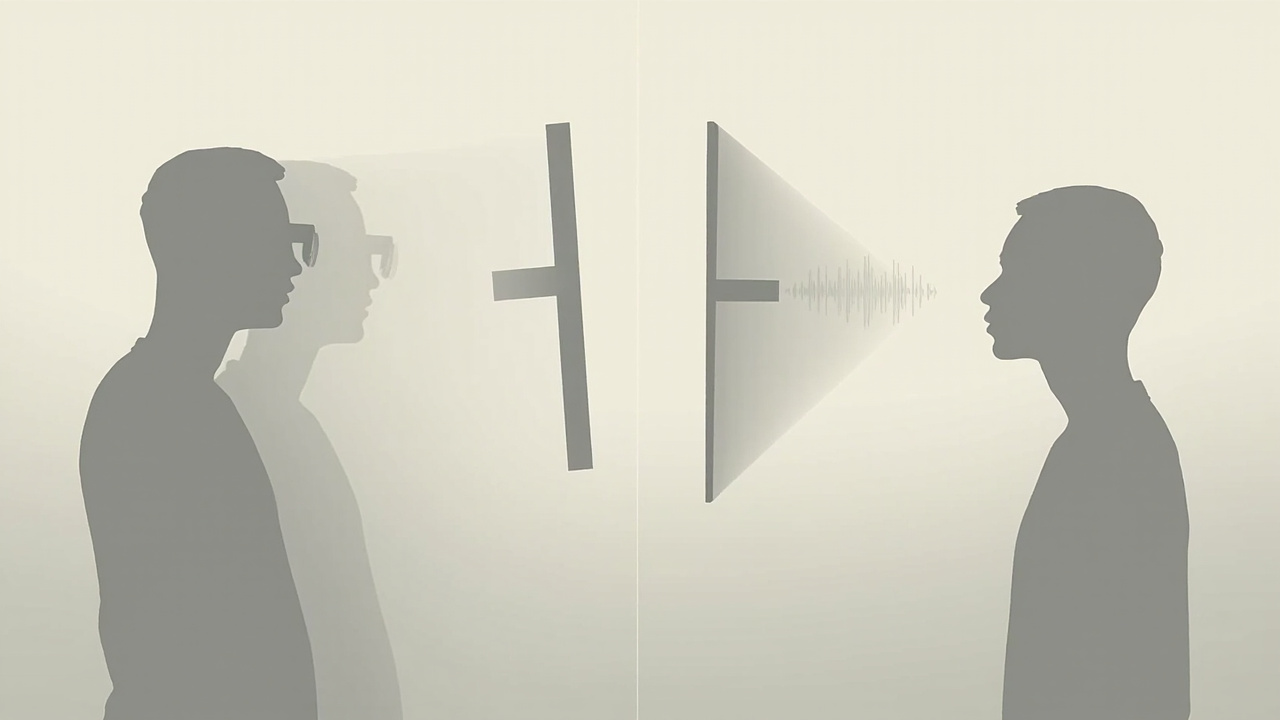
Visual breakdown of how passive polarised stereo and eye-tracked autostereoscopic displays differ in viewer count, viewing zone, and glasses requirement.
Content-side preparation: SBS, CAD, DICOM, and stereo pipelines
Whichever direction the comparison goes, the content pipeline is usually the deciding factor. A few evidence-grounded points from the compatibility knowledge in the project background:
- Side-by-side (SBS) stereo is the most portable format. Most stereoscopic 3D monitors, including PluraView-class displays, accept SBS input, and many tools can export it. If your source tools do not export stereo natively, SBS conversion is often the fastest path to a working review.
- CAD and 3D model viewers vary widely. Some viewers output stereo directly; others need a quad-buffer capable GPU and a stereo driver. Teams should verify the specific viewer, not just the file format.
- DICOM and medical visualisation. DICOM itself is a 2D slice format, but stereo visualisation of 3D reconstructions is common. The path from DICOM to a stereo-ready review feed is well documented, but it is still a pipeline that needs to be built.
- WebGL, Unity, and Unreal pipelines. Custom 3D applications can usually be configured to output stereo, but the configuration is application-specific. Treat each engine as its own integration project.
This is also where the content compatibility learn article and the 3DV Spatial Player / SBS player routes become useful, because they are designed to help teams validate that their source content will actually look right on a 3D review display before committing to a purchase.
Workflow fit checklist: questions to answer before you buy
A short, evidence-grounded checklist tends to be more useful than a ranked list of models:
- How many reviewers need to see the same 3D image at the same time? If the answer is two or more, a passive polarised stereoscopic display is a strong fit. If the answer is one primary viewer with occasional collaborators, an autostereoscopic panel may be a better match.
- Is your source content already stereo? If yes, both categories are viable. If not, budget time for content preparation or pick a display that supports easier 2D-to-3D conversion.
- What is the typical session length? Long sessions favour light, passive glasses or glasses-free viewing. Active-shutter stereo is rarely the right answer for multi-hour review work.
- Is the room layout fixed, or do reviewers move around? Fixed seated layouts suit polarised stereo. Rooms where reviewers walk up to the display favour eye-tracked autostereoscopic panels.
- Do you need 2D productivity on the same panel? Some glasses-free 3D displays switch into a high-quality 2D mode for everyday work; a stereoscopic 3D monitor is more specialised.
- What is your content lifecycle? If your team will keep producing more stereo content, the pipeline investment pays off. If the 3D review need is a one-off project, renting or a short-term evaluation may be more appropriate than a permanent purchase.
Next steps and how to keep the comparison evidence-grounded
A fair comparison of a PluraView 3D monitor against glasses-free alternatives comes down to three honest moves:
- Verify the workflow, not the spec sheet. Specs such as resolution, brightness, and refresh rate matter, but they only translate into value if the viewing geometry and content pipeline match the team’s working pattern.
- Validate content early. Use the compatibility and simulator routes to confirm that your real source content actually produces a usable 3D image on the candidate display before committing to procurement.
- Keep the framing editorial, not promotional. The site guidance is clear: 3DV products and competitor products can be covered in the same article, but the page should read as third-party editorial, not as marketing for either side. If a claim cannot be sourced from the supplied evidence bundle, it is left out rather than guessed.
The related comparison pages for the Odyssey 3D monitor and the Lenovo 3D display apply the same structure to other stereoscopic and 3D monitor families, and the stereoscopic 3D monitor buyer guide and spatial 3D display buying guide extend the criteria to a wider shortlist.
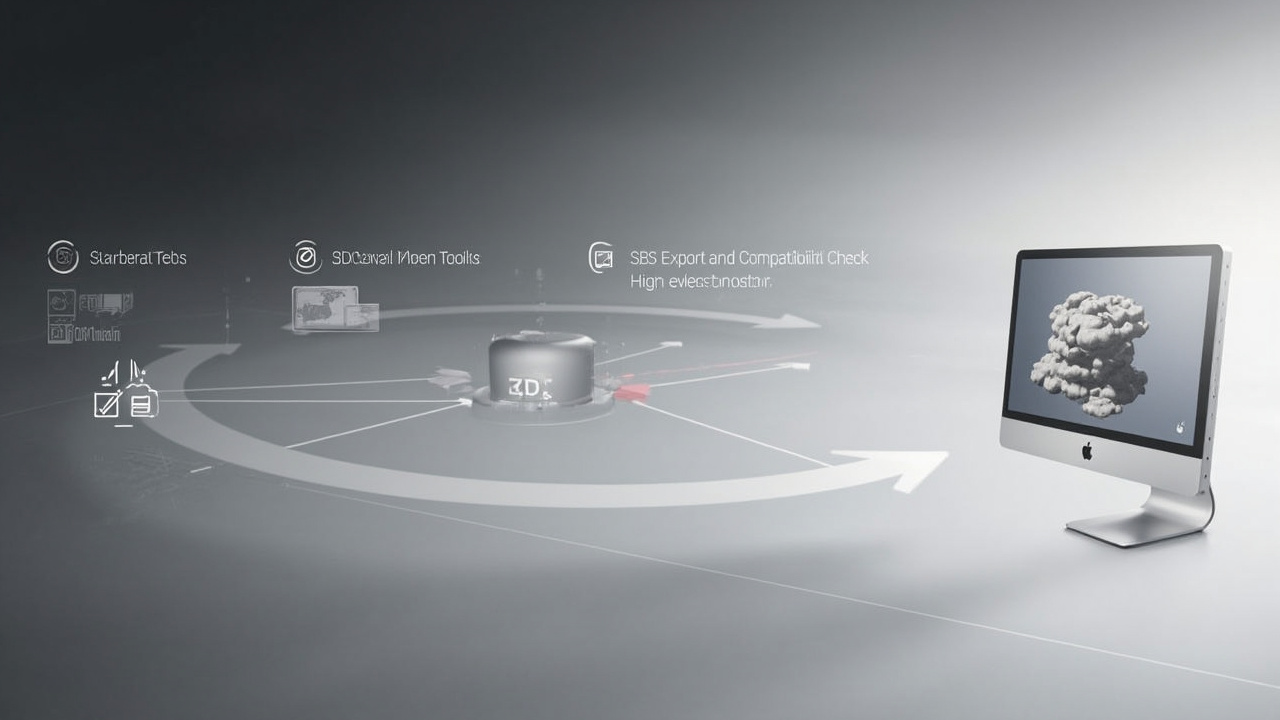
A neutral workflow diagram showing how stereo-capable source content flows through SBS export and a content-to-3D path checker before reaching a 3D review display.
Ready to explore 3D displays?
Browse our detailed comparisons and buying guides to find the right spatial display for your workflow.
View Best 3D MonitorsDisclosure: Comparisons on 3DMonitor.net are based on published specifications, hands-on testing where available, and editorial assessment. Affiliate links may be present. Full disclosure.