Sony Olympus Monitor Alternatives and Workflow Fit
A neutral editorial look at what buyers searching for a Sony Olympus monitor usually want, how Sony and Olympus medical display lines differ, and where glasses-free 3D workflows fit as an alternative.
Sony Olympus Monitor Alternatives and Workflow Fit
Buyers searching for a “Sony Olympus monitor” are usually not looking for a single product. They are usually trying to assemble a clinical imaging chain: a Sony surgical or medical-grade display paired with an Olympus endoscopy tower, camera head, or recorder. This article looks at what that combination usually includes, where it fits in a surgical or endoscopy workflow, and why some teams end up evaluating glasses-free 3D or autostereoscopic alternatives.
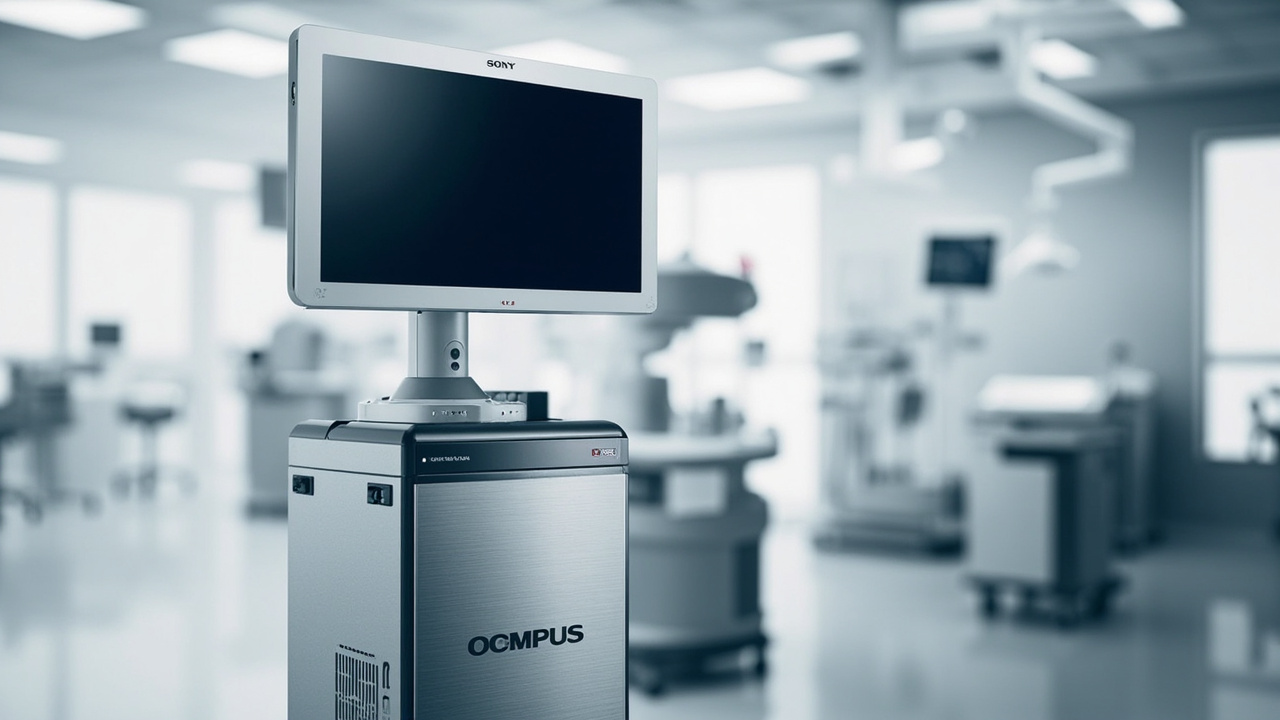
A Sony surgical display paired with an Olympus endoscopy processor is a common clinical combination.
What people usually mean by Sony Olympus monitor
The phrase “Sony Olympus monitor” most often refers to a Sony medical-grade display being used with Olympus endoscopy, laparoscopy, or microsurgery equipment. In practice that means:
- A Sony LMD or LMD-X series surgical display (LCD or OLED) at the endoscopy cart or operating room boom.
- An Olympus CV-1500, CV-190, CV-260, CV-290, or equivalent video processor/recorder upstream.
- A camera head, light source, and scope generating the video signal.
Sony does not officially co-market a monitor with Olympus. The pairing is a buyer-side integration: the surgeon or facility buys a Sony display because it accepts the SDI, DVI, HDMI, or 3G-SDI output from the Olympus processor, meets medical safety and EMC requirements, and renders the endoscopic image cleanly. Olympus displays (such as OEV series monitors) exist, but many endoscopy teams standardize on Sony displays even when their camera stack is Olympus.
So when the query says “Sony Olympus monitor,” the real question is usually: which Sony medical display works best with my Olympus processor, and is there a reason to consider anything else?
Sony medical display lines at a glance
Sony has a long history of medical displays under its professional solutions arm. Without quoting prices or certifications that may shift, the common line-up buyers encounter includes:
- LMD-X series (OLED surgical monitors): Often used for endoscopy, microscopy, and surgical microscopy because of the deep blacks and motion handling.
- LMD series (LCD medical monitors): Used for endoscopy carts, radiology review, and multi-modality viewing where long-term brightness stability matters.
- PVM series (professional OLED): Sometimes used outside strict OR settings, for surgical microscopy teaching or conference review rooms.
For Olympus endoscopy integration, buyers typically check:
- Resolution (Full HD vs 4K) versus the Olympus processor’s maximum output.
- Input types supported (3G-SDI, HD-SDI, DVI, HDMI, sometimes DisplayPort on newer units).
- Medical-grade compliance markings appropriate for their region.
- Panel size, anti-reflection coating, and hood compatibility for OR lighting.
These are 2D monitors by default. They show one view to every viewer, do not require glasses, and behave like a conventional OR display.
Olympus medical display and recorder lines at a glance
Olympus sells its own medical monitors as well, commonly referenced under OEV or similar designations, plus visualization towers such as the CV-260, CV-290, and newer 4K-capable platforms. The monitor side of Olympus is usually optimized to match its own camera processors.
The Olympus display is most attractive when:
- The buyer is standardizing a single vendor for service and support.
- The facility already uses Olympus scopes, camera heads, and light sources exclusively.
- The Olympus monitor’s color profile is preferred for white-balance consistency with Olympus scopes.
For a mixed stack (Olympus scope with Sony display, or vice versa), buyers usually weigh:
- Whether the color rendering remains consistent.
- Whether the Olympus processor’s output is fully compatible with the Sony display’s inputs.
- Warranty and service contracts that may favor a single-vendor configuration.
Where a Sony-Olympus bundle fits in a clinical workflow
The Sony Olympus monitor combination is most often seen in:
- General endoscopy suites (gastroenterology, pulmonology, urology): Olympus processor drives a Sony display at the cart.
- Laparoscopy and surgical endoscopy: Camera signal routed through a Sony surgical monitor at the boom, possibly through a recorder.
- Microsurgery teaching rooms: Olympus microscope camera or recorder feeding a Sony display so observers see the same view as the surgeon.
- ENT, arthroscopy, and gynecology rooms: Where compact endoscopy carts with a single high-quality monitor are standard.
In each of these, the display is essentially a high-fidelity 2D window into a 2D video stream. The surgeon wears the scope; everyone else in the room watches the monitor. There is no native depth, no glasses-free 3D, and no autostereoscopic panel in this default chain.
Why some teams look for alternatives
Several recurring reasons push a buyer to evaluate alternatives to a Sony-Olympus 2D monitor setup:
- Depth perception limits. Endoscopy and laparoscopy are inherently 3D procedures, but conventional monitors flatten the image. Surgeons sometimes ask about 3D-capable monitors, dual-camera 3D systems, or glasses-free 3D panels.
- Teaching and observer ergonomics. Crowding around a single 2D monitor is uncomfortable. Some teams want a second larger display, a 3D-capable review station, or a glasses-free 3D panel so multiple observers can see depth without headsets.
- Mixed-modality review. A surgical or pathology team may want one display that can switch between endoscopy video, microscope feeds, DICOM, and CAD-like 3D models during tumor boards or pre-op planning.
- Recording and review. When footage is reviewed later for teaching or QA, a monitor that supports both 2D review and stereo review can be useful.
These reasons do not mean a Sony Olympus monitor is wrong. They mean the buyer is asking whether a different display architecture could complement the existing endoscopy stack.
Glasses-free 3D as an alternative workflow
Glasses-free 3D, also called autostereoscopic display, is a category where the panel itself creates separate left-eye and right-eye views. For surgical, endoscopy, and microscope workflows it is being explored as:
- A review station for recorded stereo endoscopy footage.
- A teaching display for multiple observers who need depth perception without polarized or active-shutter glasses.
- A CAD/3D anatomy review display used alongside, not inside, the OR.
This is where editorial coverage on 3dmonitor.net focuses. For medical buyers the practical question is whether a glasses-free 3D monitor can sit next to, not replace, the primary OR monitor.
For example, a team might keep its Sony-Olympus 2D endoscopy monitor in the OR for live surgery, and add an autostereoscopic panel in the conference room where stereo recordings, microscope output, or 3D anatomy models are reviewed afterward. This kind of complementary workflow is closer to how glasses-free 3D is actually deployed in professional medical and industrial settings today.
Buyers comparing options should look at:
- Whether the autostereoscopic panel supports standard 2D input for daily use.
- Whether it accepts side-by-side (SBS) stereo input from a recorder or workstation.
- Whether 2D and 3D modes can be switched without rebooting.
- How many viewers can sit in the “sweet zone” simultaneously.
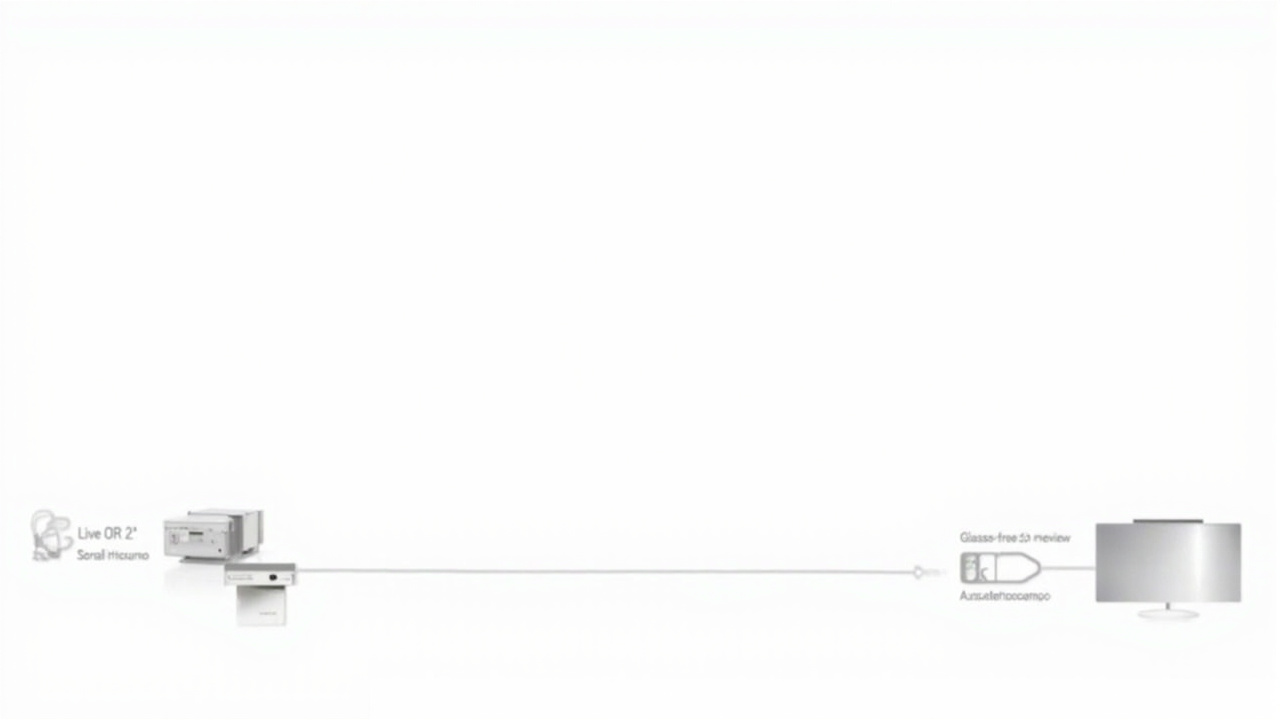
A 2D OR monitor stays in the sterile field, while a glasses-free 3D panel supports off-OR review and teaching.
Selection criteria when comparing alternatives
When comparing a Sony Olympus 2D monitor setup against alternative architectures, three criteria tend to matter most:
- Compatibility with existing signal chain. Will the alternative display accept the output of the Olympus processor, or does the team need an additional converter? For 3D-capable review, can the recorder or workstation output SBS or HDMI 1.4 stereo?
- Use case split. Live surgery, teaching, and recording each have different display requirements. A monitor that is excellent for live 2D endoscopy may not be the best teaching display.
- Service and lifecycle. Medical displays are long-lived assets. Buyers should weigh warranty terms, regional service, and how the display integrates with existing AV infrastructure.
A practical shortlist often looks like:
- Sony surgical monitor for live OR endoscopy (2D, medical-grade).
- Olympus monitor for single-vendor standardization (2D, medical-grade).
- Glasses-free 3D display for off-OR review, teaching, and stereo recording playback (3D-capable, used outside the sterile field).
Limitations and uncertainty
A few honest limits of this comparison:
- Specific model numbers, panel specs, certifications, and prices for Sony and Olympus medical displays change frequently. Buyers should confirm current model names, regional certifications, and signal compatibility from manufacturer documentation rather than from secondary articles.
- Glasses-free 3D in the OR is still an emerging scenario. Most current clinical deployments use autostereoscopic panels for review, teaching, and planning rather than for live surgery.
- Mixed-vendor configurations (Olympus scope + Sony display + third-party recorder) sometimes introduce color or latency differences that are not obvious from datasheets alone.
The goal here is to frame the decision, not to crown a winner.
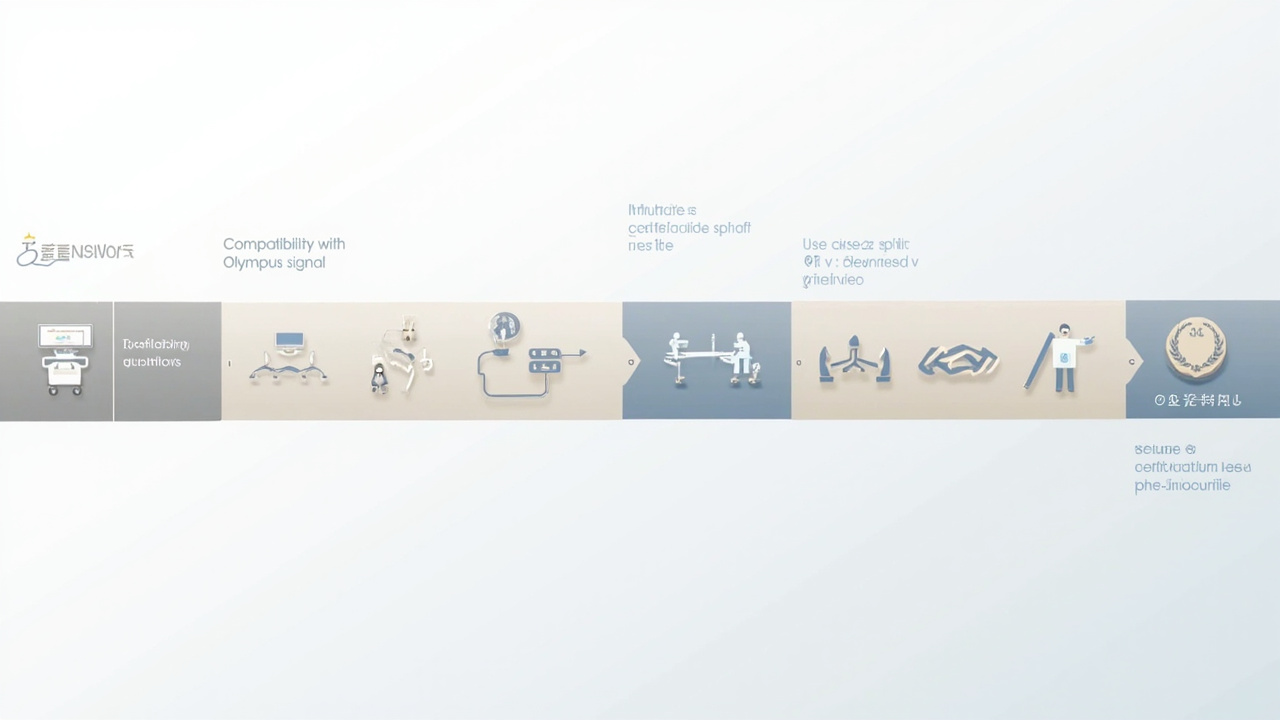
Selection criteria for buyers comparing Sony-Olympus 2D setups with glasses-free 3D review displays.
Next steps for evaluators
For a team currently using or considering a Sony Olympus monitor combination, a reasonable evaluation path is:
- Map the signal chain. Document the Olympus processor model, its output formats, and which Sony displays accept those signals natively.
- Define each room’s role. OR, control room, conference room, and teaching room may each need a different display strategy.
- Pilot a glasses-free 3D review station. If stereo recording or 3D anatomy review is on the roadmap, test an autostereoscopic panel in a non-sterile room before committing to OR integration.
- Compare 2D vs 3D teaching outcomes. Where feasible, gather feedback from trainees on whether glasses-free 3D review improves comprehension versus a standard 2D wall display.
- Confirm service and certification. Medical-grade displays require region-specific compliance. Any alternative must clear those gates before clinical use.
A Sony Olympus monitor remains a sensible default for live 2D endoscopy. Glasses-free 3D belongs in the conversation as a complementary workflow for review and teaching, not as a drop-in OR replacement.
Ready to explore 3D displays?
Browse our detailed comparisons and buying guides to find the right spatial display for your workflow.
View Best 3D MonitorsDisclosure: Comparisons on 3DMonitor.net are based on published specifications, hands-on testing where available, and editorial assessment. Affiliate links may be present. Full disclosure.