Stereoscopic Display Software Workflow and Compatibility Guide
A practical buyer-side guide to stereoscopic display software: how stereo content is produced, which workflow categories fit glasses-free 3D review stations, and how to evaluate compatibility before committing to a hardware purchase.
Stereoscopic Display Software Workflow and Compatibility Guide
Stereoscopic display software is the layer that turns ordinary 3D content into the left-eye and right-eye view pairs a stereoscopic monitor needs. If you are evaluating a stereoscopic display for medical review, industrial inspection, CAD/design review, or any other depth-critical workflow, the software question usually decides whether the hardware will actually be useful in your environment.
This guide is written for buyers, evaluators, and integrators who want a practical view of the stereoscopic software stack: what the software does, where it sits in your existing pipeline, which content formats it must support, and which compatibility questions to answer before you commit to a display purchase.

Stereoscopic display software is best understood as a stack: source data, authoring, delivery format, playback, and display-side processing.
Editorial note: Stereoscopic display software is a broad category that covers both glasses-required stereoscopic monitors and glasses-free (autostereoscopic) displays. The compatibility questions differ between the two. Where the distinction matters, this guide calls it out explicitly.
What buyers mean by stereoscopic display software
The phrase “stereoscopic display software” gets used loosely. In practice, it refers to several different layers of a 3D pipeline, and most buyers only need to worry about a subset of them.
The main software categories a buyer is likely to encounter:
- Stereo authoring tools that produce left/right view pairs, side-by-side (SBS) images or video, or stereo camera rigs. Examples of this layer include stereoscopic plug-ins for 3D authoring tools, dedicated stereo compositors, and the stereo-output modes inside game and simulation engines.
- Stereo playback and player software that delivers a prepared stereo file or stream to a monitor in the right format. This is where side-by-side players, over-under players, and hardware-specific playback tools live.
- Stereo-aware viewers and review applications for DICOM, CT, CAD, or microscopy data. These combine data loading, stereo rendering, and display output in a single workflow.
- Display configuration and calibration utilities shipped with, or recommended for, a given stereoscopic monitor. These handle view mapping, eye-tracking calibration (where applicable), and 2D/3D switching.
- Middleware and SDKs that let a custom application render directly into the display’s expected stereo format. This is the layer a software team touches when building an in-house review tool.
The compatibility question is rarely “which single product do I buy.” It is more often “which combination of these layers will produce a viewable result on the specific monitor I am evaluating, given the source data I already have.”
The software layers involved in a stereoscopic display pipeline
A working stereoscopic pipeline can be drawn as a stack. From the source data outward, the typical layers are:
- Source data layer — DICOM volumes, CAD assemblies, mesh files, stereo photographs, or 3D scene descriptions. This layer is usually outside the buyer’s control; you already have it.
- Authoring / processing layer — software that prepares the data for stereo output. This can be a DICOM viewer with a stereo mode, a CAD tool that can render two cameras, or a game engine configured for stereo rendering.
- Stereo delivery format — the on-disk or in-memory representation that encodes both views. Common choices are side-by-side (SBS), over-under (OU), frame-sequential, or hardware-specific packed formats.
- Playback / driver layer — the player, browser, engine, or runtime that feeds the stereo stream to the operating system and graphics stack.
- Display-side processing — the monitor firmware, FPGA, or driver that turns the delivered stream into the actual left/right view delivery mechanism (passive polarization, active shutter, lenticular lens mapping, parallax barrier, eye-tracked view mapping).
- Calibration and configuration — software used to set eye separation, viewer position, interaxial distance, or 2D/3D mode switching.
A practical buyer takeaway: when a vendor claims their monitor “works with stereoscopic content,” you need to know which layer they are talking about. A monitor that accepts SBS video input is not the same as a monitor that integrates with a DICOM viewer for live stereo review.
Source-content formats a stereoscopic pipeline expects
Stereoscopic display software is format-driven. Below are the formats most often mentioned in buyer-facing documentation. Specific format support varies by product and is not standardized across the industry.
| Format | What it is | Typical use | Notes for buyers |
|---|---|---|---|
| Side-by-side (SBS) | Two views stacked horizontally in one frame | Stereo photos, stereo video, prepared review renders | The most widely supported cross-vendor format; check half-width vs full-width variants. |
| Over-under (OU) / top-bottom | Two views stacked vertically in one frame | Stereo video, especially when horizontal bandwidth is constrained | Less common than SBS; verify the target display accepts OU before authoring in this format. |
| Frame-sequential | Alternating left/right frames at high refresh | Active-shutter and some eye-tracked displays | Requires a display and graphics pipeline that supports the active mode. |
| Quad-buffer stereo | OpenGL-style buffer per eye | CAD and engineering applications on capable GPUs | Common in professional CAD; relies on driver and application support. |
| Native 3D scene data | Real mesh, volume, or CAD data, rendered to stereo at output time | DICOM, microscopy, CAD review | Most flexible, but requires a stereo-capable viewer application. |
A frequent source of friction is that the same words mean different things in different products. “SBS” can mean half-resolution per eye or full-resolution per eye; “frame-sequential” can mean different active formats depending on the display. Compatibility should always be checked against the specific display model and its firmware version.
Workflow fit by buyer use case
Software fit depends on what you are trying to review. The categories below are the ones most often raised by buyers evaluating stereoscopic display software.
Medical visualization and DICOM review
Medical buyers usually already own a DICOM viewer. The stereoscopic question is whether that viewer can render volumes or surface reconstructions in stereo and deliver them in a format the target monitor accepts. Common checkpoints:
- Does the viewer have an SBS, over-under, or quad-buffer stereo mode?
- Does it support the specific volume-rendering or segmentation pipeline your team uses?
- Is stereo output gated behind a paid license tier?
Industrial inspection, NDT, and CT review
For non-destructive testing and CT-based inspection, the question is whether existing inspection software can drive a stereoscopic output, and whether prepared stereo renders can be loaded as evidence files. Many teams also consider whether the vendor’s SDK can be integrated into a custom review tool.
CAD and design review
Professional CAD tools often support quad-buffer stereo or stereo camera rendering, but only on specific GPU and driver combinations. Stereoscopic display software in this category is less about a separate player and more about confirming that your CAD application, GPU driver, and monitor all agree on a stereo mode.
Microscopy and shared observation
In microscopy-adjacent workflows, software fit is often about whether a microscope-side or capture-side application can export stereo-ready images or streams. Stereo photography and stereo video editing also fall here, with dedicated authoring tools used to set interaxial distance, convergence, and depth budget.
Sales, demo, and showroom contexts
For demo rooms and showrooms, the question tends to be about playback reliability: a small set of prepared SBS or stereo video assets that must keep playing without per-session setup. Simple, predictable player software is usually preferred over full authoring suites.
Compatibility checklist before buying hardware
Before committing to a stereoscopic display, it is worth confirming the following with both your software vendor and your display vendor. This list is intentionally conservative and avoids claims about specific products; verify everything against current documentation.
- Source formats: List the formats your current software can output. Confirm the display accepts those formats natively or through its recommended player.
- Stereo output mode: Identify whether your workflow needs SBS, over-under, frame-sequential, quad-buffer, or native 3D rendering. Confirm the display supports the mode you need.
- Resolution and bandwidth: Confirm that the chosen format delivers acceptable per-eye resolution for your review task. Half-resolution SBS, for example, may not be acceptable for fine detail work.
- Refresh and latency: For interactive review (CAD, surgical training, inspection), check whether the display and the graphics stack support the refresh rate and latency you need.
- Single vs multiple viewers: Confirm whether the display is designed for one viewer at a defined position, or for multiple simultaneous viewers, and whether the software needs to know the viewer position.
- 2D fallback: Decide whether you need a display that can switch between 2D and 3D modes, and whether your software handles the switch cleanly.
- Calibration and recurring setup: Check how often the display needs recalibration, whether the calibration tool is bundled, and how multi-user setups are handled.
- Driver and OS support: Confirm the display driver is available for the operating systems in use, and that the GPU vendor supports the required stereo mode.
- Licensing: Some viewers and authoring tools gate stereo output behind a higher license tier. Confirm the cost and terms before treating stereo support as a given.
If you cannot answer most of these from the vendor’s public documentation, that itself is a useful signal. Stereoscopic display software is a category where documentation gaps tend to surface only after purchase.
Known limitations and caveats
A few recurring limitations are worth flagging explicitly, because they affect almost every stereoscopic software decision:
- Vendor lock-in at the format layer. Some displays accept only proprietary stereo formats that require vendor-specific player software. This is rarely a deal-breaker, but it does mean you should plan for a second source of compatible content.
- Stereo quality varies by source. Software cannot fix poorly authored stereo content. Interaxial distance, convergence, and depth budget mistakes made at capture or rendering time show up directly on the display.
- Viewer-position sensitivity. Eye-tracked and lenticular displays are optimized for a specific viewing position. Software cannot fully compensate for a viewer who is consistently outside that zone, so seating and room layout matter.
- 2D tasks still need to work. A stereoscopic display that is awkward for everyday 2D use will be turned off, not used. Confirm that 2D mode meets your team’s expectations for color, brightness, and text clarity.
- Maintenance burden. Stereoscopic pipelines have more moving parts than a standard monitor setup. Plan time for calibration, driver updates, and content re-authoring as part of the total cost of ownership.
Next steps and evaluation path
A reasonable evaluation order for most buyers:
- List the source content you actually have, and the formats it is in.
- Identify the smallest set of software titles you depend on for review, and check each one’s stereo capabilities against your shortlisted displays.
- Ask each display vendor for a written compatibility statement that names the formats, software versions, and operating systems covered.
- Run a short pilot with a representative sample of real content before scaling the deployment.
- Treat the software layer as a first-class part of the decision; the display is only as useful as the software feeding it.
For readers who want to continue exploring the topic, the related guides linked above cover the underlying display technology, the glasses-free variant of the stereoscopic category, and the buyer-side hardware checklists that pair with this software workflow guide.
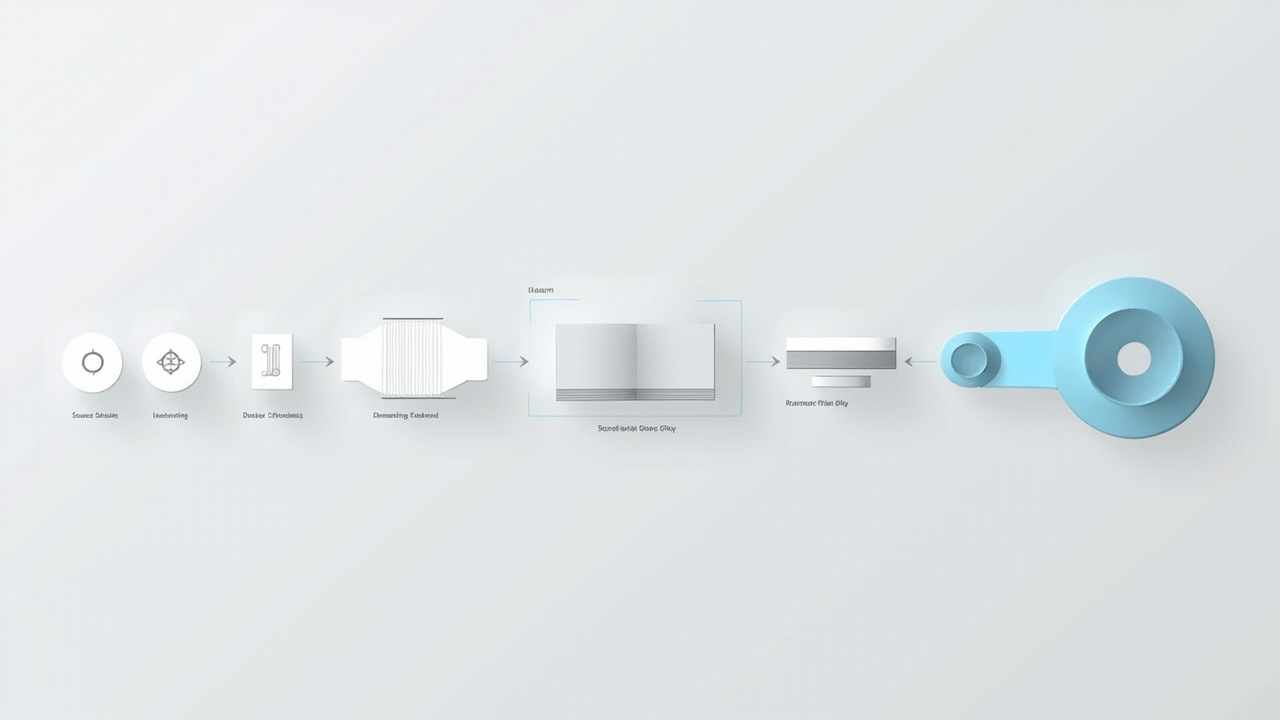
The same pipeline in a simpler diagram form: source content is authored into a stereo format, played back, and delivered to the display for left/right view mapping.
Workflow summary at a glance
| Stage | What to confirm |
|---|---|
| Source data | Format and resolution available from your existing tools |
| Authoring | Whether your software can output the required stereo mode |
| Delivery format | SBS, OU, frame-sequential, or quad-buffer support on both ends |
| Playback / driver | Player or runtime that matches the display’s expected input |
| Display-side processing | View mapping, eye tracking (if any), 2D/3D switching |
| Calibration | Bundled tools, multi-user handling, recalibration cadence |
| 2D fallback | Acceptable color, brightness, and text quality in 2D mode |
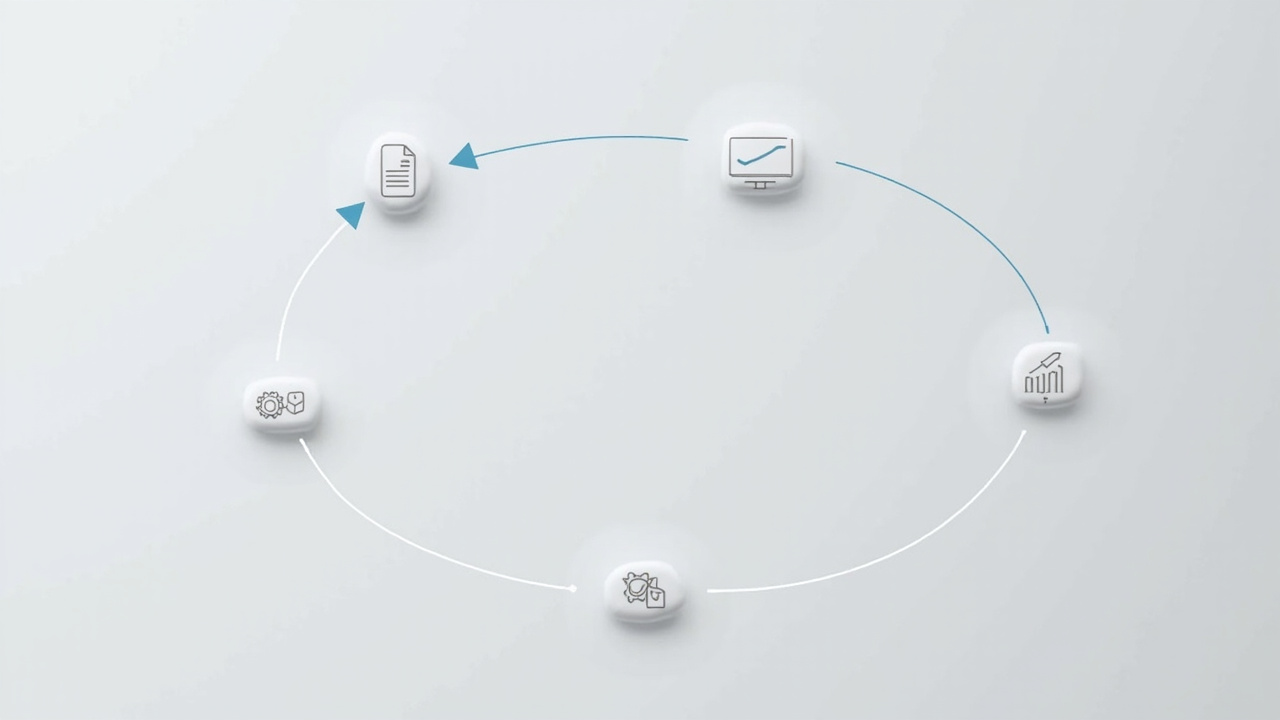
A practical evaluation order for buyers: confirm source content, software stereo capabilities, display compatibility statements, and pilot before scaling.
Closing note: This article is an editorial overview, not a product recommendation. Specific software and display combinations should be validated against current vendor documentation and a hands-on trial before any purchasing decision.
Ready to explore 3D displays?
Browse our detailed comparisons and buying guides to find the right spatial display for your workflow.
View Best 3D MonitorsDisclosure: This article is part of 3DMonitor.net's educational content. Product recommendations are based on research and may contain affiliate links. See our full disclosure.