Stereoscopic 3D Display: Technical Explainer
An objective technical explainer covering how stereoscopic 3D displays deliver separate left- and right-eye views, the main implementation methods, and where the technology fits in professional review workflows.
Stereoscopic 3D Display: Technical Explainer
A stereoscopic 3D display is a screen engineered to deliver separate visual information to a viewer’s left and right eyes, producing a perceived sense of depth. The term covers a broad family of technologies, ranging from systems that require glasses to those that use optical layers to project distinct views without eyewear. Understanding how the category works helps buyers and evaluators compare products, prepare compatible content, and choose a workflow that fits their use case.
This explainer outlines the core principles behind stereoscopic 3D displays, the principal implementation methods, the relationship between stereoscopic and glasses-free 3D displays, content requirements, and the practical tradeoffs to weigh during evaluation.
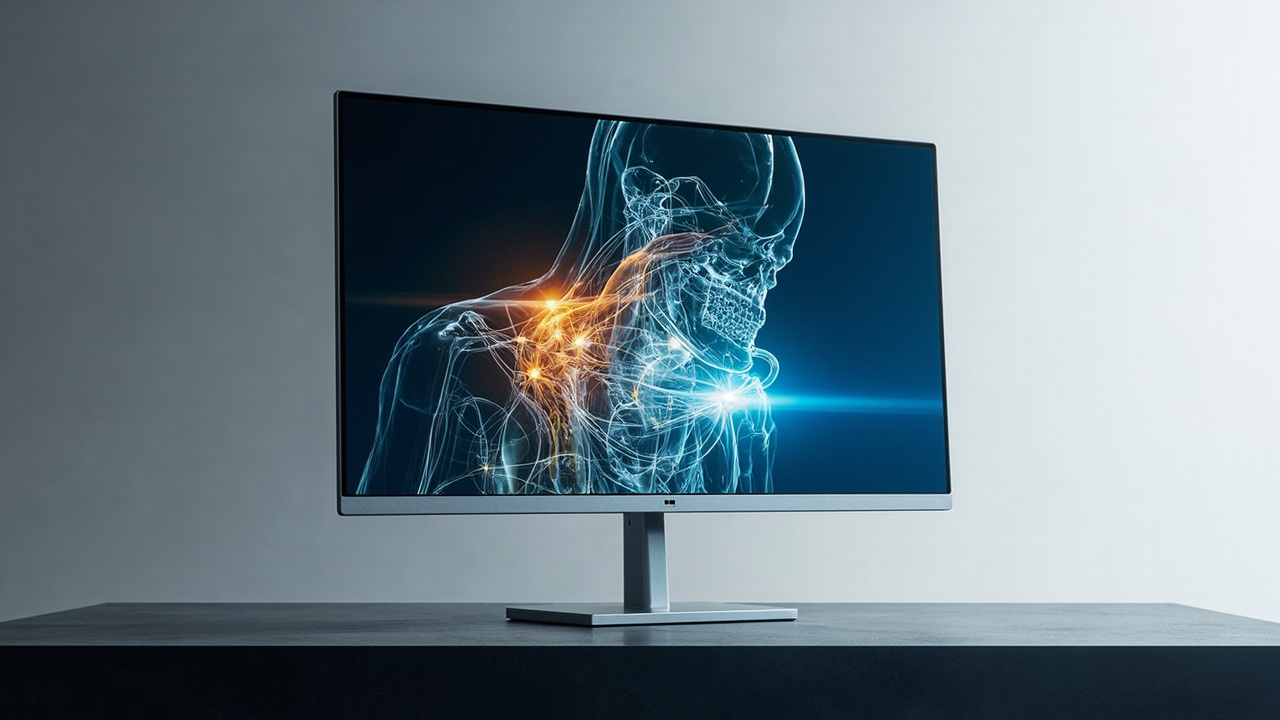
Stereoscopic 3D displays deliver separate left- and right-eye images to produce perceived depth.
What a stereoscopic 3D display is
Stereoscopic 3D refers to any display technique that presents two slightly different images, one intended for each eye. The brain fuses these images into a single depth-aware picture, a process known as stereopsis. A stereoscopic 3D display can take many physical forms, including:
- Passive polarized monitors paired with polarized glasses
- Active-shutter displays paired with battery-powered LCD glasses
- Head-mounted displays that deliver separate streams directly to each eye
- Autostereoscopic panels that use microlenses, parallax barriers, or light-field optics to deliver multiple views without glasses
The shared principle across these approaches is dual-view delivery, but the way the two views are produced, separated, and presented varies considerably.
How stereoscopic 3D displays create depth
Depth perception on a stereoscopic 3D display depends on several cues working together:
- Binocular disparity: each eye receives an image rendered from a slightly different angle, mimicking how the eyes naturally see the world
- Convergence: the eyes rotate inward to focus on a perceived point, signaling depth
- Accommodation: the lenses of the eyes adjust focus based on perceived distance
- Motion parallax: as the viewer moves, the rendered view shifts in ways that suggest three-dimensional structure
Stereoscopic 3D displays emphasize binocular disparity. Other depth cues may be present depending on the source content, the rendering pipeline, and whether the display supports head or eye tracking.
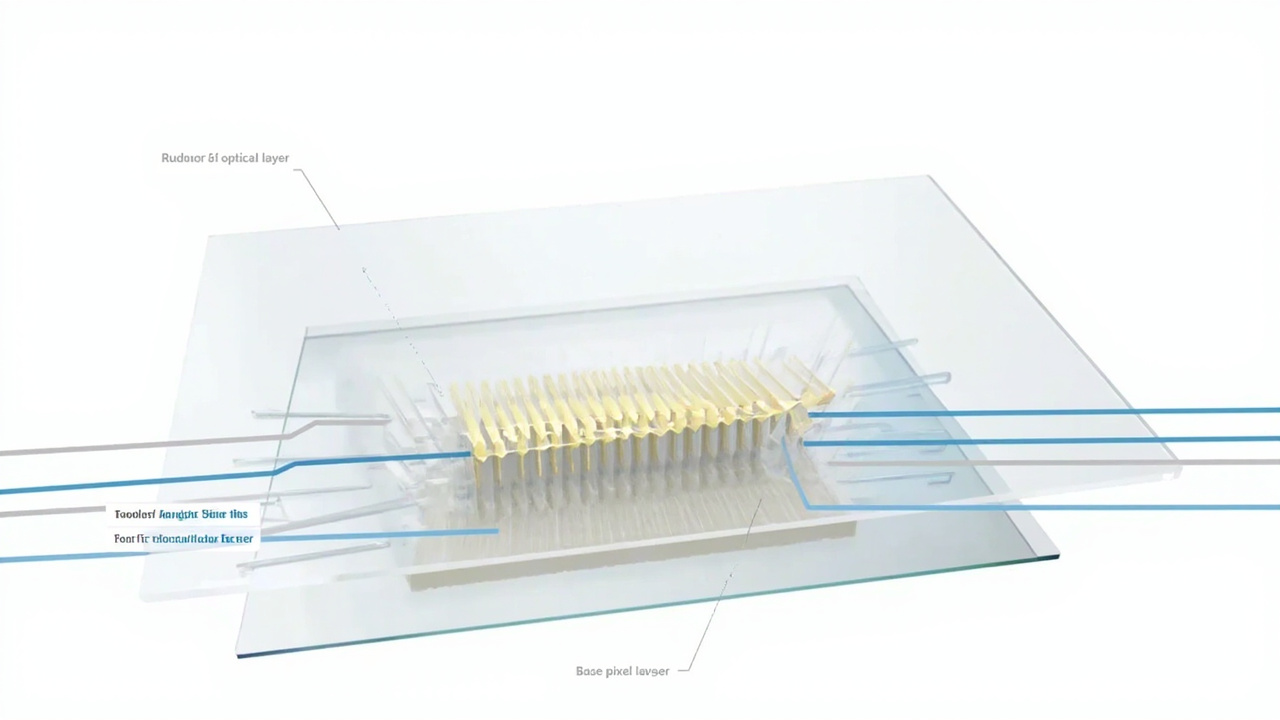
Optical layers such as parallax barriers or lenticular lenses direct distinct views toward each eye.
Main implementation methods
Several implementation methods exist, each with distinct tradeoffs.
Anaglyph
Anaglyph displays combine two color-filtered images (commonly red and cyan) into a single frame. Viewers wear matching colored glasses so each eye receives only its intended channel. Anaglyph is inexpensive and works on standard monitors, but introduces color distortion and is rarely used in professional workflows.
Polarized (passive)
Polarized stereoscopic 3D displays alternate or interleave images with different polarization states. Lightweight polarized glasses filter the incoming light so each eye sees only one view. Passive systems are common in cinema, and several professional monitors use circular or linear polarization for stereo review.
Active shutter
Active-shutter displays synchronize with battery-powered glasses that rapidly alternate lens opacity. The screen alternates left- and right-eye frames, and the glasses block the opposing view at the right moment. Active shutter can deliver full-resolution images per eye but requires reliable synchronization and can be sensitive to ambient lighting.
Autostereoscopic (glasses-free)
Autostereoscopic stereoscopic 3D displays use an optical layer, such as a parallax barrier, lenticular lens array, or light-field element, to direct different views toward each eye without glasses. Some designs include eye tracking so the system can adapt the view to the viewer’s position.
Head-mounted and near-eye
Head-mounted displays deliver stereoscopic images through individual micro-displays or projected optics in a headset. While not monitors, they share the same stereoscopic principle and are sometimes discussed alongside stereoscopic 3D displays because they target similar professional review use cases.
Stereoscopic 3D vs. glasses-free 3D displays
The terms are related but not interchangeable.
- Stereoscopic 3D display: any display that delivers two separate views, one per eye, with or without glasses
- Glasses-free 3D display (autostereoscopic): a subset of stereoscopic 3D displays that does not require eyewear
A standard passive polarized monitor is a stereoscopic 3D display but not a glasses-free display. An autostereoscopic panel is both. When evaluating options, it is worth clarifying whether the workflow can tolerate glasses, how many viewers must see the same image simultaneously, and whether head tracking is needed.
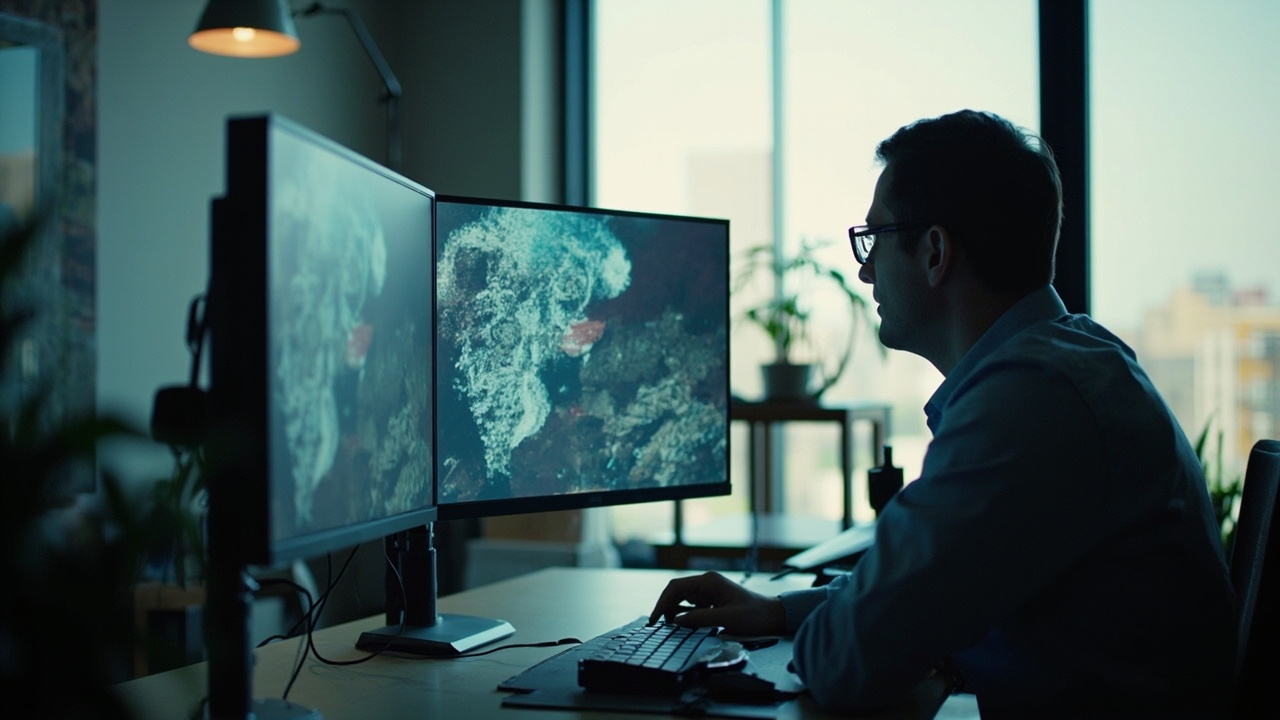
Professional review workflows use stereoscopic 3D displays to assess depth in medical, industrial, or design content.
Content requirements for stereoscopic 3D
Stereoscopic 3D displays depend on content that already carries left- and right-eye information. Common sources include:
- Stereo cameras and stereo mirror rigs
- Side-by-side (SBS) or top-bottom stereo video
- Multi-view or light-field captures
- Software pipelines that export stereo pairs from 3D scenes, such as CAD tools, game engines, and medical viewers
Ordinary 2D video and flat images will not produce depth on their own. Some displays include 2D-to-3D conversion, but the results are approximate and rarely suitable for precision work.
For professional workflows, content compatibility is often the deciding factor. Buyers should confirm that their primary tools, whether DICOM viewers, CAD packages, or visualization engines, can output a stereo pair or multi-view stream that the display can interpret.
Workflow fit and limitations
Stereoscopic 3D displays are widely used in:
- Medical and surgical visualization, where depth aids anatomical review
- Industrial inspection and non-destructive testing, where layered structures benefit from depth cues
- CAD and design review, where complex geometries are easier to assess in stereo
- Scientific imaging and microscopy collaboration
- Education, training, and demonstration environments
Known limitations include:
- Viewer fatigue with prolonged use, especially on poorly tuned systems
- Reduced effective brightness or resolution in multi-view modes
- Glasses-related friction in collaborative or public settings
- Content preparation overhead for teams that do not already produce stereo assets
- Tracking constraints on glasses-free systems, where viewers must remain within a defined sweet spot
Key specifications to evaluate
When comparing stereoscopic 3D displays, the following specifications matter most:
- Number of views supported, especially for glasses-free models
- Resolution per eye or per view
- Refresh rate and interocular crosstalk level
- Whether eye or head tracking is included
- Supported input formats, such as side-by-side, frame-packed, or multi-view streams
- Compatibility with existing software pipelines
- Viewing distance and sweet-spot range for glasses-free designs
- Glasses requirement and whether glasses are bundled
Frequently asked questions
Is a stereoscopic 3D display the same as a 3D monitor?
The terms are often used interchangeably in marketing. Technically, a 3D monitor is a monitor that can present 3D content, which usually means it is a stereoscopic 3D display, but the broader category also includes volumetric and light-field designs that go beyond traditional stereoscopy.
Can a stereoscopic 3D display show regular 2D content?
Most stereoscopic 3D displays can switch to standard 2D mode, though some glasses-free designs may trade off brightness or sharpness in 2D compared with a dedicated 2D monitor.
Do all stereoscopic 3D displays need glasses?
No. Autostereoscopic designs deliver stereo views without eyewear, while polarized, active-shutter, and anaglyph systems require glasses.
What content works on a stereoscopic 3D display?
Any source that carries left- and right-eye views, such as stereo cameras, side-by-side video, multi-view captures, and software that exports stereo pairs. Standard 2D content does not produce real depth.
Who uses stereoscopic 3D displays professionally?
Medical visualization teams, industrial inspection and NDT engineers, CAD and design reviewers, microscope imaging teams, and educators running demonstration or training sessions are typical professional users.
A stereoscopic 3D display is best understood as a delivery mechanism for binocular depth, not a single product type. The right choice depends on whether the workflow can tolerate glasses, whether content can be prepared in stereo, and how many viewers must perceive depth at the same time. Reviewing the implementation method, supported content formats, and viewer experience tradeoffs is the most reliable way to narrow the field.
Ready to explore 3D displays?
Browse our detailed comparisons and buying guides to find the right spatial display for your workflow.
View Best 3D MonitorsDisclosure: This article is part of 3DMonitor.net's educational content. Product recommendations are based on research and may contain affiliate links. See our full disclosure.