What Are the Disadvantages of 3D Screens: A Buyer's Honest Assessment
A balanced look at the tradeoffs of 3D screens, including glasses-free autostereoscopic displays, covering cost, content prep, viewing comfort, and workflow fit.
What Are the Disadvantages of 3D Screens: A Buyer’s Honest Assessment
3D screens sound futuristic, but every current implementation of stereoscopic 3D, whether glasses-based or glasses-free, comes with a real set of tradeoffs. This article walks through the disadvantages buyers most often report, so you can decide whether the depth benefit is worth the friction for your specific workflow.
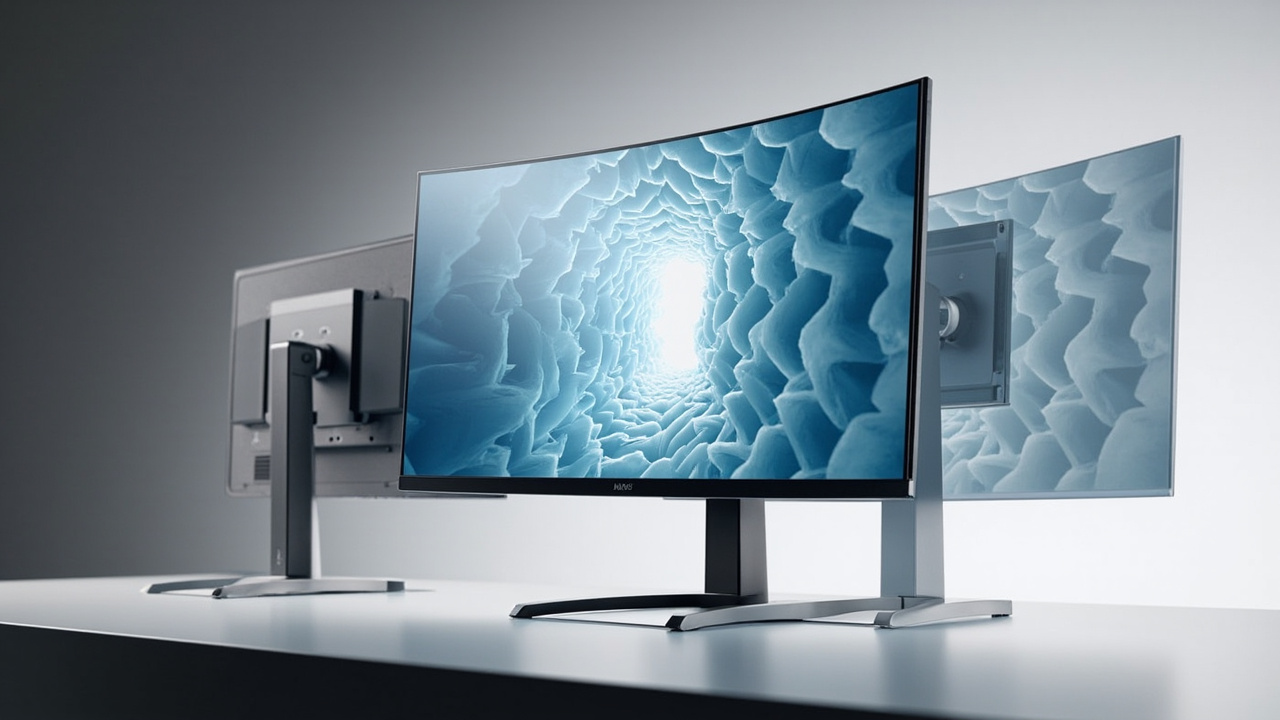
Glasses-free 3D screens trade 2D sharpness, price, and 2D-mode quality for real depth in stereo-capable workflows.
What we mean by ‘3D screens’ today
When readers ask about 3D screens, they usually mean one of three things:
- Passive stereoscopic displays that work with polarized glasses, similar to what is used in some older 3D televisions.
- Active-shutter stereoscopic displays that sync with battery-powered glasses.
- Glasses-free autostereoscopic displays that use a lenticular or parallax-barrier layer to send different images to each eye. This is the category often called glasses-free 3D, autostereoscopic 3D, or spatial 3D.
Each category has its own disadvantage profile, but they share several common weaknesses. Throughout this article, we will highlight where a tradeoff applies to all of them, and where it is specific to glasses-free autostereoscopic panels, since those are the newest and least understood by buyers.
The cost and hardware tradeoffs
The most visible disadvantage of 3D screens is price. Adding a stereoscopic optical layer, an eye-tracking camera system (for tracked autostereoscopic panels), and the FPGA or display-side processing that drives real-time view mapping raises the bill of materials well above a comparable 2D monitor of the same size and resolution. For professional spatial displays, the price gap is large enough that you should treat the purchase as a specialized workstation investment rather than a general-purpose monitor upgrade.
Hardware-related disadvantages also include:
- Heavier and thicker panels because of the optical layer and, in tracked models, the camera and IR illuminator assembly.
- Higher power draw from the additional processing and backlight demands.
- Calibration sensitivity: many autostereoscopic units need periodic recalibration of the eye-tracking module, which adds an ongoing maintenance step that a standard monitor does not require.
Content preparation friction
A 3D screen cannot make any image 3D. It needs source content that was authored, rendered, or exported with stereo information. This is one of the most underestimated disadvantages, and the one that surprises new buyers the most.
Content that works well out of the box:
- Side-by-side (SBS) stereo renders or videos.
- CAD and 3D model viewers with a stereo or multi-view output mode.
- Medical DICOM volumes exported with a 3D-ready pipeline.
- Unity, Unreal, and WebGL applications configured for stereo cameras.
- Industrial CT or NDT volumes that have been processed for 3D review.
Content that usually needs preparation:
- Ordinary 2D videos and photographs, which will only display as a flat 2D image on a 3D screen.
- 3D applications that do not expose a stereo or SBS output option.
- Legacy training material stored in single-view formats.
The result is that 3D screens tend to deliver excellent depth in the workflows they were designed for, and disappointing flatness in the workflows they were not. A practical workaround is a content compatibility check before purchase, so you can confirm your highest-priority source formats will actually render in 3D.
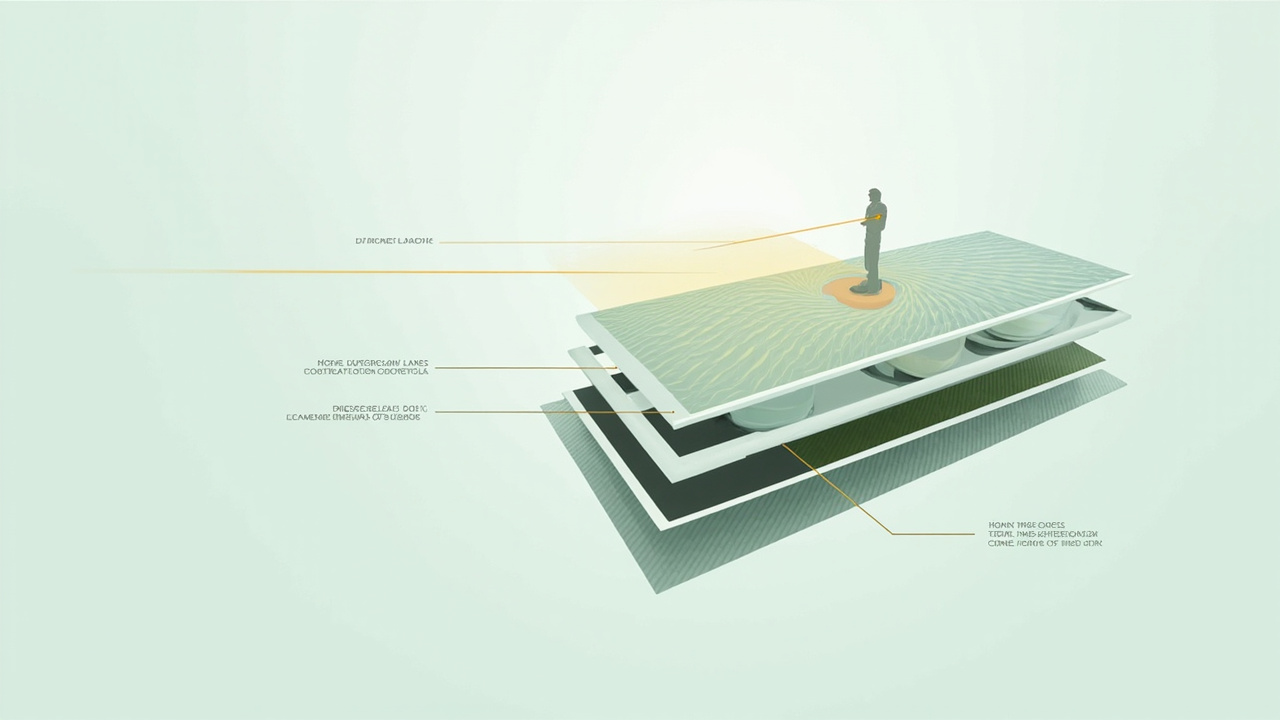
Autostereoscopic screens rely on a narrow viewer zone; outside it, the 3D effect can collapse or invert.
Viewing comfort and eye-strain concerns
Eye strain is the most frequently cited disadvantage of 3D screens, and it has both real and overstated causes. Three factors matter most:
- Vergence-accommodation conflict. Your eyes converge on the apparent depth of the image, but they still have to focus on the surface of the screen. That mismatch is present in nearly all stereoscopic displays, including VR headsets, and can cause fatigue during long sessions for some viewers.
- Sweet-spot sensitivity on glasses-free displays. Autostereoscopic panels only deliver a correct left/right image split within a narrow viewing zone. If a viewer moves out of that zone, the 3D effect can invert (called pseudoscopic reversal) or collapse into a doubled, blurry image, which is uncomfortable to look at for long.
- Refresh and crosstalk. Imperfect separation between left- and right-eye images, called crosstalk, can create ghosting. Higher-end panels reduce this, but it is rarely eliminated entirely, and it tends to be more visible on dark scenes than bright ones.
For a buyer, the practical takeaway is that 3D screens are best treated as focused review displays, not as all-day general monitors. Buyers who plan to use them for eight-hour daily office work should plan to switch back to 2D mode for routine tasks.
Viewer-zone and use-case limits
Glasses-based 3D screens can support a small group at once, as long as everyone has glasses. Glasses-free autostereoscopic screens usually support only one tracked viewer at a time, and sometimes two side-by-side viewers within a wider zone. This narrows the use cases:
- Group review sessions in a meeting room are hard to run on a single-viewer autostereoscopic display.
- Trade-show booths may need a wider viewing zone or a 2D fallback mode to keep passing visitors engaged.
- Teaching and demonstrations often benefit from a setup where one specialist controls the display while a small group watches on a secondary screen or through a shared viewing window.
If your primary use case is collaborative review with a rotating group of viewers, this is the disadvantage most likely to bite you in production.
Resolution, brightness, and 2D-mode tradeoffs
Because the optical layer splits the image across views, glasses-free 3D screens effectively divide their native pixel count by the number of views. A panel advertised as 4K may only deliver roughly 2K of perceived resolution per eye in 3D mode. The image is still sharp by historical standards, but it is not the same as a native 4K 2D image on a standard monitor.
Brightness can also be lower in 3D mode, since the optical layer and the increased processing reduce light transmission. For buyers who work in brightly lit rooms or near windows, this is a meaningful practical disadvantage.
Finally, 2D mode on a glasses-free 3D screen is functional but rarely matches a dedicated 2D monitor at the same price. Pro-tier spatial displays are designed to switch smoothly between 2D and 3D with reasonable 2D quality; Essential-tier displays are usually tuned as dedicated 3D screens and should not be purchased primarily for 2D use.
How disadvantages compare across display types
| Disadvantage | Passive glasses 3D | Active-shutter 3D | Glasses-free autostereoscopic |
|---|---|---|---|
| Price premium | Moderate | Moderate to high | High |
| Eye strain | Low to moderate | Moderate | Moderate; can be high outside the viewing zone |
| Content prep needed | Yes | Yes | Yes |
| Multi-viewer support | Yes (with glasses) | Yes (with glasses) | Usually one tracked viewer |
| Resolution per eye in 3D | Full | Full | Reduced by view count |
| Glasses required | Yes | Yes | No |
| 2D-mode image quality | Good | Good | Functional to good, depending on tier |
This table is a starting point, not a verdict. The right answer depends on whether your priority is depth fidelity, viewer comfort, or shared use.
When the disadvantages matter less
The tradeoffs above are real, but in several common workflows they are outweighed by the benefits. 3D screens tend to perform well when:
- Your source content is already stereo-capable, such as medical DICOM, CAD exports, or Unity/Unreal applications.
- A single specialist is the primary viewer, with occasional support from a second viewer.
- Sessions are focused review tasks, not full-day general office work.
- The room can be dimmed or shaded to manage the lower 3D-mode brightness.
- The team values shared depth perception over pixel-perfect 2D sharpness.
If most of these conditions describe your situation, the disadvantages are manageable, and a spatial or autostereoscopic display is worth piloting.
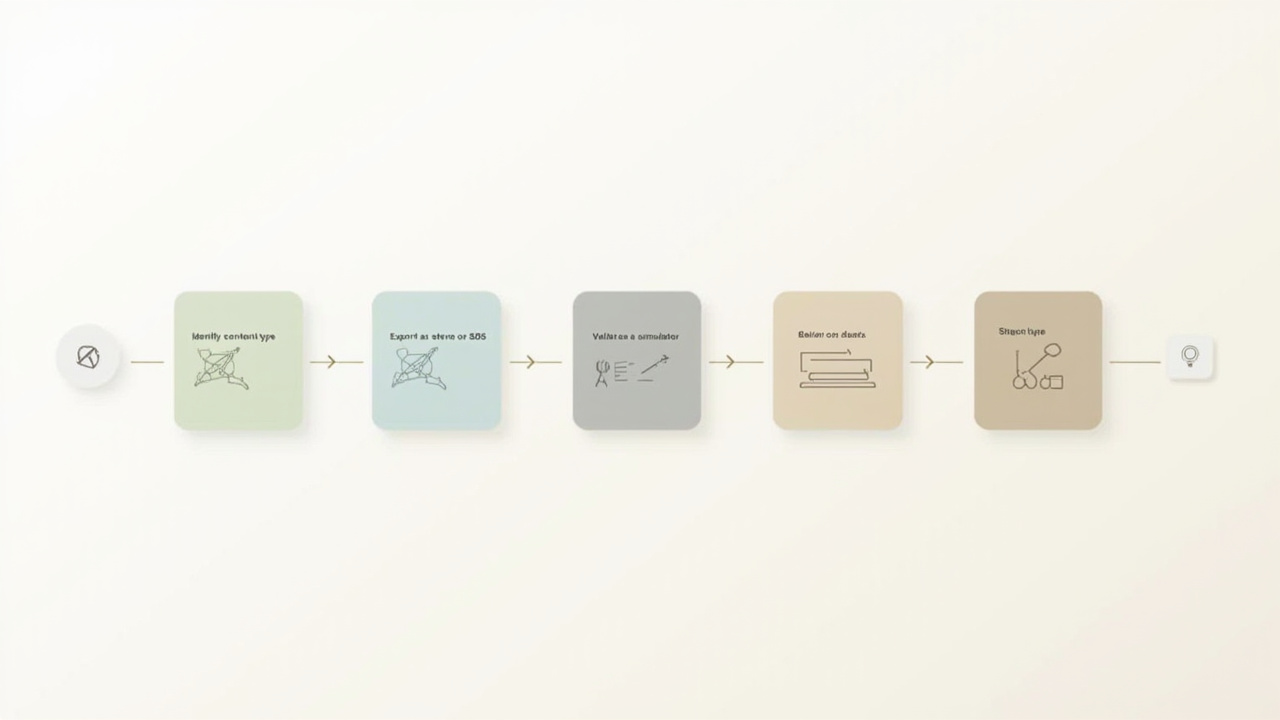
A simple preparation flow helps confirm whether your content will actually render in 3D before you invest in hardware.
How to evaluate whether the tradeoffs are worth it for you
A short evaluation flow helps turn the list of disadvantages into a buying decision:
- List your top three content types. For each, confirm whether a stereo or SBS export is possible. If two of three are not, a 3D screen is a poor fit.
- Decide who the primary viewer is. A single specialist favors a tracked autostereoscopic display. A rotating group favors glasses-based 3D or a wide-zone panel.
- Estimate daily 3D use time. Under two hours per day, the comfort tradeoffs are usually minor. Over four hours, plan for 2D-mode breaks or a dedicated 2D monitor alongside.
- Budget for the full setup. Include the display, any required content prep tools, and the cost of preparing at least one demo asset that proves the workflow before commit.
- Run a pilot if possible. A short rental, demo, or vendor evaluation with your actual content is the most reliable way to confirm whether the disadvantages are deal-breakers in your environment.
Closing thoughts
The disadvantages of 3D screens are not marketing fluff: they are the practical cost of adding a stereoscopic optical layer, content pipeline, and viewing model on top of an already-good 2D monitor. The honest assessment is that 3D screens are a specialized professional tool, not a universal upgrade. For buyers whose content is stereo-ready, whose primary viewer is one specialist, and whose sessions are focused review tasks, the tradeoffs are acceptable and often worthwhile. For everyone else, the disadvantages compound quickly, and a high-quality 2D monitor is the more rational choice.
If you are weighing a purchase, the next step is a structured selection process that maps your content and viewer profile to the right display category.
Ready to explore 3D displays?
Browse our detailed comparisons and buying guides to find the right spatial display for your workflow.
View Best 3D MonitorsDisclosure: This article is part of 3DMonitor.net's educational content. Product recommendations are based on research and may contain affiliate links. See our full disclosure.