How to Choose a Stereoscopic 3D Monitor: A Buyer’s Guide
A practical, decision-focused guide for evaluating stereoscopic 3D monitors, covering viewing technology, content compatibility, workflow fit, and the tradeoffs that matter before you buy.
How We Chose
Editorial recommendations are organized by reader intent, workflow fit, supplied evidence, and clearly stated limitations. Product-specific details require source verification.
How to Choose a Stereoscopic 3D Monitor
Choosing a stereoscopic 3D monitor is less about chasing a spec sheet and more about matching a viewing technology to the content you already have and the room you sit in. This guide walks through the decision layer a buyer should think through before committing, so the display you end up with actually fits your workflow rather than fighting it.
A stereoscopic 3D monitor is a workflow decision as much as a hardware decision.
What “stereoscopic 3D monitor” actually means
The phrase “stereoscopic 3D monitor” gets used loosely, so it helps to anchor the term before shopping. In its strict sense, a stereoscopic 3D monitor delivers two separate views — one for the left eye and one for the right eye — so the brain fuses them into a perception of depth. That is the common denominator across every display in this category, whether the delivery method relies on glasses, head tracking, or an optical layer in front of the panel.
For a buyer, the practical consequence is simple: a stereoscopic display is only as useful as your ability to feed it the kind of stereo content it expects. A monitor that does stereo well but receives only flat 2D input will underperform a cheaper 2D panel, because you are paying for a depth pipeline you cannot use.
How stereoscopic 3D differs from glasses-free, autostereoscopic, and light-field displays
Stereoscopic is the umbrella idea. Several sub-categories sit underneath it, and the labels matter because they change the viewer experience and the room requirements.
- Glasses-based stereoscopic monitors. These rely on active-shutter or polarized glasses to route the correct view to each eye. They typically offer high image fidelity and a wide sweet spot, at the cost of requiring every viewer to wear and maintain eyewear.
- Autostereoscopic monitors. These deliver stereoscopic views without glasses, usually through a lenticular or parallax-barrier optical layer. They are a subset of stereoscopic displays, not a competing technology, and they are the most common implementation behind the “glasses-free 3D monitor” label.
- Eye-tracked autostereoscopic monitors. A refinement that uses structured-light eye tracking to follow the viewer’s head and dynamically steer the left/right view. This widens the usable viewing zone but still uses the same stereoscopic depth principle underneath.
- Light-field and holographic displays. These go further by reconstructing directional light information, often supporting look-around parallax and, in some cases, multiple simultaneous viewers without glasses. They are a different category again, and typically priced and positioned well above mainstream stereoscopic monitors.
If you want a deeper taxonomy breakdown, the 3D Without Glasses: Technical Explainer covers where autostereoscopic and light-field fit relative to stereoscopic and holographic.
The core buying criteria for a stereoscopic 3D monitor
Once the terminology is clear, the buying decision reduces to a handful of concrete criteria. Each one changes how the monitor will feel in daily use.
- Viewer model. Is the display for one seated user, or does it need to support a small group? Eye-tracked autostereoscopic models are tuned for a single primary viewer; multi-view light-field panels are engineered for several people at once.
- Glasses dependency. Decide up front whether glasses-based stereo is acceptable. If your team hates eyewear or has hygiene or comfort constraints, autostereoscopic becomes the default.
- 2D fallback quality. Many professional displays double as everyday monitors. A model that switches cleanly between high-quality 2D and 3D use is worth prioritizing if the display is shared with normal office work.
- Content readiness. Confirm the panel accepts the formats you can actually produce — side-by-side stereo, multi-view, stereo camera output, or 3D-ready application streams. A display that cannot ingest your content is a non-starter regardless of optical quality.
- Sweet spot and head-tracking behavior. Autostereoscopic monitors have a defined optimal viewing zone. Eye-tracked systems expand it; fixed-optics displays require the viewer to stay reasonably still.
- Panel size and viewing distance. Stereoscopic depth is most convincing at the manufacturer’s intended viewing distance. A 32-inch panel used at arm’s length is a different experience than a 15-inch portable used at close range.
- Connectivity and OS integration. Check that the display behaves well with your operating system, graphics drivers, and color pipeline. Driver quirks are a common, underexplored source of buyer regret.
Content and workflow compatibility checklist
Before any purchase decision is finalized, walk through this checklist honestly. It catches the most common mismatch between buyer expectation and real-world results.
- Do your primary applications output stereo or side-by-side frames?
- If you work in CAD or 3D modeling, does your viewer support stereo output?
- For medical or industrial review, can your viewer export DICOM or volume data in a stereo-friendly format?
- For video, can your editing pipeline produce SBS or frame-sequential stereo?
- Do you need the monitor to behave as a normal 2D display between review sessions?
- Will you feed it from a single workstation or multiple sources?
If several answers are unclear, it is worth pausing the purchase and validating content readiness first. The Spatial 3D Display Buying Guide covers the purchase-decision layer for spatial displays and pairs naturally with this checklist.
Matching the monitor to your viewer count and room setup
The room is part of the product. Stereoscopic monitors are sensitive to viewing distance, ambient light, and how many people need to see depth at the same time.
- Single-analyst workstation. Eye-tracked autostereoscopic monitors are typically the strongest fit. One seated user gets the full depth benefit, and 2D fallback quality tends to be high.
- Small review team (two to four people). Multi-view or wider sweet-spot autostereoscopic panels are more forgiving, but expect to trade off some per-viewer image fidelity.
- Demonstration or showroom. Fixed-optics autostereoscopic displays work for short, guided walk-ups, but ongoing demos benefit from tracking systems that follow the viewer.
- Portable or field work. Smaller panels with broader sweet spots and solid 2D fallback tend to hold up best, because lighting and seating vary.
For a concrete competitor reference point, the Odyssey 3D Monitor Alternatives and Workflow Fit piece walks through how a specific stereoscopic product compares on workflow fit.
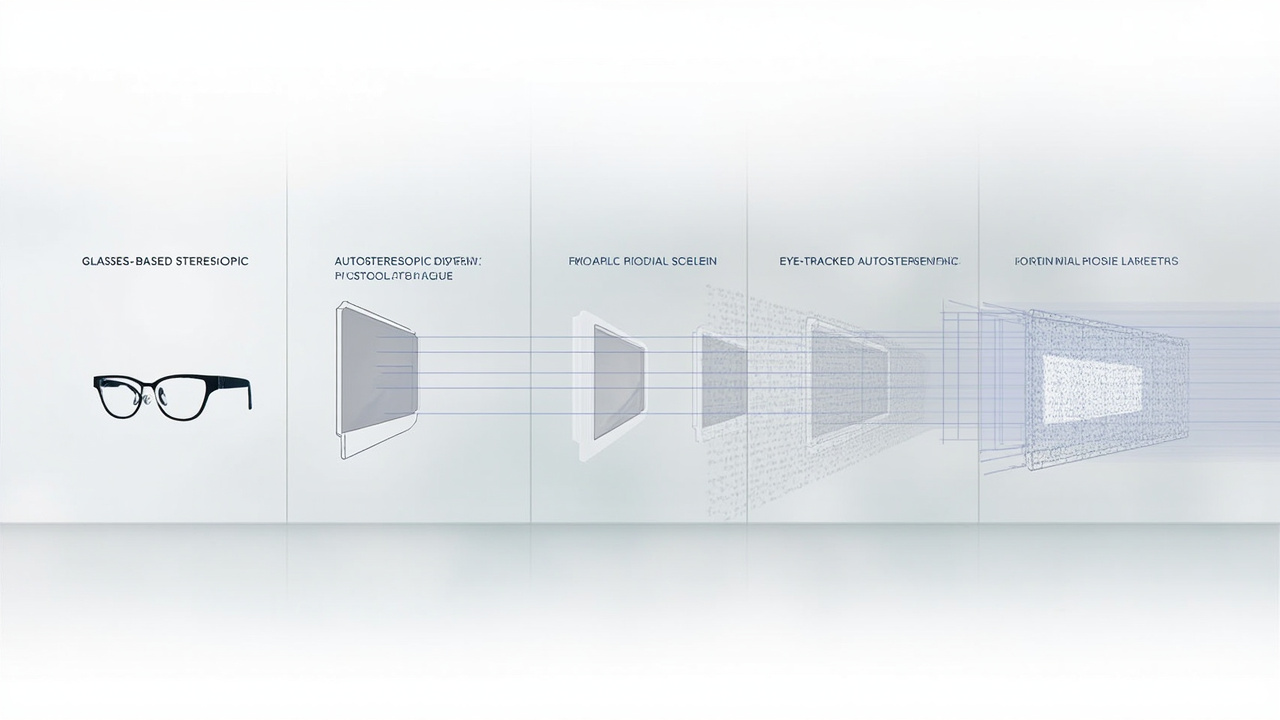
The stereoscopic umbrella covers several delivery methods, each with different viewer and room requirements.
Limitations, failure modes, and honest tradeoffs
No stereoscopic 3D monitor is a free lunch. Knowing the failure modes upfront is what separates a good purchase from a frustrating one.
- Restricted sweet spot. Fixed-optics autostereoscopic displays can feel “wrong” if the viewer moves outside the optimal zone. Eye tracking helps but adds calibration steps.
- Resolution split. Because each eye only sees a subset of pixels, perceived sharpness per eye is lower than the panel’s headline resolution. This is a category-wide tradeoff, not a defect.
- Glasses fatigue. Glasses-based stereoscopic displays avoid the sweet-spot issue but introduce eyewear fatigue, hygiene overhead, and battery or replacement costs.
- Content pipeline friction. If your software stack does not natively output stereo, you will spend more time wrangling exports than reviewing content.
- Price-to-utility gap. Premium stereoscopic monitors are priced for professional review workflows. Buyers with occasional 3D curiosity tend to underuse them.
Treat these as design constraints, not dealbreakers. A monitor that survives this list is usually a sound investment.
Buyer questions to confirm before ordering
Before you click buy, confirm the answers to these questions with the vendor or integrator. They are the questions that consistently catch mismatches.
- Which stereo input formats does the monitor accept, and at what resolutions?
- How many simultaneous viewers does the panel support, and at what viewing distance?
- What is the recommended 2D mode, and does the panel maintain full resolution in 2D?
- Does the vendor provide a content compatibility check or trial content for your workflow?
- What is the warranty path, and how are dead pixels or optical-layer defects handled?
- Is there a return or evaluation window if your content does not render correctly?
If a vendor cannot answer these clearly, that itself is useful information.
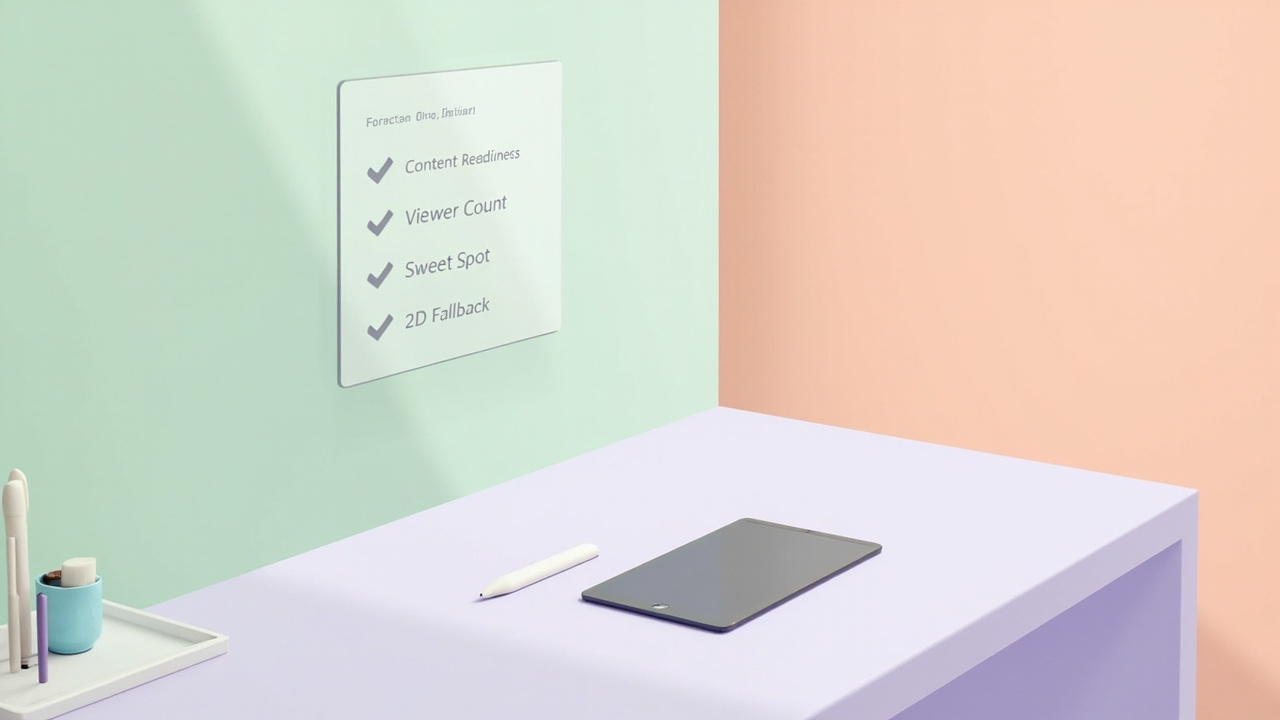
A short compatibility and room-setup check protects most stereoscopic monitor purchases from regret.
Next steps after this guide
A stereoscopic 3D monitor is a workflow tool, not a status symbol. The right one will disappear into your review process; the wrong one will make every session feel like a workaround. Use this guide to narrow the field, then validate your shortlist against your actual content and room before committing.
When you are ready to move from evaluation to selection, return to the Spatial 3D Display Buying Guide for the purchase-decision layer, and keep the 3D Without Glasses: Technical Explainer handy as a reference for the terminology you will see across vendor documentation.
Ready to explore 3D displays?
Browse our detailed comparisons and buying guides to find the right spatial display for your workflow.
View Best 3D MonitorsDisclosure: 3DMonitor.net's best lists are editorially independent. We may earn affiliate commissions on qualifying purchases. Rankings are based on hands-on testing, specifications, and expert assessment. Full disclosure.