Autostereoscopic Display Sub-Methods and Adjacent 3D Display Family Contrasts
A taxonomy-first classification of autostereoscopic display sub-methods (parallax barrier, lenticular, multi-view, eye-tracked) and how they contrast with stereoscopic, light-field, holographic, and head-mounted 3D display approaches.
Autostereoscopic Display: Sub-Methods and Adjacent 3D Display Family Contrasts
This page is a classification, not a definition. The core question “What is an autostereoscopic display?” and the optical walkthrough of left-eye and right-eye view delivery belong to the canonical glasses-free 3D explainer at 3D Without Glasses: Technical Explainer. That page owns the definition; this page sorts the autostereoscopic family into sub-methods, then contrasts the autostereoscopic family against the broader 3D display landscape so the reader can tell which approach fits which viewer configuration and source pipeline.
If you arrived here looking for the basic mechanism, start with the linked explainer above. If you arrived here trying to tell a parallax barrier display from a lenticular display, tell a multi-view panel from an eye-tracked panel, or tell any of those from a light-field or holographic display, keep reading.
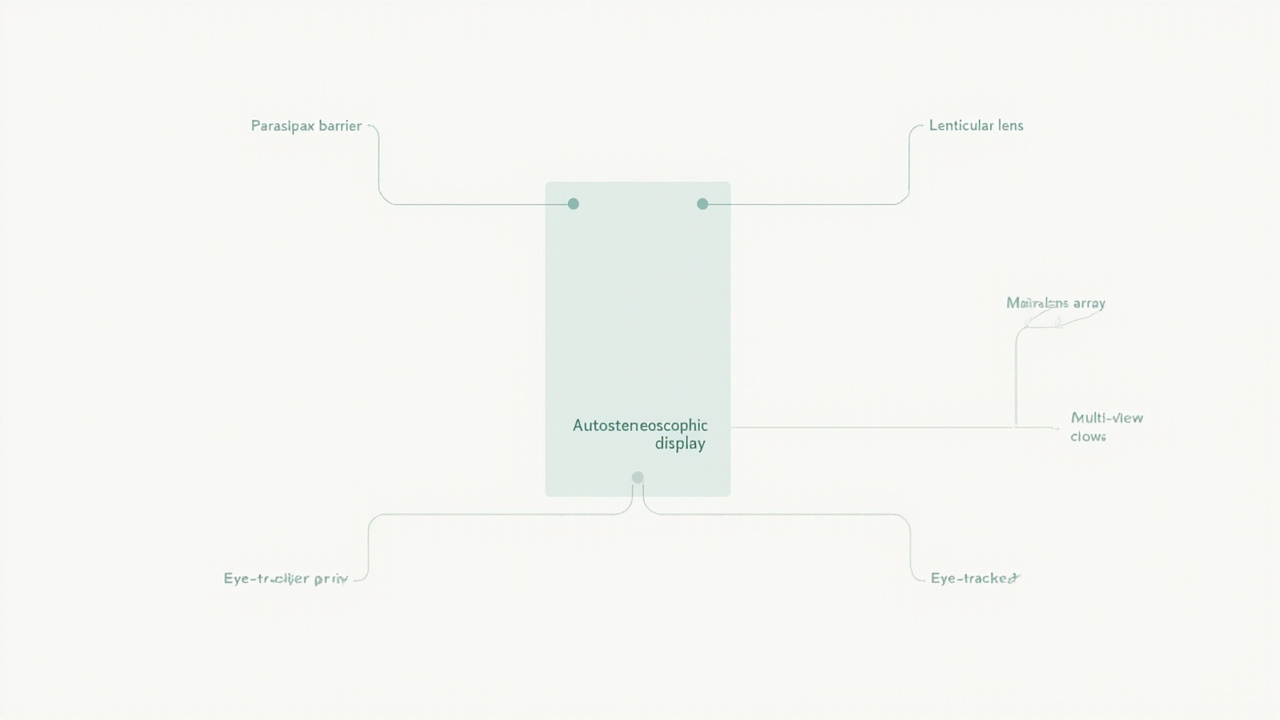
The autostereoscopic display family, organized by optical layer and view-count assumption.
Why this page is a classification, not a definition
The term “autostereoscopic display” describes a family of approaches, not a single product category. Different autostereoscopic sub-methods use different optical layers, different view counts, and different assumptions about where the viewer is sitting. Two products can both be described as “autostereoscopic” while behaving very differently in practice, and a third product can look like a near neighbor on the shelf while actually belonging to a different 3D display family altogether (stereoscopic, light-field, holographic, or head-mounted).
This page treats the autostereoscopic display as a classification spine. It groups sub-methods by the optical layer in front of the panel, separates passive multi-view from active eye-tracked systems, and then places the autostereoscopic family next to its adjacent neighbors in the broader 3D display taxonomy.
Sub-methods inside the autostereoscopic family
The autostereoscopic family splits cleanly along two axes:
- The optical layer placed in front of the LCD or OLED panel: parallax barrier, lenticular lens, or microlens array.
- How many distinct views the panel is engineered to deliver, and whether the panel uses eye tracking to steer those views toward the viewer.
| Sub-method | Optical layer | View count assumption | Viewer configuration | Head-tracking? |
|---|---|---|---|---|
| Parallax barrier | Slit mask in front of panel | Typically 2, sometimes more | Fixed sweet spot, narrow viewing zones | Optional |
| Lenticular lens | Cylindrical lens sheet | Often 4 to 28 views | Wider but quantized sweet spots | Optional |
| Microlens array | 2D lens array | Multi-view, sometimes high count | Wider zones than 1D lenticular | Optional |
| Multi-view (engineered) | Usually lenticular or MLA, software-defined view count | Engineered for N views | Multiple simultaneous sweet spots | No |
| Eye-tracked autostereoscopic | Any of the above, plus tracker | 2 views steered to eyes | One viewer, sweet spot follows the eyes | Yes |
The lens-only sub-methods (parallax barrier, lenticular, microlens) share the property that the optics are passive and the views are fixed in space. The multi-view and eye-tracked sub-methods share the property that software and (in the eye-tracked case) sensor data decide what each view shows and where the sweet spot sits.
Parallax barrier, lenticular, and microlens: passive optical sub-methods
These three sub-methods are the most common in shipping autostereoscopic products. They differ in how they split the light coming off the panel.
- Parallax barrier displays place a precision slit mask in front of the panel so that each eye sees a different subset of the underlying pixel columns. They are inexpensive to manufacture but tend to lose brightness and limit the viewer’s head movement.
- Lenticular displays place a sheet of vertical cylindrical lenses in front of the panel so that each lens covers a small group of columns and refracts them toward different horizontal viewing angles. They preserve more brightness than a parallax barrier at the cost of producing quantized sweet spots.
- Microlens array displays use a two-dimensional lens array. They support both horizontal and vertical view steering and are the basis for some high-view-count multi-view panels.
All three are passive in the sense that the panel does not know where the viewer is. The sweet spot is wherever the optics decide it is, and the viewer has to position themselves inside it.
Multi-view and eye-tracked: view-density sub-methods
The view-density axis is what separates older 2-view autostereoscopic panels from modern autostereoscopic products aimed at professional 3D review.
- Multi-view autostereoscopic panels are engineered to emit N distinct views (commonly 4, 8, 16, or more). Software decides what each view contains, which lets the panel support multiple simultaneous sweet spots or a continuous head-motion range. They are popular for digital signage, exhibition, and shared-viewing use cases.
- Eye-tracked autostereoscopic panels keep the view count low (often two) but use a camera or structured-light sensor to find the viewer’s eyes and steer the two views toward them. Because the system knows where the eyes are, the sweet spot follows the viewer and a single user can move freely within the panel’s head-motion box. This is the dominant approach in current professional spatial display products, including the 3DV Spatial Display line.
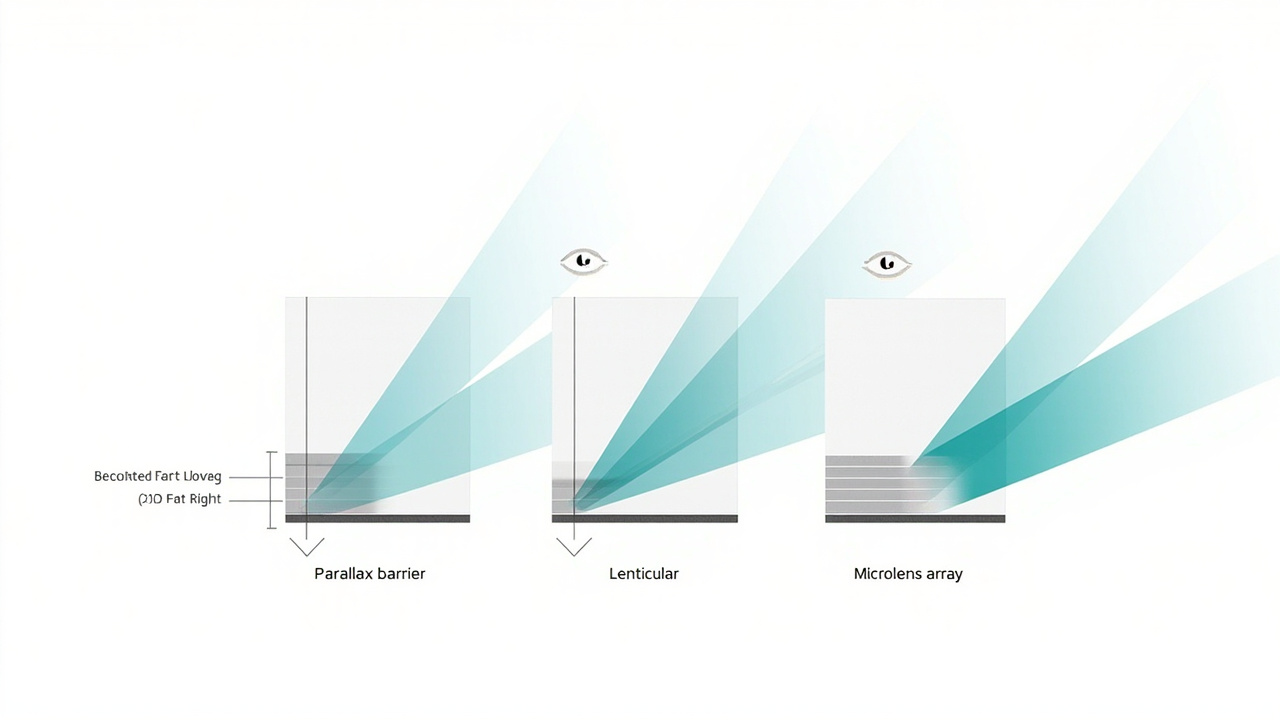
Three passive optical sub-methods compared at panel cross-section scale.
How each sub-method maps to a viewer configuration
The practical consequence of the taxonomy above is that sub-method choice dictates who can watch, how still they have to sit, and what content pipeline they need.
- Single dedicated viewer, monitor-style workflow: eye-tracked autostereoscopic panels dominate this configuration. The tracker does the sweet-spot steering, so the user gets a stable image while moving in a normal head-motion range.
- Multiple simultaneous viewers, shared screen: multi-view lenticular or microlens panels. Each viewer sits in their own sweet spot; content is usually authored as side-by-side or multi-view.
- Fixed installation, showroom, exhibition: parallax barrier or low-view-count lenticular panels are common because cost and 2D-plus-3D fallback are easy to engineer, and viewers can be coached to stand in the sweet spot.
- High-brightness or outdoor: parallax barrier is the most common starting point because it is the least dependent on precision lens alignment, but each architecture has trade-offs in transmission and ambient-light performance.
Autostereoscopic vs stereoscopic vs light-field vs holographic vs head-mounted
This contrast section is the genuine differentiator of this page. The autostereoscopic family sits inside a larger 3D display landscape, and several terms are routinely used as if they were synonyms even though they describe different display families.
| Approach | Does the viewer wear anything? | What is being delivered to the eyes? | Typical content pipeline | Typical use case |
|---|---|---|---|---|
| Stereoscopic (glasses-based) | Yes (active or passive glasses) | Two views, one per eye, time- or polarization-multiplexed | Stereo pair, SBS, frame-sequential | Cinema, some 3D monitors, legacy 3DTV |
| Autostereoscopic | No | Two or more views, separated by optical layer in front of the panel | Stereo pair, SBS, multi-view, or tracked | Professional 3D review, signage, spatial monitors |
| Light-field | No | A reconstructed light field, often with continuous parallax | Ray-space, multi-view plus depth, or holographic-adjacent | Research, product photography, some signage |
| Holographic display | No (or a controlled viewing zone) | A reconstructed wavefront meant to approximate a true hologram | Hogel-based, coherent-light sources | Research, premium visualization |
| Head-mounted (VR / MR) | Yes (headset) | Per-eye view rendered for the headset pose | Real-time rendered stereo | Immersive training, simulation, gaming |
A few distinctions worth holding onto:
- Stereoscopic and autostereoscopic both deliver two or more discrete views, but stereoscopic needs glasses to pick the right view per eye while autostereoscopic does the view separation optically.
- Autostereoscopic and light-field both omit glasses, but a typical autostereoscopic panel delivers a small fixed set of discrete views while a light-field display tries to reconstruct a continuous range of viewing angles. In practice the boundary is fuzzy; high-view-count autostereoscopic multi-view panels sit between the two.
- Holographic displays are sometimes marketed as “autostereoscopic” in casual descriptions, but the optical mechanism, source pipeline, and viewing-zone assumptions are different. Treat “holographic” as a separate family unless a specific product is documented as one or the other.
- Head-mounted 3D removes the display-side optical problem by putting the optics on the user’s face. That is a different product category with different ergonomics, not a sub-method of autostereoscopic display.
Content-compatibility and source-pipeline implications
The sub-method choice constrains the source pipeline as much as the panel choice does.
- Eye-tracked autostereoscopic panels typically accept a stereo pair (SBS or stacked) and use the eye tracker to map it to the viewer. This matches CAD, DICOM/CT-export, and stereo-pipeline content well.
- Multi-view autostereoscopic panels typically need multi-view authored content or a converter that synthesizes the additional views from a depth map.
- Lenticular and parallax barrier panels with a fixed two-view configuration accept the same stereo inputs as eye-tracked panels but require the viewer to position themselves inside the sweet spot, with no software recovery if they drift out of it.
For a deeper workflow-side discussion of which content types map cleanly to which spatial display models, the Spatial 3D Display Buying Guide covers model selection, and the Odyssey 3D Monitor Alternatives and Workflow Fit page walks through a specific consumer autostereoscopic monitor against alternative workflow fits.
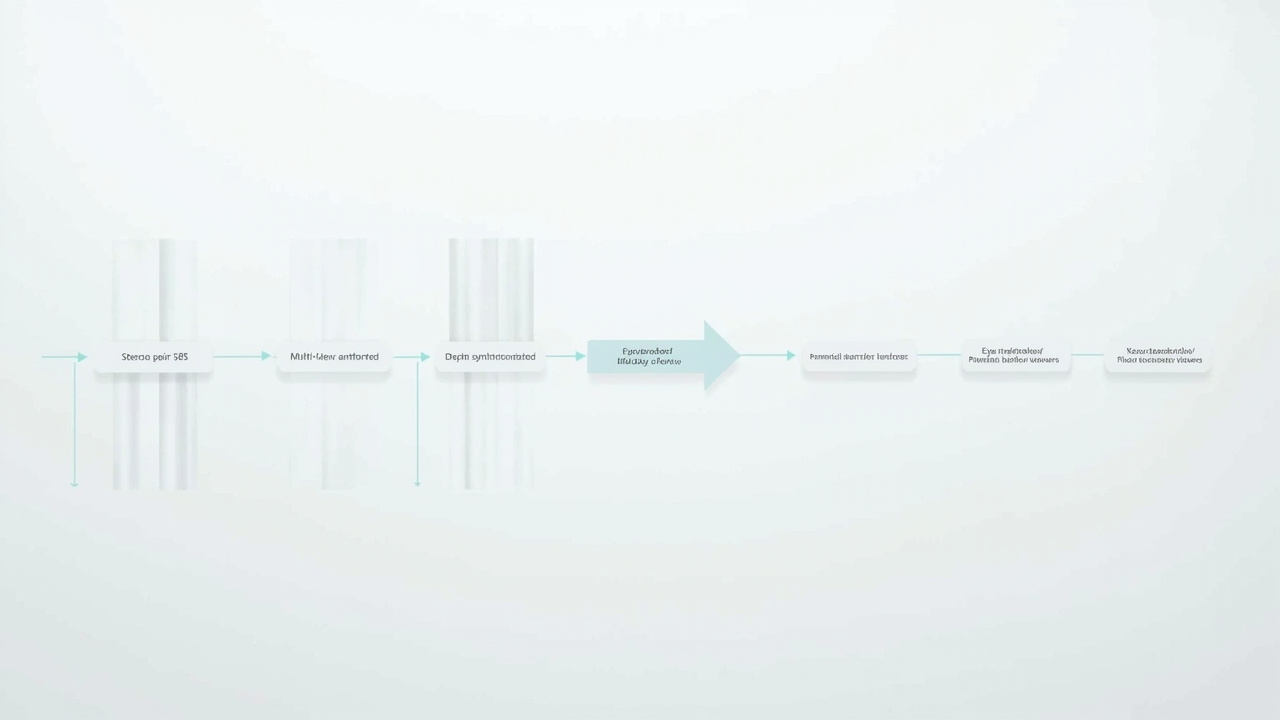
How source content pipelines map to sub-method choice and viewer configuration.
Limitations and open questions
Honest limitations matter for any classification spine.
- Sweet-spot geometry is a real constraint. Even eye-tracked panels have a defined head-motion box, and any sub-method outside that box falls back to 2D, ghosting, or image flip.
- Resolution per view drops as view count rises. A panel that emits N views is dividing its native pixel budget across N views, so a 4K multi-view panel often resolves to less than 1080p per view.
- Source-content preparation is non-trivial. Stereo, multi-view, and depth-synthesized pipelines each have their own authoring requirements, and “3D-ready” content is not the same thing as 3D content captured with a stereo camera.
- Terminology is loose. Vendor marketing materials often blur autostereoscopic, light-field, and holographic. The taxonomy in this page is the conservative one; if a product spec sheet does not specify which sub-method it uses, treat the claim with caution.
- Buyer-side questions (current price, current availability, model-by-model comparison) are intentionally not answered on this page. Use the How to Choose Stereoscopic 3D Monitor guide and the Spatial 3D Display Buying Guide for that.
Where to read next
- For the core definition of glasses-free 3D and the underlying left-eye/right-eye mechanism: 3D Without Glasses: Technical Explainer.
- For stereoscopic (glasses-based) monitor selection: How to Choose Stereoscopic 3D Monitor.
- For spatial display model selection and workflow fit: Spatial 3D Display Buying Guide.
- For a single-product comparison case study (Odyssey 3D and alternatives): Odyssey 3D Monitor Alternatives and Workflow Fit.
If a future article in this cluster needs to own the buyer-side price and availability surface for autostereoscopic displays specifically, it should be a distinct page with a buying intent, not an extension of this classification spine.
Ready to explore 3D displays?
Browse our detailed comparisons and buying guides to find the right spatial display for your workflow.
View Best 3D MonitorsDisclosure: This article is part of 3DMonitor.net's educational content. Product recommendations are based on research and may contain affiliate links. See our full disclosure.