Asus Spatial Vision Alternatives and Workflow Fit
An objective look at where Asus Spatial Vision fits among glasses-free 3D displays, who it serves, and how to evaluate alternatives for CAD, medical, and industrial review workflows.
Asus Spatial Vision Alternatives and Workflow Fit
Buyers researching Asus Spatial Vision usually want to know whether it matches their actual review workflow, and what other glasses-free 3D options exist if it does not. This page offers an objective, third-party editorial comparison to help frame that decision. It does not represent Asus or any manufacturer, and no specs, prices, or benchmarks are invented here.
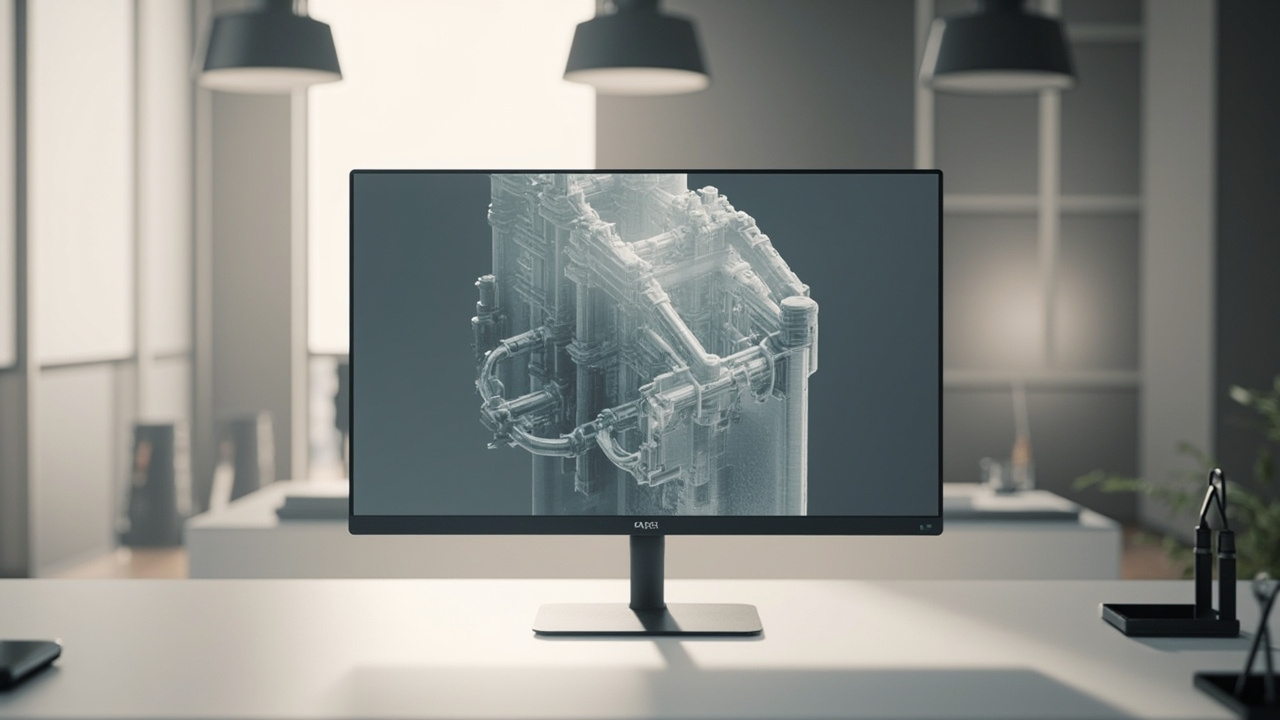
Editorial illustration: a glasses-free 3D display showing a 3D model without a headset or shutter glasses.
What Asus Spatial Vision is and where it sits in the market
Asus Spatial Vision refers to Asus’s glasses-free 3D display initiative, often associated with laptops and monitors that use eye-tracked autostereoscopic panels. Rather than treating it as a single fixed product, it is more useful to position it as part of a broader category of spatial 3D displays aimed at creators, engineers, and review teams who prefer a monitor-style workflow over a headset.
Key positioning notes to keep in mind:
- It belongs to the glasses-free 3D display category, which also includes dedicated autostereoscopic monitors from other vendors.
- Its primary differentiator, when marketed, is bringing 3D depth into a conventional-looking display form factor.
- It competes in attention with VR headsets, passive 3D monitors, light-field displays, and dedicated spatial displays from specialists such as 3DV.
For category context, the 3D Without Glasses: Technical Explainer and the Autostereoscopic Display: Technical Explainer cover how this family of displays works and where it sits next to stereoscopic and holographic options.
Core evaluation criteria for glasses-free 3D alternatives
When comparing Asus Spatial Vision against other glasses-free 3D displays, a small number of criteria consistently separate useful purchases from frustrating ones.
- Viewer model. Eye-tracked single-viewer autostereoscopic displays deliver the strongest depth effect but only for one seated user at a time. Multi-viewer designs are less common and usually compromise sharpness per view.
- 2D and 3D switching. Professional buyers often need the same panel for daily 2D work and occasional 3D review. Smooth switching without manual recalibration is a practical advantage.
- Content readiness. The display is only useful if your source content can output stereo, SBS, or 3D-ready views. CAD, medical DICOM, and 3D engines typically support this; ordinary 2D video and flat images do not.
- Form factor and footprint. Laptop-class screens, compact 14–16 inch monitors, and larger 27–32 inch displays serve very different rooms and review setups.
- Ecosystem and software. Driver maturity, OS support, and SDK access matter as much as the panel itself, especially for CAD plug-ins and medical viewers.
- Total workflow cost. Glasses-free 3D is rarely a drop-in replacement; budget time for content preparation, viewer training, and seating constraints.
Workflow fit across CAD, medical, and industrial review
The strongest reason buyers search for Asus Spatial Vision and similar displays is workflow fit, not raw 3D novelty.
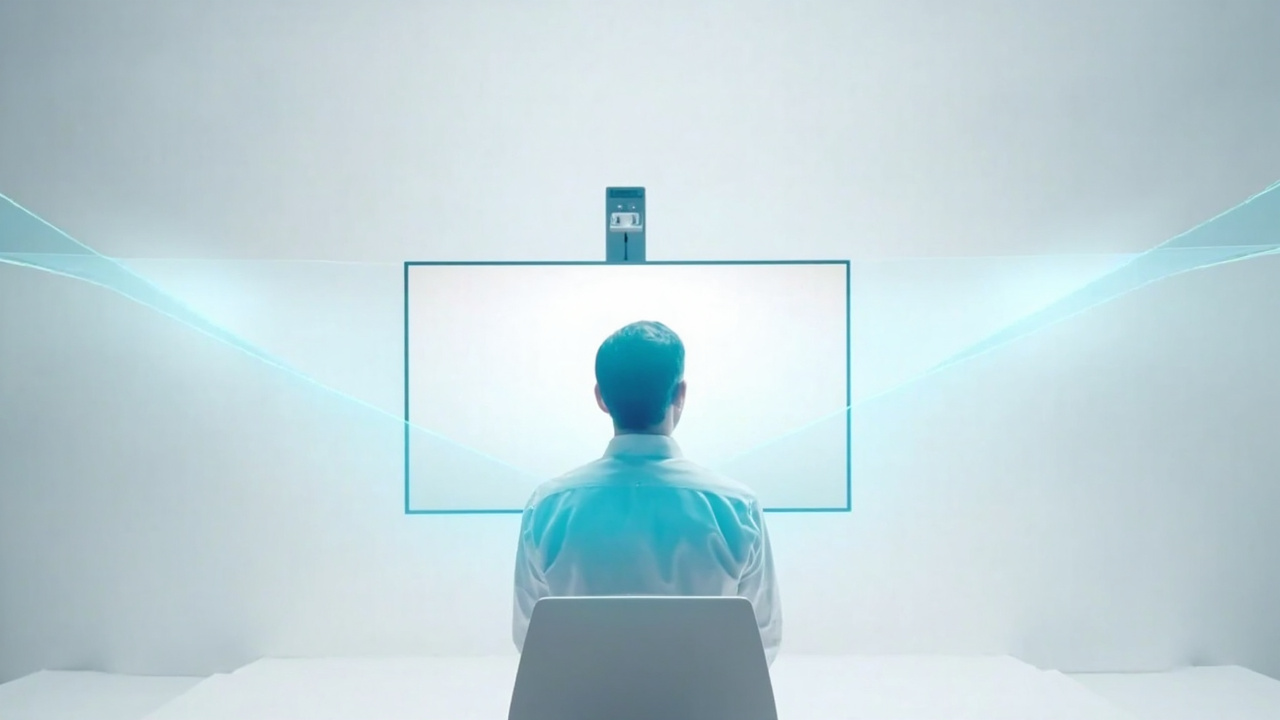
How eye-tracked autostereoscopic displays deliver left- and right-eye views to a seated viewer.
CAD and design review
For CAD and product design teams, glasses-free 3D can help when reviewing assemblies, ergonomic mockups, and architecture models with real depth. The main questions are:
- Does your CAD tool export stereo, SBS, or a 3D-ready view that the display can consume?
- Is the review typically one-on-one with the modeler, or does a small team need to see the depth together?
- Do you also need high-quality 2D color and text for documentation in the same session?
If the answer to the second question is “team,” a single-viewer eye-tracked display becomes a constraint, and you may want to evaluate multi-viewer options or shared-screen workflows instead.
Medical and surgical education
Medical visualization is a common glasses-free 3D use case because depth helps when reviewing anatomical structures. Key fit factors include:
- Source format support for DICOM-derived 3D, volume rendering, or stereo exports.
- Glasses-free depth that is comfortable for extended reading sessions.
- Whether the display is used at a teaching station, a case review desk, or an exam room.
Buyers in this segment should also consider microscope-adjacent workflows. The Spatial 3D Display Buying Guide covers how dedicated spatial displays differ from general-purpose 3D monitors, and the Autostereoscopic Display: Technical Explainer explains the underlying architecture that affects depth comfort.
Industrial inspection and NDT
Industrial teams evaluating CT scans, defect reviews, and QA imagery often compare Spatial Vision-type products against specialist spatial displays. Practical considerations:
- Image fidelity in 2D mode for normal inspection work.
- Depth clarity for stereo-capable volume renders.
- Ability to seat one operator comfortably for extended review sessions.
- Whether the panel supports the color profile your QA process expects.
How Asus Spatial Vision compares to other named options
Several other glasses-free and spatial 3D products appear in similar buyer searches. Each has a different center of gravity.
- Samsung Odyssey 3D Monitor. Another high-profile glasses-free 3D display aimed at consumers and creators. Comparison considerations include viewer model, refresh rate claims, and software ecosystem. See the Odyssey 3D Monitor Alternatives and Workflow Fit page for a parallel comparison template.
- Lenovo 3D Display options. Laptops and monitors that pair glasses-free 3D with general productivity use. See Lenovo 3D Display Alternatives and Workflow Fit for the same editorial structure.
- Spatial Microscope-style displays. Specialist displays tuned for shared microscope review rather than general 3D content.
- Stereoscopic 3D monitors that still require glasses. Different category, but often confused with glasses-free options. The How to Choose Stereoscopic 3D Monitor guide explains when glasses-required workflows remain relevant.
- Dedicated spatial displays from specialist vendors (for example, 3DV). These are positioned specifically for professional review workflows rather than general consumer 3D, with model lines aimed at compact, portable, and large-room review setups.
This page does not rank these options. The right choice depends on your workflow, content readiness, and room constraints.
Limitations and trade-offs to weigh
Every glasses-free 3D option, including Asus Spatial Vision, comes with constraints worth naming plainly.
- Single-viewer sweet spot. Eye-tracked displays reward a seated user in a specific position. Multi-user reviews are awkward.
- Content prep cost. 2D-first pipelines often need rework before they look correct in 3D.
- Refresh and motion handling. Some early glasses-free panels show weaker motion clarity than premium 2D displays, which matters for fly-throughs and animation review.
- Price sensitivity. Prices for glasses-free 3D monitors are higher than comparable 2D panels, and total workflow cost includes training and content work.
- Software support depth. Driver and SDK maturity varies by vendor; verify support for your specific CAD, medical, or 3D engine before committing.
Selection checklist and next steps
Before choosing Asus Spatial Vision or any alternative, run through a short, evidence-based checklist.
- Confirm that at least one of your core software tools can export stereo, SBS, or 3D-ready content for the panel.
- Decide whether your review is primarily one-on-one or team-based, and pick a viewer model accordingly.
- Check that the display’s 2D mode meets your daily productivity needs if you plan to share the panel with normal work.
- Verify OS, driver, and SDK support for your specific tools and versions.
- Budget time for seating, calibration, and team training, not just hardware cost.
- Compare against at least one dedicated spatial display aimed at professional review to make sure you are not over-paying for a consumer-3D feature set you will not fully use.
If you want a broader buyer’s frame, the Spatial 3D Display Buying Guide walks through the same criteria at a category level. For a side-by-side editorial comparison with another named option, see the Odyssey 3D Monitor Alternatives and Workflow Fit page, which uses the same structure as this one.
This article is intentionally written as an editorial overview. Specific prices, benchmarks, certifications, and availability should be verified against current manufacturer and vendor information before any purchase decision.
Editorial illustration: a glasses-free 3D display showing a 3D model without a headset or shutter glasses.
How eye-tracked autostereoscopic displays deliver left- and right-eye views to a seated viewer.
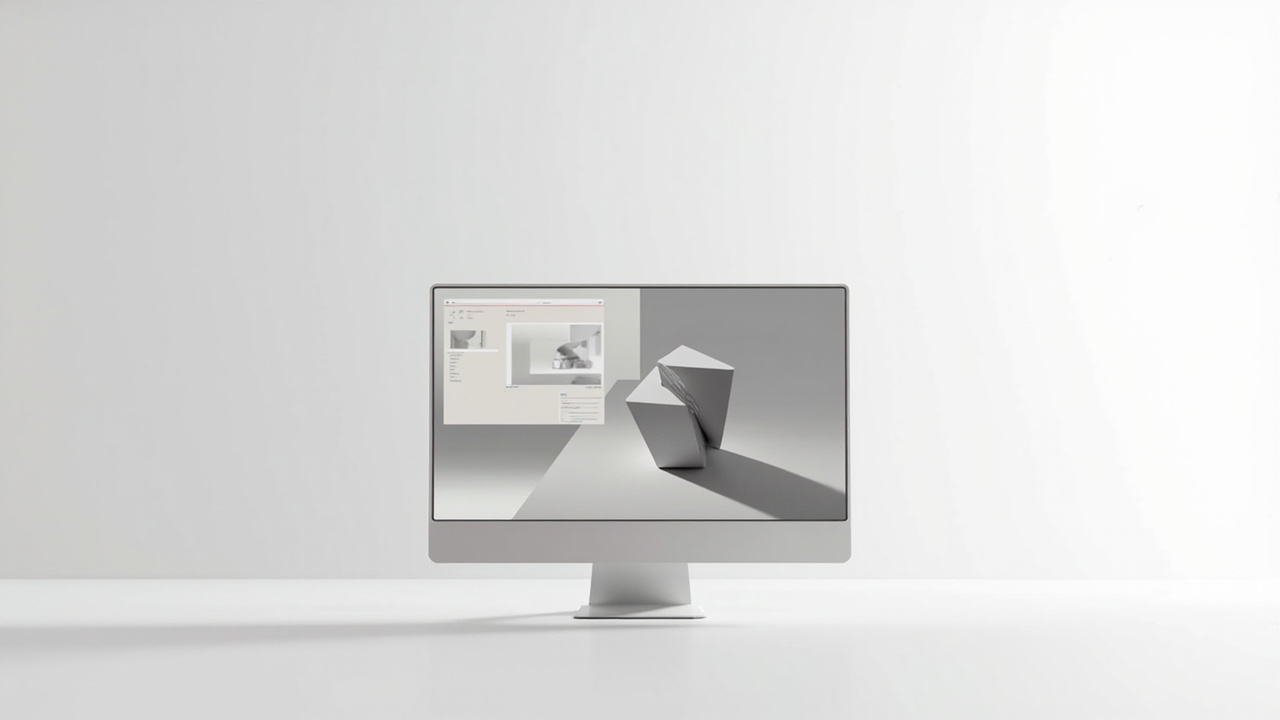
A practical split between 2D productivity and 3D review on the same glasses-free display.
Ready to explore 3D displays?
Browse our detailed comparisons and buying guides to find the right spatial display for your workflow.
View Best 3D MonitorsDisclosure: Comparisons on 3DMonitor.net are based on published specifications, hands-on testing where available, and editorial assessment. Affiliate links may be present. Full disclosure.