Naked-Eye 3D: A Buyer's Translation Guide to Glasses-Free Displays
A practical translation guide that decodes 'naked-eye 3D' claims into the questions a buyer should ask before comparing models, from one viewer to many, from holographic to autostereoscopic.
Naked-Eye 3D: A Buyer’s Translation Guide to Glasses-Free Displays
“Naked-eye 3D” is one of the most loosely used phrases in display marketing. The same words can describe a parallax-barrier phone prototype, a fixed-view lenticular retail kiosk, a single-viewer eye-tracked professional monitor, a multi-view light-field display, and a “holographic” pyramid cabinet. Before a buyer can compare models, specifications, or prices, that label has to be translated into something measurable.
This guide runs upstream of model selection. It treats “naked-eye 3D” as a marketing label and works backwards to the technical categories and buyer questions it actually points to. Once the label is decoded, the comparison step is handled in a dedicated resource.
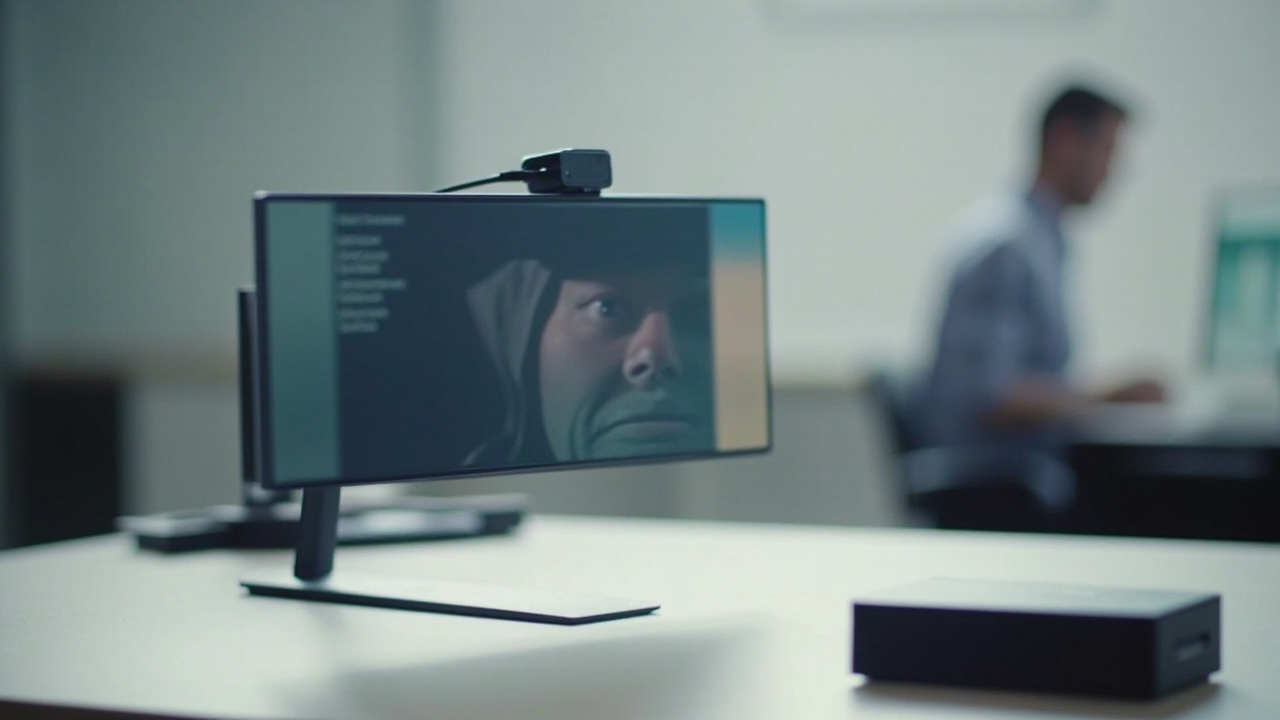
‘Naked-eye 3D’ covers everything from eye-tracked professional monitors to retail pyramid cabinets. The label has to be translated before the products are comparable.
What does ‘naked-eye 3D’ actually mean on a spec sheet?
Strictly speaking, naked-eye 3D is the Chinese-market shorthand 裸眼3D (literally “naked-eye 3D”). In English spec sheets the equivalent catch-all is “glasses-free 3D” or “autostereoscopic 3D” — meaning any display that delivers separate left-eye and right-eye views without the viewer wearing shutter, polarized, or anaglyph glasses.
Three claims sit behind the label:
- No eyewear required. The optical separation happens at the display layer (a lenticular lens sheet, parallax barrier, microlens array, or holographic optical element), not in glasses.
- Two views, one screen. The panel interleaves left and right images at the sub-pixel level and then routes each one to the correct eye.
- Real depth perception. Because each eye receives a different image with binocular disparity, the brain perceives stereoscopic depth without glasses.
Where the label starts to mislead is that none of these claims specifies how the view separation is done, how many viewing zones exist, or who can see the 3D effect at once. Those are the variables that separate a $1,800 professional review monitor from a novelty pyramid on a trade-show booth. The rest of this guide decodes exactly those variables.
Why the same label covers very different displays
“Naked-eye 3D” is a transport category, not a single technology. Underneath the catch-all sit distinct engineering approaches that trade off against each other, and a buyer who treats them as one class is going to compare unrelated products.
The main sub-methods you will meet on product pages:
- Parallax barrier. A fine grating on the LCD layer blocks parts of each pixel so the left image reaches the left eye and the right image reaches the right eye. Cheap to make, halves effective horizontal resolution, and is typically used on phones and older laptops.
- Lenticular lens. A sheet of cylindrical lenses on top of the LCD refracts the interleaved sub-pixels into multiple discrete viewing zones. This is the most common approach in dedicated 3D monitors and in retail signage.
- Eye-tracked autostereoscopic. A camera-and-tracking system follows the viewer’s eyes, and a display-side FPGA or processor remaps the stereo views in real time to keep them aligned with the user’s pupils. Useful for a single seated reviewer.
- Light-field and multi-view. The display sends more than two views and supports several viewers at once, at the cost of lower per-viewer resolution and more compute.
- “Holographic” or volumetric displays. Often grouped with naked-eye 3D in marketing but architecturally different; they may use a rotating diffuser, a reflective pyramid, or interference patterns to reconstruct a light field in space, and they do not all share the same binocular stereo assumptions.
A buyer-friendly summary lives in the Autostereoscopic Display: Technical Explainer, which maps these sub-methods against the broader 3D display family including stereoscopic, holographic, and light-field. If you want the consumer-facing framing first, the 3D Without Glasses: Technical Explainer covers the same hardware family in less technical language.
Recognising which sub-method sits behind a “naked-eye 3D” claim is the first decision gate. Once you know, the purchase comparison resumes in the Spatial 3D Display Buying Guide.
Five-step checklist before you evaluate a glasses-free 3D monitor
This checklist is the spine of the piece: it translates the marketing label into the questions a buyer can actually answer while comparing models.
Step 1 — Identify the sub-method, not just the label. Ask the seller whether the display uses a parallax barrier, a lenticular lens, eye tracking, light-field, or something else. If the answer is “it supports naked-eye 3D” without naming a sub-method, treat that as a request for more information rather than a disqualification. The same label is attached to phones, kiosks, monitors, and signage, and they are not comparable.
Step 2 — Clarify whether your content is stereo-ready. Naked-eye 3D hardware displays stereo-ready content — side-by-side (SBS) feeds, dual-camera rigs, CAD with stereo output, Unity / Unreal scenes with stereo cameras, medical DICOM exports configured for stereoscopic review, or pre-rendered stereo video. Ordinary 2D video, single-camera plates, and software that only emits one 2D view will display as a 2D image with extra blur, not as 3D. Evaluate your source pipeline first.
Step 3 — Pin down viewer count and sweet spot. Decide whether the use case is one seated reviewer at a workstation, a small group around a desk, or a walk-up audience in a public space. Each implies a different sub-method: eye-tracked for one viewer, fixed-zone or multi-view lenticular for groups, light-field or volumetric for public viewing. Buying a single-viewer eye-tracked monitor for a meeting room is a common and expensive mis-fit.
Step 4 — Check resolution split and image artefacts. Every parallax-barrier and lenticular display divides its native panel resolution across multiple views. A 4K panel driving two views delivers roughly 2K per eye; a 4K panel driving four or more views delivers far less. Ask for the per-view resolution, not just the panel spec, and budget for the resulting text-readability trade-off in CAD or text-heavy workflows.
Step 5 — Defer model selection to a structured comparison. Once steps 1–4 are answered, the buying decision is back in standard territory: brightness, connectivity, ergonomics, 2D/3D switching, and price. Run that comparison in the Spatial 3D Display Buying Guide, which is laid out for buyer-decoded queries and explicitly assumes the label-decoding work has already been done.
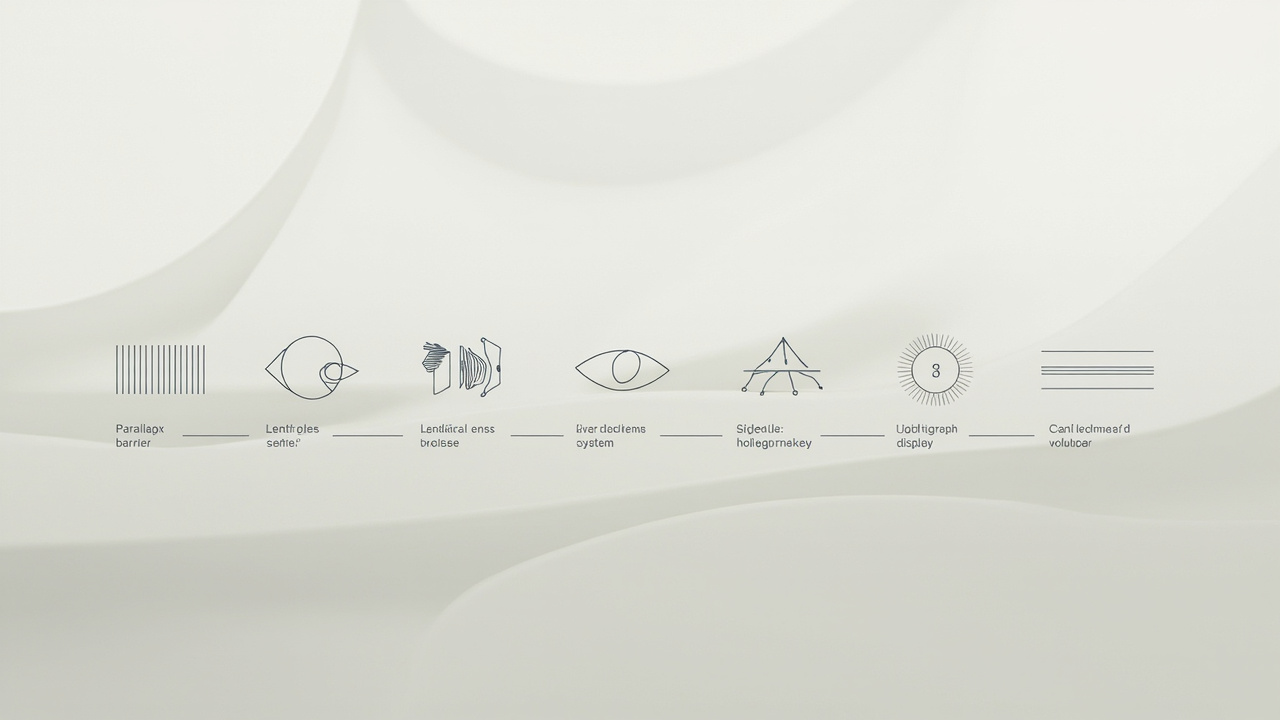
Five glasses-free sub-methods share one marketing label. Buyer comparison only makes sense after they are separated.
Common buyer pitfalls when comparing naked-eye 3D displays
These are the recurring confusion points that buyers report after they have already started comparing models on raw specs.
Terminology conflation
“Naked-eye 3D”, “glasses-free 3D”, “autostereoscopic”, and “holographic” are sometimes used as if they were synonyms. The first three usually overlap, but “holographic” is a broader term that can also cover interference-pattern optics, volumetric fans, and pyramid showcases that are not binocular-stereo displays at all. If two products on a shortlist use different category words, check that they are solving the same perception problem before comparing price or panel size.
Side-by-side on 2D
Some displays only render a stereo effect when the source is already in SBS, top-bottom, or another stereo format. Feeding them a flat 2D video does not create depth — it usually produces a blurry double image. The buyer should be sure their content pipeline actually outputs stereo before assuming “any video will look 3D on this monitor”.
Holographic vs autostereoscopic conflation
A pyramid “hologram” cabinet at retail and an eye-tracked 4K autostereoscopic monitor may both be sold under the “naked-eye 3D” banner, but they target entirely different use cases. The pyramid cabinet needs pre-rendered four-angle content and is sized for walk-up viewing; the eye-tracked monitor needs a stereo source pipeline and is sized for seated professional review. A spec-sheet comparison between the two will mislead.
Treating no-glasses as an entry ticket
Glasses-free is necessary but not sufficient for the buyer question “will this look like 3D to my team?”. It only fixes the wear-hardware variable. Viewer count, sweet-spot geometry, stereo source readiness, and ambient lighting still decide whether the depth effect survives. A pair of lightweight active-shutter glasses on a standard 3D monitor can sometimes look more consistent in a multi-viewer meeting room than a single-viewer naked-eye display in the wrong room layout.
Room-setup blindness
Naked-eye 3D monitors — especially parallax-barrier and fixed lenticular models — have a narrow physical sweet spot. The user has to sit at the right distance and the right height. Buyers who place the monitor on a stand in an open plan office often find that the 3D effect “only works for one person in one position”. Eye-tracked models widen the usable zone but still do not make a fixed-view lenticular panel into a group display.
Single-viewer assumption
Some professional glasses-free 3D monitors assume exactly one tracked user. A second viewer at the same screen sees a ghosted or inverted image. If the workflow is collaboration, training, or shared review, that constraint is more important than panel size or resolution and is often missed until after purchase.

Five-step checklist and four buyer questions translate the ‘naked-eye 3D’ label into the variables that actually decide a purchase.
What to ask before evaluating a glasses-free 3D monitor
These four questions translate the buyer-decoding work above into a single brief a vendor, integrator, or internal stakeholder can answer.
-
Which glasses-free sub-method does the product use, and how many simultaneous viewers is it designed for? A direct answer here separates single-viewer eye-tracked monitors, fixed multi-view lenticular displays, and public-facing light-field panels into three different purchase categories.
-
Does the product require stereo (SBS, top-bottom, multi-view) source content, and which media formats are supported? The answer reveals whether existing CAD, DICOM, video, or simulation pipelines will work as-is or need a stereo-output upgrade.
-
What is the per-viewer or per-eye resolution after the parallax or lenticular split? A 4K panel driving four views is not the same product as a 4K panel driving two views, even though the headline spec looks identical.
-
What room conditions, seating distance, and sweet-spot tolerance apply, and does the design support a tracked user, a fixed zone, or multiple zones? The answer predicts the in-room fit before the display is plugged in.
Reader-facing limitations are covered in the What Are The Disadvantages Of 3D Screens explainer, which complements this checklist with a known-limits framing. The collaborative-review framing of the same hardware family sits in the 3D Without Glasses: Technical Explainer.
Next steps after you understand what you are comparing
Once the label has been decoded and the four buyer questions above have been answered, “naked-eye 3D” stops being a single product class and becomes a shortlist of specific devices. From there the path follows the standard buyer workflow:
- Map the decoded sub-method and viewer count against the workflow (CAD review, medical visualisation, microscope collaboration, retail signage, training).
- Verify whether the source-content pipeline already outputs stereo, or whether a stereo-output upgrade is needed first.
- Move the side-by-side model comparison into the Spatial 3D Display Buying Guide and run the structured evaluation there.
- Use the Autostereoscopic Display: Technical Explainer as a reference when a vendor spec sheet uses a sub-method term you have not seen before.
The role of this guide is upstream of all of those steps. If a buyer leaves the page knowing which glasses-free sub-method fits their viewer count, whether their content is stereo-ready, and which comparison resource answers the model-selection question next, the label has done its job.
Ready to explore 3D displays?
Browse our detailed comparisons and buying guides to find the right spatial display for your workflow.
View Best 3D MonitorsDisclosure: This article is part of 3DMonitor.net's educational content. Product recommendations are based on research and may contain affiliate links. See our full disclosure.