How to Choose a 3D Monitor for Gaming
An objective buying guide to picking a 3D monitor for gaming, covering glasses-free versus headset workflows, content compatibility, display criteria, and practical limits.
How We Chose
Editorial recommendations are organized by reader intent, workflow fit, supplied evidence, and clearly stated limitations. Product-specific details require source verification.
How to Choose a 3D Monitor for Gaming
A “3D monitor for gaming” can mean very different things depending on who is asking. Some readers want a display that can show stereo games from a PlayStation or older 3D Vision library; others want a glasses-free panel that renders depth without a headset; others simply want a curved immersive monitor with high refresh rate. Before comparing specs, it helps to clarify which kind of 3D experience you are actually trying to buy, because the hardware, content, and workflow differ substantially between them.
This guide walks through what to evaluate, where the technology is honest about its limits, and which questions to answer before committing to a purchase. It is written as third-party editorial coverage and does not assume any single brand or product family is the default answer.
Glasses-free 3D monitors deliver stereo depth at a normal desk without a headset.
What buyers mean by a 3D monitor for gaming
The phrase “3D monitor gaming” gets attached to several different product categories. Buyers usually mean one of the following:
- Glasses-free 3D monitors (autostereoscopic displays). Panels that produce stereoscopic depth using a lenticular or parallax-barrier optical layer and, in many modern models, eye tracking. No headset, no shutter or polarized glasses. The viewer sits in a defined sweet spot and perceives depth directly.
- Stereoscopic 3D monitors. Panels that require active shutter or polarized glasses to deliver separate left/right eye views. Examples include NVIDIA 3D Vision-era displays and certain medical/engineering monitors that still ship with glass-based stereo support.
- VR headsets used as a “monitor” substitute. Not technically a monitor, but commonly searched alongside the term, especially by buyers who want immersive single-player depth rather than a desk-based setup.
- High-refresh, high-curvature “immersive” monitors without true stereoscopic depth. These are often marketed with the word “3D” in casual copy, but they show the same flat 2D image as any standard gaming display.
Identifying which category matches your intent is the first and most important selection step. The rest of this article focuses primarily on the first two categories, with notes on where VR fits as an alternative workflow.
Glasses-free 3D versus VR and glasses-based 3D
Each approach has structural tradeoffs that affect gaming specifically.
Glasses-free 3D monitors keep a normal monitor-style workflow. You sit at a desk, the display runs as a Windows or Linux panel, and depth is rendered optically or through eye-tracked view mapping. For gaming this means:
- No headset fatigue and no isolation from the room, which is helpful for shared viewing or long sessions.
- A constrained sweet spot or a small number of tracked viewing zones. Moving your head outside them collapses the 3D effect.
- Content must be authored or converted to a stereo-friendly format (side-by-side, multi-view, or a 3D engine with stereo output). Most off-the-shelf PC games do not output this natively.
- Latency is dominated by the display itself plus whatever conversion pipeline you use; there is no headset tracking pipeline.
Glasses-based stereoscopic 3D monitors rely on shutter or polarized glasses synchronized with the panel. They generally offer:
- Broader game compatibility through driver-level stereo conversion (the historical strength of NVIDIA 3D Vision-era ecosystems), though modern driver support is uneven and increasingly deprecated.
- Full-screen coverage without a head-position sweet spot, but with the comfort cost of wearing glasses and potential flicker at low refresh rates.
- Dimmer perceived brightness because of glass attenuation and, for active shutter, blanking between eyes.
VR headsets deliver the strongest depth and head-tracking immersion but are not a monitor. They are worth mentioning because buyers searching for a “3D monitor for gaming” sometimes actually want a headset and have not yet separated the two decisions.
If your priority is a desk-based experience that feels closer to a traditional monitor and you are willing to invest in stereo-capable content, glasses-free 3D is the most direct match. If your priority is broad game compatibility today, glasses-based stereo has more existing pipelines but a shrinking support base. If your priority is immersion over monitor ergonomics, VR is a different product category entirely.
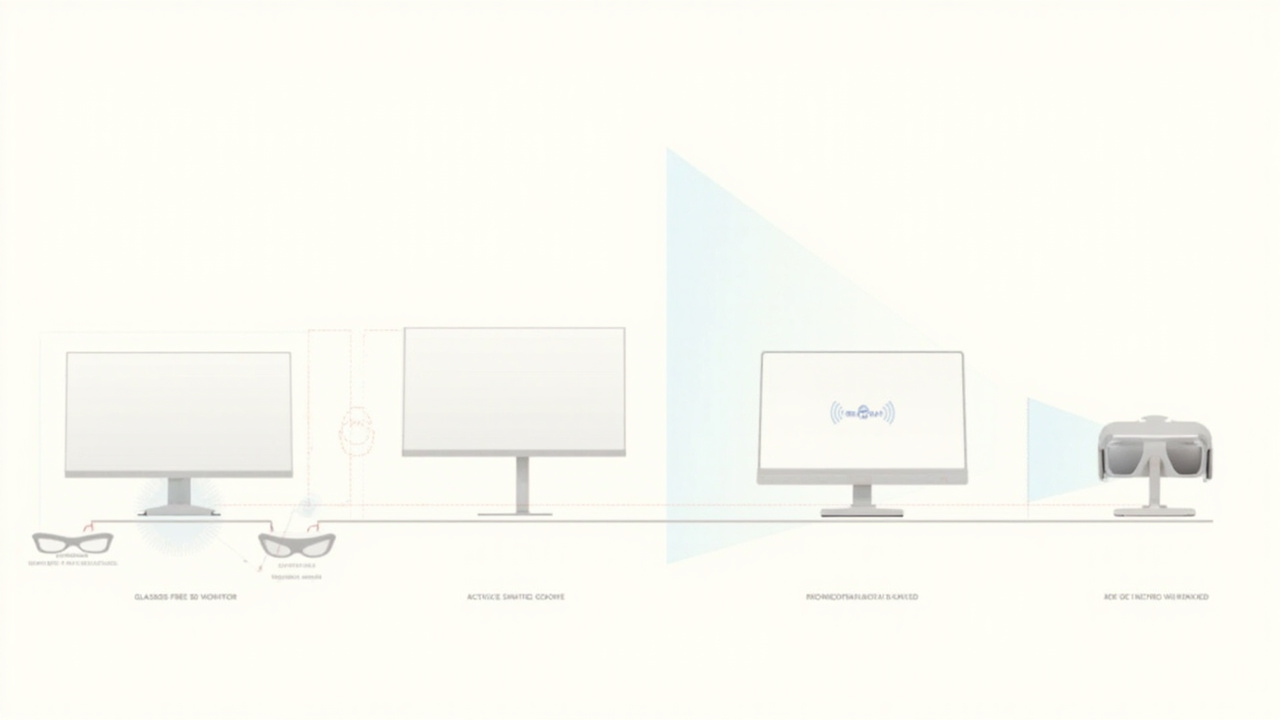
Three common 3D viewing approaches each have different comfort, compatibility, and content tradeoffs.
Key selection criteria for a 3D gaming monitor
Once the category is clear, evaluate the monitor on the following criteria. None of these should be treated as a single deciding number; they interact.
1. Stereo delivery method. Confirm whether the panel is autostereoscopic (glasses-free), active-shutter glasses-based, or polarized glasses-based. Each method determines what accessories, content, and viewing positions are valid.
2. Eye tracking and viewing zones. For glasses-free models, find out how many tracked viewing positions are supported and whether the display is single-user or multi-user. Eye-tracked designs typically restrict 3D quality to one viewer at a time; multi-view designs support several viewers but with tradeoffs in per-view resolution.
3. Resolution and per-view clarity. Autostereoscopic displays divide horizontal pixels across multiple views. A 4K panel may deliver effective 2K or lower per eye, which affects text sharpness, UI legibility, and competitive-game clarity. Verify the per-eye resolution, not just the panel spec.
4. Refresh rate and motion handling. Stereo rendering halves the available frames per eye in many pipelines, and any shutter method further reduces apparent brightness between eyes. For fast-paced gaming, prioritize higher native refresh and check whether 3D mode supports the full rate or a reduced one.
5. Panel size and viewing distance. Sweet-spot geometry depends on size and the recommended seating distance. Larger panels generally need more viewing distance to keep the entire stereo image inside the comfortable eye-box.
6. 2D versus 3D switching. Some monitors switch between high-quality 2D and 3D modes; others are always-on 3D with reduced 2D fidelity. If you intend to use the same display for everyday desktop work or non-stereo games, switching quality matters.
7. Connectivity and host pipeline. Check supported inputs (DisplayPort, HDMI version, USB-C), whether the display expects a specific GPU or SDK, and whether stereo input formats (side-by-side, frame-packed, multi-view) are documented.
8. Software and content pipeline. Glasses-free displays in particular depend on a content preparation path. Look for an SDK, a player utility, or a documented Unity/Unreal/WebGL integration before assuming your existing game library will work.
9. Comfort and ergonomics. Consider flicker (for shutter glasses), heat, fan noise (some autostereoscopic panels are actively cooled), and adjustability. None of these are negotiable for long sessions.
10. Support and longevity. Driver updates, firmware updates, and warranty terms vary widely. A 3D monitor that loses software support quickly becomes a 2D monitor at a premium price.
Content compatibility and source pipeline
The most common reason a “3D monitor for gaming” purchase disappoints is content. Stereo-capable hardware does not by itself make games stereoscopic. You need at least one of the following:
- A game with a built-in stereo output mode (rare in modern releases).
- A driver- or middleware-level stereo conversion tool (historically associated with NVIDIA 3D Vision and a handful of community tools; modern support is inconsistent).
- A game engine integration (Unity, Unreal, Godot) that outputs side-by-side, over-under, or multi-view from a stereo camera rig.
- Pre-rendered or pre-converted stereo video content, played through a compatible media player.
If your library is mostly modern, flat 2D competitive or AAA titles, plan on adding a content preparation step. If your interest is in indie or engine-built content where you can enable stereo output yourself, the workflow is more realistic. Glasses-free displays in particular benefit from sources that can be authored cleanly for stereo rather than converted from mono.
For an overview of how stereo and multi-view content is structured, see the technical explainer on autostereoscopic displays and the tradeoffs discussed in glasses-free 3D collaborative review workflows.
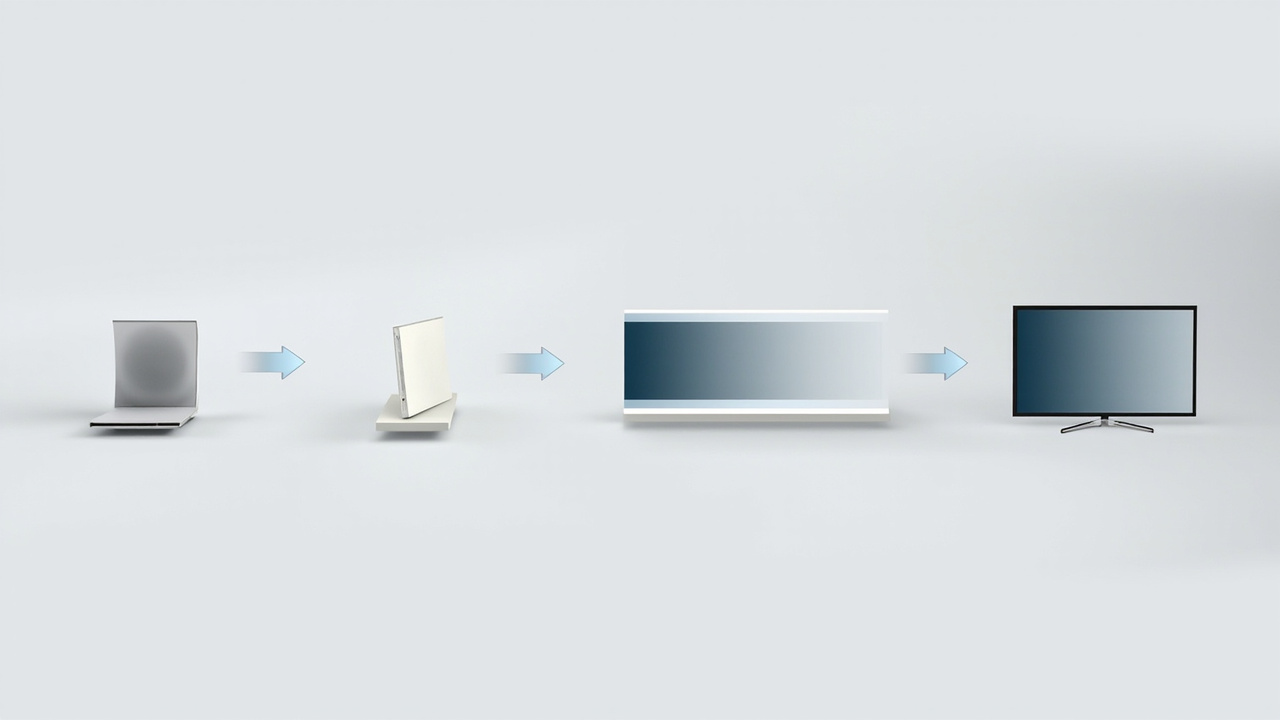
A stereo-capable content pipeline is required for 3D monitors to actually display depth in games.
Workflow fit, limitations, and next steps
A 3D monitor for gaming is best understood as a workflow choice rather than a pure spec upgrade. Before buying, answer three questions:
- Where will you sit, and for how long? Glasses-free displays reward a fixed seated position. If you move around, switch between couch and desk, or play standing up, the experience degrades or fails entirely.
- What will you actually watch or play in 3D? Be specific. A list of titles or content types that already produce stereo output is far more useful than a general intention to “try 3D gaming.”
- What is your fallback 2D experience? Every 3D monitor also needs to function as a regular monitor. Confirm that its 2D mode meets your expectations for desktop, productivity, and non-stereo games.
Honest limitations to keep in mind:
- Glasses-free 3D typically restricts you to one (or a small number of) tracked viewer positions. It is not a party display.
- Stereo gaming pipelines outside of a few legacy ecosystems are not turnkey. Expect configuration time.
- Glasses-based 3D brings flicker, brightness loss, and glasses fatigue; modern driver support for gaming-specific stereo conversion has shrunk considerably.
- 3D does not substitute for raw resolution, refresh rate, or HDR quality if those are your priorities for competitive gaming.
For broader context on where 3D monitors sit in the current market and how they compare with stereoscopic and spatial options, the Spatial 3D Display Buying Guide and the Stereoscopic 3D Monitor selection guide cover adjacent choices. The disadvantages of 3D screens page is a useful counterweight to marketing claims.
If, after working through these questions, a glasses-free 3D monitor still fits your workflow, the next practical steps are to confirm content pipeline support with the manufacturer, check the return policy in case the sweet spot does not match your room, and budget time for setup rather than treating 3D as an out-of-the-box feature.
Ready to explore 3D displays?
Browse our detailed comparisons and buying guides to find the right spatial display for your workflow.
View Best 3D MonitorsDisclosure: 3DMonitor.net's best lists are editorially independent. We may earn affiliate commissions on qualifying purchases. Rankings are based on hands-on testing, specifications, and expert assessment. Full disclosure.