How Do 3D Glasses Work If You Have Glasses
A practical explainer on how passive, active, and glasses-free 3D systems interact with prescription eyewear, with workflow notes for professional 3D review.
How Do 3D Glasses Work If You Have Glasses
If you already wear prescription glasses, the short answer is: yes, traditional 3D glasses can work on top of them, but stacking introduces optical, comfort, and image-quality tradeoffs that vary by 3D method. Glasses-free 3D displays side-step the question entirely, because there are no glasses to stack in the first place.
This explainer walks through how each main 3D delivery method interacts with prescription eyewear, where the friction actually appears, and what to consider if a professional 3D review workflow needs to support viewers who wear glasses.
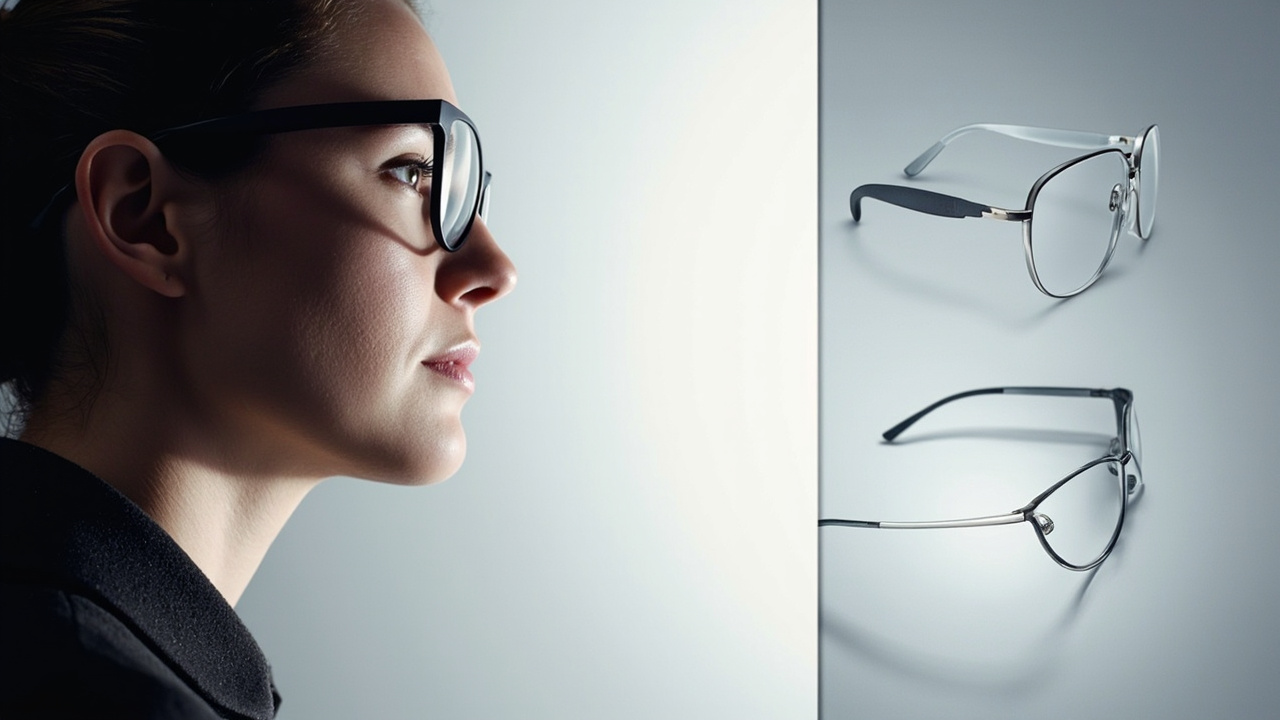
Stacking prescription glasses with 3D eyewear is common, but each method introduces different optical tradeoffs.
How standard 3D glasses produce depth
All glasses-based 3D systems deliver two slightly different views to the left and right eye. The brain fuses them into a single image with perceived depth.
The three approaches you will encounter on monitors, TVs, laptops, and projection systems are:
- Passive polarized 3D uses glasses with different polarization filters per lens. The display or projector alternates or separates left and right eye images by polarization, and each lens only passes its intended view.
- Active shutter 3D uses glasses with synchronized liquid-crystal lenses that rapidly darken one lens at a time. The display alternates between left and right eye views, and the glasses alternate with it.
- Anaglyph 3D uses color-filtered lenses (commonly red/cyan) to split two overlaid images. It is inexpensive, but accuracy and color fidelity are limited.
Each method only works correctly if each eye receives its intended view, which is exactly where prescription glasses start to interfere.
Why prescription glasses complicate the picture
Prescription lenses are themselves optical filters. They change how light reaches the eye, and they impose geometric constraints between the eye, the lens, and whatever sits in front of the lens.
Three practical effects matter:
- Extra glass-to-eye distance. Stacked eyewear increases the gap between the corrective lens and the eye, which can shift the effective prescription slightly. For mild prescriptions the effect is usually tolerable. For stronger prescriptions it can feel off.
- Reflections and ghosting. Every additional optical surface is another chance for stray light to bounce. Stacking can increase flare, inter-lens reflections, and contrast loss.
- Fit and weight. Two frames on one face are heavier, slide more easily, and press the temples or nose bridge differently. Over a long review session, fit fatigue is a real workflow issue.
These effects do not break 3D, but they change how clean and how comfortable the experience is.
How passive polarized 3D works with prescription glasses
Passive polarized glasses depend on the polarization of light being delivered cleanly to each lens. Most modern passive 3D monitors and TVs use circular polarization so that head tilt does not collapse the 3D effect.
With prescription glasses in front, the relevant constraints are:
- Lens material matters. Glass or high-index glass on the prescription lenses tends to preserve polarization well. Some anti-reflective coatings can partially disturb polarization, which may produce faint ghosting or cross-talk.
- Frame geometry matters. Wrap-around or highly curved prescription frames can rotate the polarization axis, which can allow some left-eye content to leak into the right eye and vice versa.
- Over-spec frames help. Clip-on 3D lenses that fit over the prescription frame are commonly used for this reason.
In practice, passive polarized 3D stacks reasonably well with everyday prescription glasses. Most viewers tolerate it. The main failure modes are anti-reflective coatings on curved lenses, not the stacking itself.
How active shutter 3D works with prescription glasses
Active shutter glasses are more sensitive to the optical environment between the lens and the eye.
Why:
- The shutter timing depends on a clear, unhindered infrared or radio sync signal from the display.
- The liquid-crystal shutters need to open and close fully and quickly.
- The eye needs to see the display through the shutter lens, not around it or through reflections.
With prescription glasses in front:
- Sync reliability drops with thicker stacking. Larger gaps between the shutter lens and the eye, plus reflections from the prescription lens surface, can occasionally disrupt sync on cheaper systems.
- Battery and weight are noticeable. Active glasses already carry batteries and electronics. Adding a prescription frame on top means more weight and more heat near the temples.
- Fit has to be tight. Loose stacking increases the chance that one shutter lens is partially covered, which causes one eye to see a dim or partial view.
Active shutter 3D can still work with prescription glasses, but stacking tends to magnify any weaknesses in sync robustness, fit, and weight balance.
How glasses-free 3D removes the stacking problem
Glasses-free, or autostereoscopic, 3D does not use eyewear at all. A glasses-free 3D display uses an optical layer on or in front of the panel — typically a lenticular lens array or a parallax barrier — combined with eye tracking on higher-end systems, to send separate views to each eye directly.
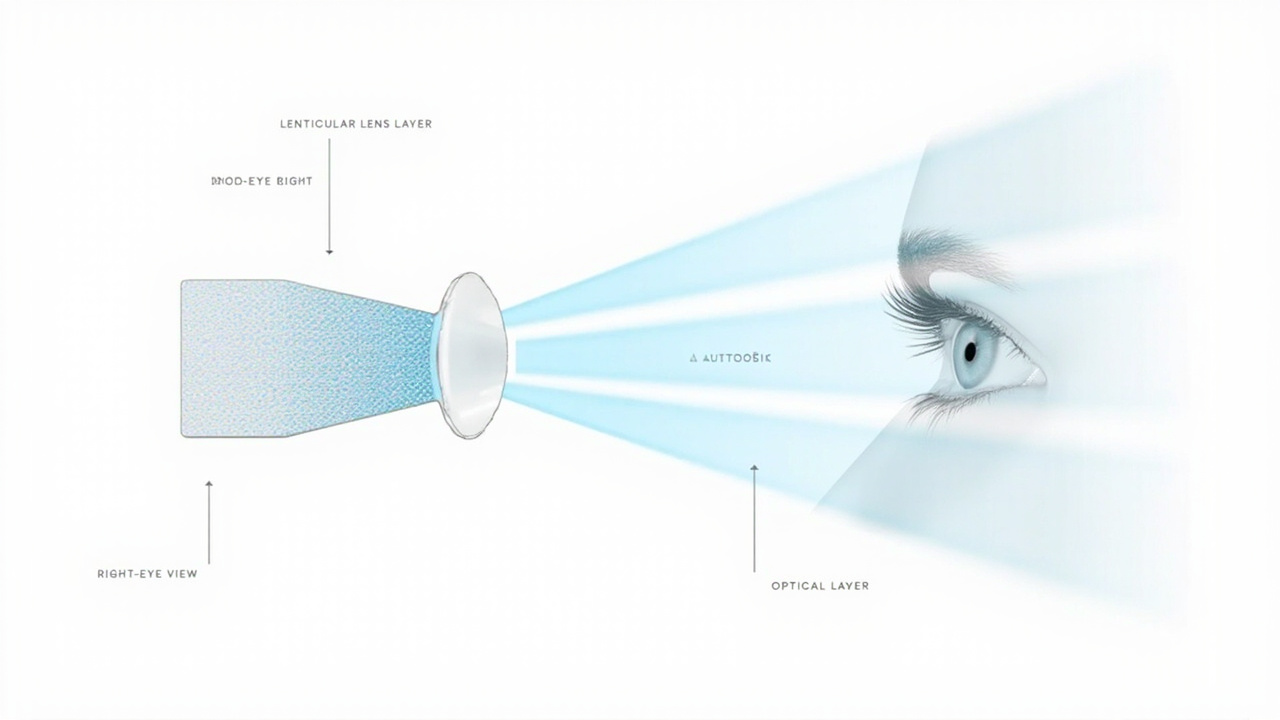
Glasses-free 3D systems direct left- and right-eye views through an optical layer, so prescription glasses no longer compete with a second pair of 3D eyewear.
For a prescription-glasses wearer, this changes the workflow entirely:
- No stacking. The corrective lenses sit in front of the user’s eyes, the same way they do at any monitor. There is no second pair of glasses to fit, charge, or sync.
- No polarization concerns. Polarization-based interference between prescription coatings and 3D eyewear does not apply, because there is no 3D eyewear.
- No shutter sync. Battery, IR, and timing issues from active glasses do not apply.
- One viewer constraint. Most current glasses-free displays are tuned for one primary viewing position, with eye tracking following the viewer. Multi-viewer free seating is not the same experience as on a passive polarized setup.
Glasses-free 3D is the strongest answer to the literal question “how do 3D glasses work if you have glasses”: the glasses are no longer in the chain.
Comfort, fit, and practical considerations
Whatever 3D method is in play, several day-to-day factors shape whether the experience is workable for a glasses-wearing professional.
- Session length. Long review sessions (medical case review, CAD walkthroughs, industrial inspection) magnify fit fatigue when two frames are stacked. Comfort matters more than raw image quality.
- Lens coatings. Anti-reflective and blue-light coatings are common on prescription lenses. Their interaction with 3D eyewear varies, and ghosting can change frame to frame.
- Frame shape. Curved, wrap-around, or rimless prescription frames can clip into 3D glasses geometry. Standard rectangular frames usually stack cleanly.
- Children versus adults. Pediatric or small prescription frames are harder to pair with adult-sized 3D glasses.
- Shared viewing. Clip-on passive 3D lenses that fit over a range of prescription frames are easier to share across a team than individually fitted active glasses.
Workflow implications for professional review
For teams evaluating 3D systems for medical visualization, industrial inspection, CAD review, or microscopy collaboration, the glasses-versus-no-glasses question is a workflow question, not just a comfort question.
- Hygiene. Shared clip-on passive lenses are easier to sanitize between users than active glasses that sit on the face and carry electronics.
- Onboarding. A glasses-free 3D display removes a step — “here, put these on” — that some new users find intimidating or awkward.
- Speed of switching. Operators who switch between 2D and 3D frequently can do so without managing a second piece of eyewear on a glasses-free system.
- Accessibility. For viewers with very strong prescriptions, stacked optics can be uncomfortable enough that a glasses-free path is the more inclusive default.
A glasses-free 3D workflow removes the eyewear step that glasses-based 3D workflows have to manage for every viewer.
None of this means glasses-based 3D is unusable for prescription glasses wearers. It means the glasses-free path often removes friction that glasses-based paths have to work around.
Limitations and caveats
A few honest constraints apply to the picture above:
- One viewer at a time, mostly. Most current glasses-free 3D monitors are tuned for a single primary viewer position. Multi-viewer glasses-free displays exist but are not the same product class.
- Content still matters. Glasses-free 3D needs stereo or 3D-ready content. Ordinary 2D sources will not produce depth.
- Stacked 3D glasses are not broken. Plenty of viewers with prescription glasses use polarized or active shutter glasses daily without complaint. The tradeoffs described here are tendencies, not absolutes.
- Specific brand behavior varies. Anti-reflective coatings, frame geometry, and sync robustness vary. The notes above describe common patterns, not guarantees.
Next steps and related reading
If you are evaluating a 3D setup that needs to work for viewers who wear prescription glasses, the practical next steps are:
- Test your team in advance with clip-on passive 3D lenses over their own frames.
- Compare that against a demo on a glasses-free 3D display, especially for long sessions.
- Review the content compatibility of any candidate display before procurement, because glasses-free does not change what content the display can show.
For background reading, see the explainers on stereoscopic displays, autostereoscopy, glasses-free 3D collaborative review workflow tradeoffs, spatial 3D display, and the difference between 3D and stereoscopic.
Ready to explore 3D displays?
Browse our detailed comparisons and buying guides to find the right spatial display for your workflow.
View Best 3D MonitorsDisclosure: This article is part of 3DMonitor.net's educational content. Product recommendations are based on research and may contain affiliate links. See our full disclosure.