What Is The Difference Between 3D And Stereoscopic
A clear, third-party editorial guide that explains how the umbrella term "3D display" relates to stereoscopic imaging, and where autostereoscopic (glasses-free) screens fit within the family.
What Is The Difference Between 3D And Stereoscopic
Quick answer. “3D” is the broad family name for any display that creates a sense of depth. “Stereoscopic” is one specific method inside that family, the one that delivers a slightly different image to each eye. Most “3D” experiences people talk about, including glasses-based 3D movies, VR headsets, and glasses-free spatial monitors, are built on stereoscopic principles. They differ in how the two eye views are separated and delivered, not in the underlying idea that two views produce depth.
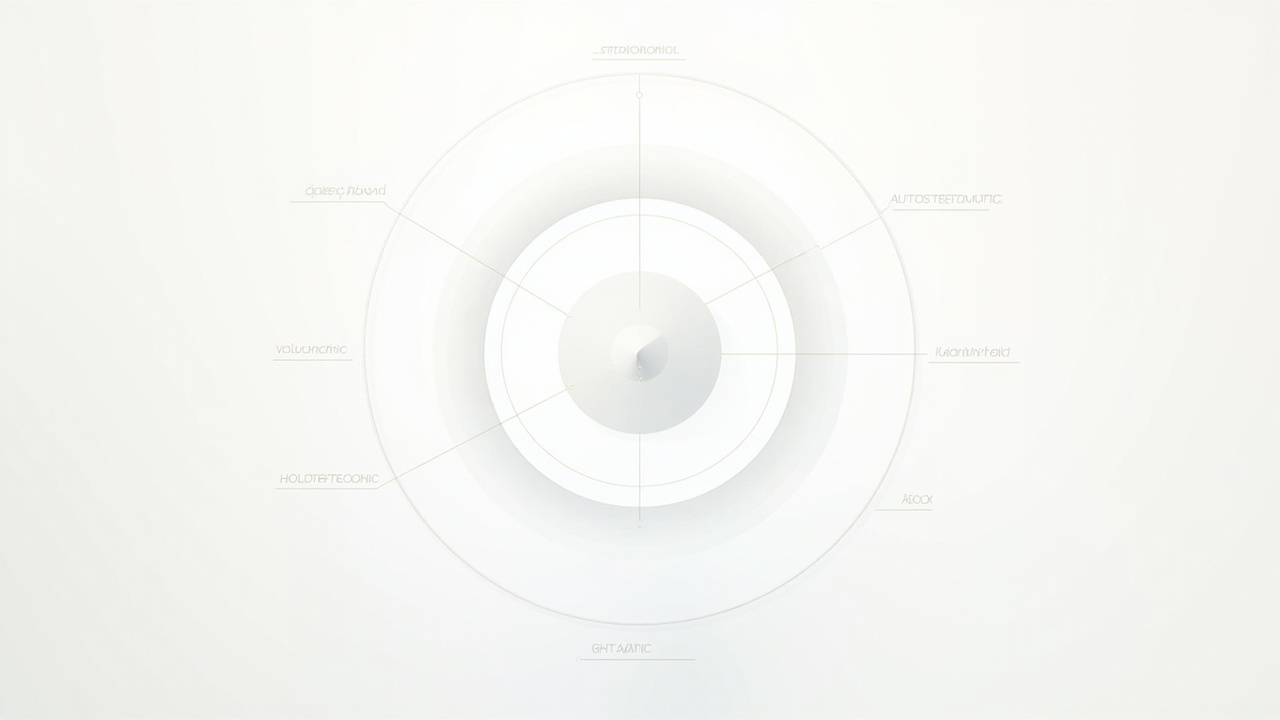
3D is the family; stereoscopic is the most common method used to create depth.
This short guide unpacks that relationship, shows where glasses-free “autostereoscopic” screens fit, and helps you decide which type of 3D display matches your workflow.
Definitions: what “3D display” actually means
A 3D display is any screen engineered so the viewer perceives depth rather than a flat picture. The category is a family, not a single technology. It includes:
- Stereoscopic 3D, which sends different images to the left and right eye.
- Autostereoscopic 3D, a glasses-free form of stereoscopic that separates views optically.
- Volumetric and light-field displays, which project light into a volume of space rather than relying purely on binocular disparity.
- Holographic-style displays, which recreate wavefront patterns for true 3D light reconstruction (in practice, most commercial products labeled “holographic” use light-field or parallax techniques).
- Head-tracked 2D-plus-depth systems, which simulate depth by adjusting a single 2D view as the viewer moves.
So when someone says “3D display,” they could mean any of the above. The term on its own does not tell you whether glasses are required, how many viewers are supported, or what kind of content the display expects.
Definitions: what “stereoscopic” means and where it fits
Stereoscopic comes from the Greek roots for “solid” and “to see.” A stereoscopic display produces depth by showing each eye a slightly offset view of the same scene. The brain fuses those two views into a single image with perceived depth.
There are two practical sub-families:
- Glasses-based stereoscopic. The two views are separated by eyewear. This includes:
- Anaglyph (red/cyan color filters).
- Polarized glasses (passive, common in theaters).
- Active-shutter glasses that sync with the display.
- Glasses-free stereoscopic (autostereoscopic). The display itself separates the views using optical structures such as a parallax barrier or a lenticular lens array, often combined with eye tracking so the correct view follows the viewer.
Stereoscopic is therefore a delivery method for depth, not a competing category to “3D.” It is one of the most widely used methods in the family because the human visual system already relies on binocular disparity to judge distance in the real world.
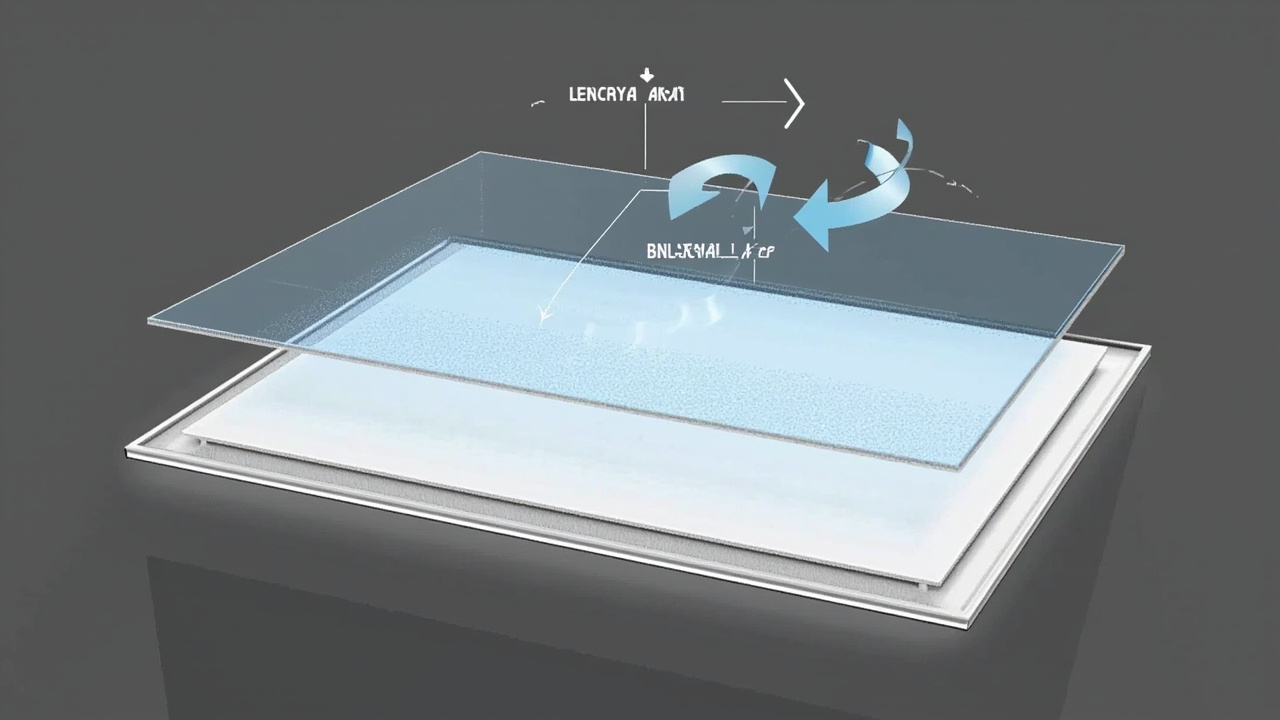
Autostereoscopic screens are still stereoscopic; the view separation is built into the panel.
Where autostereoscopic (glasses-free) fits in
Autostereoscopic literally means “self-stereoscopic,” and it is the glasses-free branch of stereoscopic 3D. Instead of relying on eyewear, the display’s optical layer sends narrow vertical slices of the image toward each eye. Eye tracking (often structured-light based) keeps the sweet spot aligned with the viewer.
A few points worth clarifying:
- Autostereoscopic screens are still stereoscopic. They use the same binocular-disparity principle, just with the view-separation built into the panel.
- Most current professional glasses-free monitors, including eye-tracked “spatial 3D” displays used for CAD review, medical visualization, and microscope workflows, sit in this category.
- Terms like “naked-eye 3D,” “glasses-free 3D,” and “spatial 3D” are common synonyms in marketing copy. From a technical standpoint, they generally describe autostereoscopic displays.
If you want a deeper dive on the optical layer, see the Autostereoscopy explainer. For the broader family view, the Autostereoscopic Display technical explainer shows how these screens sit next to volumetric and holographic approaches.
A simple comparison table
| Aspect | 3D (family term) | Stereoscopic (one method inside the family) |
|---|---|---|
| Scope | Umbrella for every depth-capable display | A specific depth method using two eye views |
| Requires glasses? | Depends on subtype | Depends on subtype (glasses-based or glasses-free) |
| Includes autostereoscopic? | Yes | Yes, it is a glasses-free form of stereoscopic |
| Includes volumetric/light-field? | Yes | No, those are separate branches |
| Typical use cases | Anything that produces depth | 3D movies, VR, glasses-based monitors, glasses-free spatial monitors |
The takeaway: “3D” describes the goal (depth perception), and “stereoscopic” describes one of the most common ways to achieve it.
How to tell which kind of display you are looking at
A few quick checks can usually identify the category:
- Is eyewear required? If yes, it is glasses-based stereoscopic. If no, it is autostereoscopic (or a non-stereoscopic 3D method like volumetric or light-field).
- Does the image shift with head movement? Eye-tracked autostereoscopic displays often have a small camera or sensor bar near the panel. Light-field and volumetric systems can also produce motion parallax without glasses.
- Is it labeled as VR or a headset? Head-mounted displays are stereoscopic by definition, with the views separated by the optics inside the headset.
- Is it a flat monitor that claims “3D” with no glasses? Almost certainly an autostereoscopic display, typically using parallax barrier or lenticular optics.
- Does it project into space (a volumetric cube or “hologram”)? That is a different branch of the family and not stereoscopic.
Which workflows favor which approach
Different depth methods suit different tasks.
- Glasses-based stereoscopic (passive polarized or active shutter). Works well for shared viewing where many people wear the same eyewear, such as 3D theaters, training rooms, and some legacy clinical review setups. Eyewear adds cost, hygiene steps, and comfort considerations.
- Glasses-free autostereoscopic monitors. A natural fit for individual or small-team review at a desk: CAD review, medical imaging readouts, industrial inspection, microscope collaboration, and design sessions. The tradeoffs are sweet-spot size, viewer count, and content-pipeline requirements.
- VR headsets. Strong when full immersion matters and the user accepts wearing a headset, for example in surgical simulation or interactive training.
- Volumetric and light-field displays. Useful where true parallax from many angles is the priority, though they remain niche and often expensive.
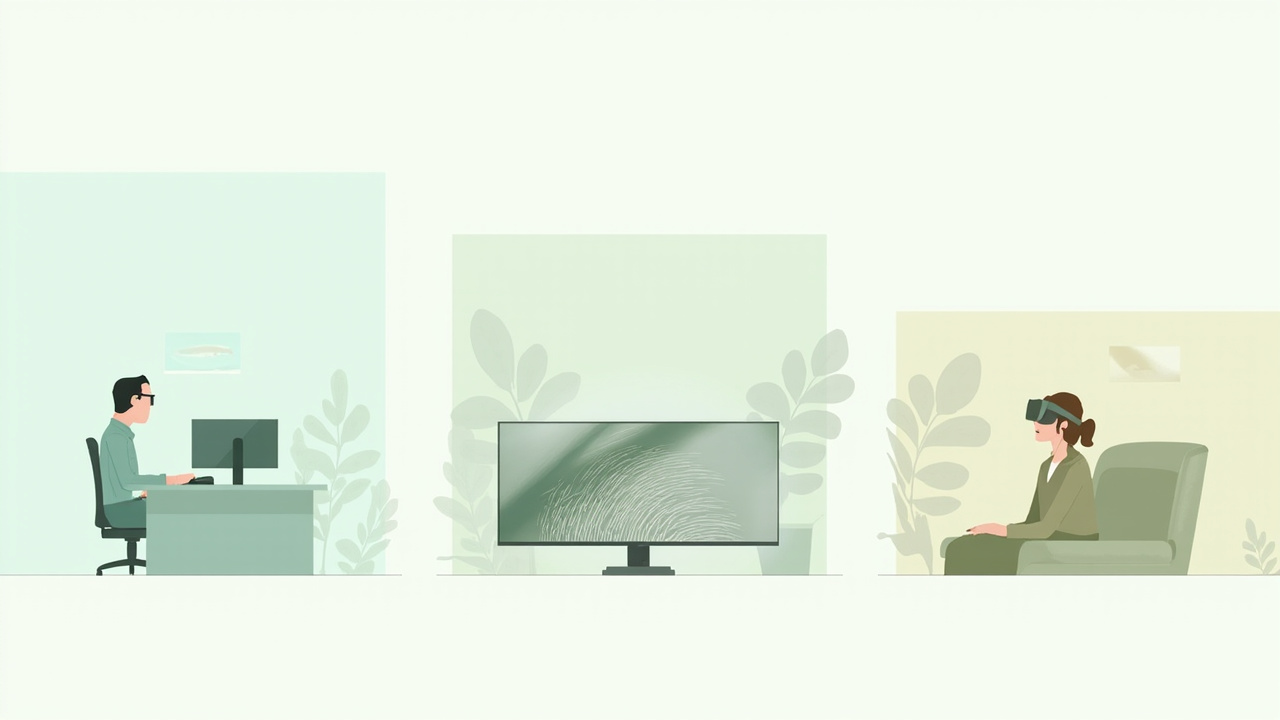
Different stereoscopic delivery methods fit different review workflows.
If your team prefers a monitor-style workflow, glasses-free autostereoscopic is usually the most practical branch of the 3D family. If you need to share a 3D experience with a larger audience simultaneously, glasses-based stereoscopic is still the most accessible route.
Common points of confusion
A handful of terms are easy to mix up.
- 3D vs stereoscopic. 3D is the family; stereoscopic is the most common technique inside it.
- Autostereoscopic vs holographic. Autostereoscopic is still stereoscopic, using binocular views. “Holographic” in consumer marketing usually refers to a light-field or pseudo-holographic effect, not a true wavefront reconstruction.
- Spatial 3D vs VR. Both can be stereoscopic, but spatial 3D typically means a glasses-free monitor-style display, while VR means a head-mounted display.
- Parallax barrier vs lenticular. Both are autostereoscopic optical layers; parallax barrier uses a precision slit mask, lenticular uses an array of tiny lenses.
Limitations to keep in mind
No depth technology is perfect. Worth knowing before you buy or specify:
- Sweet spot and viewer count. Autostereoscopic displays usually have a limited number of tracked viewing zones. Moving outside the sweet spot reduces or breaks the 3D effect.
- Content pipeline. Stereoscopic displays expect stereo content (for example, side-by-side or multi-view renders). Ordinary 2D sources still display, just without depth.
- Resolution tradeoffs. Splitting pixels between left and right views, or across multiple viewpoints, reduces the effective per-eye resolution compared with a 2D monitor of the same panel.
- Brightness and crosstalk. Optical layers and eyewear can dim the image or let a little of the opposite view bleed through, which softens the depth effect.
- Price and availability vary. Niche methods such as volumetric and light-field displays can carry a significant premium and limited supply, while mainstream stereoscopic monitors range widely depending on size and tracking features.
Next steps and related reading
- New to the family? Start with What Is A Three Dimensional Display Called for naming conventions.
- Want the stereoscopic method in depth? Read Stereoscopic Displays: Technical Explainer.
- Comparing glasses-free options? See 3D Without Glasses: Technical Explainer and Spatial 3D Display: Technical Explainer.
- Choosing hardware? The buyer guide How to Choose Stereoscopic 3D Monitor and the How to Choose Stereoscopic Display 3D Monitor guide walk through the practical selection criteria.
For a broader view of where glasses-free monitors sit relative to other display types, the Autostereoscopic Display technical explainer maps the full 3D display family tree.
Ready to explore 3D displays?
Browse our detailed comparisons and buying guides to find the right spatial display for your workflow.
View Best 3D MonitorsDisclosure: This article is part of 3DMonitor.net's educational content. Product recommendations are based on research and may contain affiliate links. See our full disclosure.