Stereoscopic Animation: Technical Explainer
An objective technical explainer on stereoscopic animation, covering left/right view creation, delivery formats, glasses-free display fit, and authoring workflow considerations for professional 3D review teams.
Stereoscopic Animation: Technical Explainer
Stereoscopic animation is the practice of producing moving visual content that carries separate left-eye and right-eye views, so a viewer perceives depth rather than a flat picture. In professional review workflows, it is the content layer that connects ordinary 3D authoring tools to glasses-free 3D displays, stereoscopic monitors, and headset-based review stations. Understanding how stereoscopic animation is built, formatted, and consumed helps teams decide whether their existing pipelines can deliver the depth effect their audience expects.
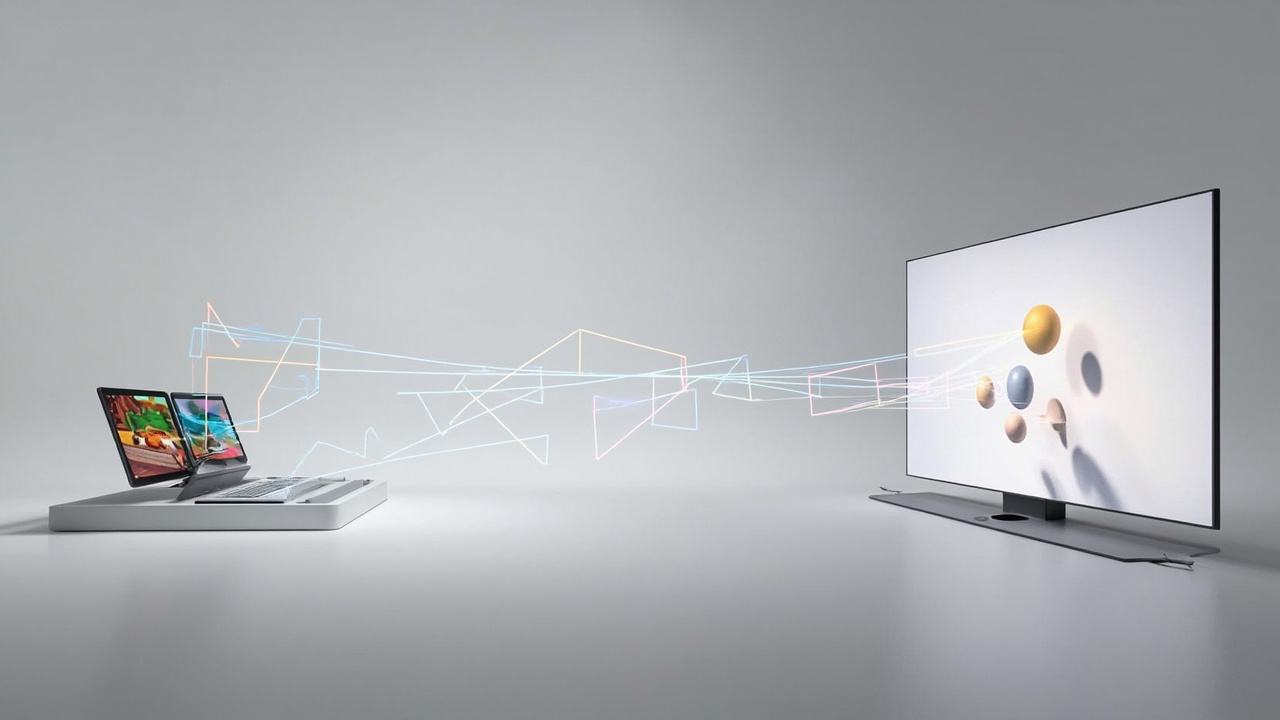
Stereoscopic animation delivers separate left and right views that are fused into depth at the display stage.
What stereoscopic animation is
Stereoscopic animation is animation rendered or composited as a pair of perspective views that approximate the horizontal offset between a viewer’s eyes. When both views are presented simultaneously and routed to the correct eye, the visual system fuses them into a single scene with binocular depth cues such as parallax and relative positioning.
The term is often used interchangeably with “stereo animation” or “3D animation,” but in a technical context it usually implies:
- Two distinct viewpoint images per frame, rather than a single monoscopic render.
- A delivery format that preserves the left/right separation until the final display stage.
- A display or viewing method that can present the correct view to each eye, whether through glasses, head-tracking, or a glasses-free optical layer.
It is important not to confuse stereoscopic animation with related but distinct concepts. A “3D animation” in everyday usage may simply mean a computer-animated 3D scene rendered to a flat 2D image sequence. Stereoscopic animation specifically requires the second view.
How stereoscopic animation works
The depth effect depends on three coordinated stages: view generation, view routing, and view presentation.
View generation produces two image streams that share the same scene, camera, and timing but differ in horizontal camera offset. The offset is typically expressed as an interaxial distance and a convergence or zero parallax setting. Most engines use either a real stereo camera rig inside the 3D scene or a post-process pass that reprojects a single rendered frame.
View routing preserves the left/right separation through the pipeline. The two views are packaged in a container or signal that the downstream renderer, player, or display can split again. If the two views are flattened into a single image too early, depth information is lost and the result looks like an ordinary 2D animation.
View presentation directs each view to the correct eye. This is where stereoscopic animation splits into several consumer paths:
- Anaglyph and polarized glasses pair the two views through color or polarization filters.
- Active shutter and passive polarized 3D monitors do the same on a frame-sequential or interlaced basis.
- Autostereoscopic displays such as the category covered in the Autostereoscopy: Technical Explainer article use a microlens or parallax barrier layer, often combined with eye tracking, to send each view to the correct eye without eyewear.
A practical example is a CAD assembly flythrough. The same 3D scene is rendered twice with cameras offset by a few centimeters. If the output is preserved as side-by-side frames and sent to a glasses-free 3D display, the assembly appears to sit in front of, behind, or at the surface of the screen rather than flat on it.
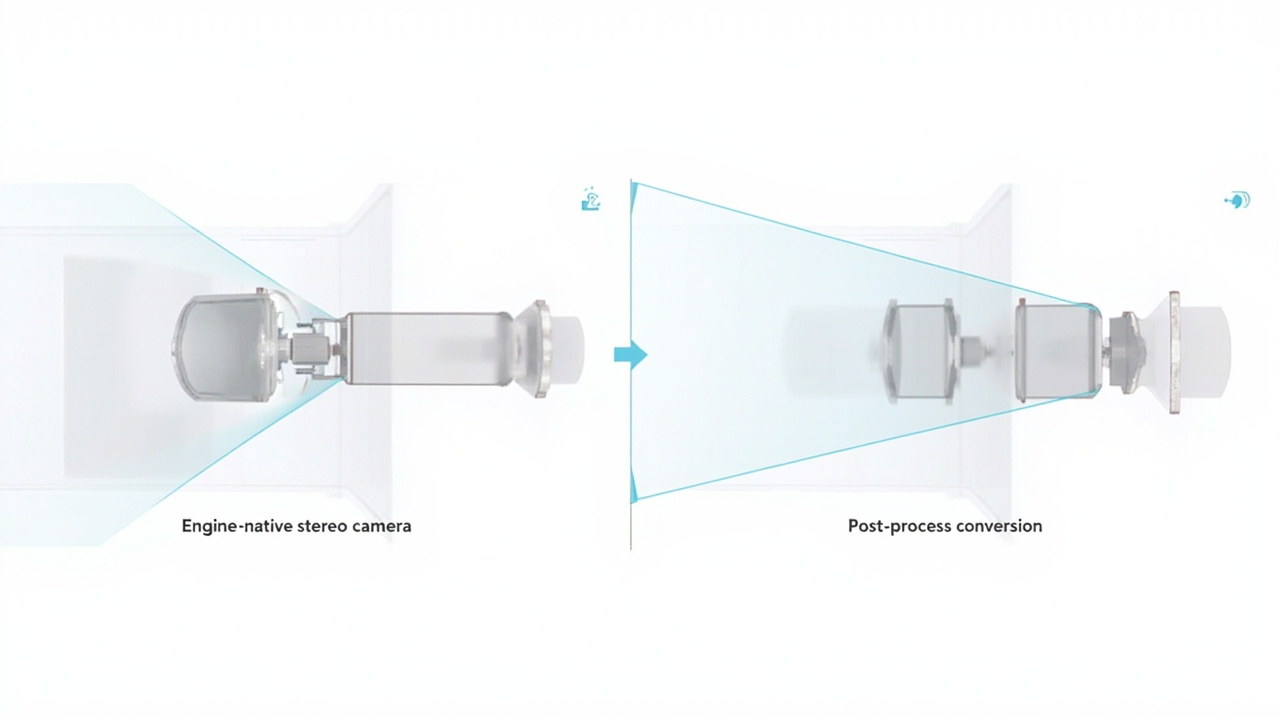
Engine-native stereo cameras and post-process conversion differ in fidelity, cost, and artifact risk.
Animation authoring approaches
Teams producing stereoscopic animation usually choose between two broad authoring paths.
Engine-native stereo cameras render both views directly inside the 3D application. Tools such as Unity, Unreal Engine, Blender, Maya, and various CAD viewers offer stereo camera rigs or stereo output modes. This path is generally the most faithful because geometry, lighting, and effects are evaluated per eye and stereoscopic-specific corrections can be applied during render.
Post-process stereo conversion takes a single monoscopic render and synthesizes a second view. Methods range from simple horizontal offset and depth-shift approximations to learned depth-estimation pipelines that reproject the original frame. Post-process conversion is faster and cheaper, but it can introduce edge artifacts, incorrect occlusion, and “cardboard” depth when the source does not contain reliable depth information.
A few practical authoring considerations apply to both paths:
- Interaxial distance and convergence should be chosen for the content scale. Macro and product scenes often need smaller interaxial values than architectural or landscape scenes to avoid exaggerated depth.
- Floating elements, text overlays, and UI elements need special attention. Items that sit at the convergence plane will appear flat, while items far in front of or behind it can produce uncomfortable vergence.
- Motion in depth, not just motion across the screen, has a strong effect on viewer comfort. Aggressive forward motion is a common source of discomfort.
Delivery formats and pipelines
Once two views are produced, they must be packaged for the consumer. Common formats include:
- Side-by-side (SBS) and over-under, where the two views share a single image with half the horizontal or vertical resolution per eye.
- Frame-sequential streams, where left and right views alternate in time, often used with active 3D monitors.
- Stereo-aware containers and players that carry two distinct image tracks or layers.
For professional review, the SBS family is the most widely supported because it works across ordinary media players, web-based viewers, and glasses-free 3D displays that expect a combined stereo image. The trade-off is reduced per-eye resolution, since each eye sees only half of the source frame.
The pipeline matters as much as the format. A common mistake is converting stereoscopic animation to a flattened single-view video during editing, export, or upload, which destroys the depth information before it ever reaches a display. Teams that intend to consume the content on glasses-free 3D hardware should verify that each step in their pipeline preserves the stereo separation until the final output stage.
Workflow fit for glasses-free 3D displays
Glasses-free 3D displays, also called autostereoscopic displays, are a particularly important consumer of stereoscopic animation because they remove the need for eyewear during review. The relevant workflow considerations are described in the Spatial 3D Display: Technical Explainer and the 3D Without Glasses: Technical Explainer articles.
For teams evaluating this workflow, a few practical points stand out:
- Stereo input is required. The display cannot recover depth from an ordinary 2D animation, so the authoring pipeline must output a stereo format.
- Eye tracking changes the optimal viewing zone. Content that works on a fixed multi-view display may need slight re-tuning for an eye-tracked display that follows the viewer.
- 2D/3D switching is useful when the same workstation is used for ordinary office work. Animation that is delivered as a stereo source can be displayed flat when the 3D mode is not active.
Buyer-facing guidance on selecting a display for stereoscopic content is covered in the How to Choose Stereoscopic 3D Monitor article.
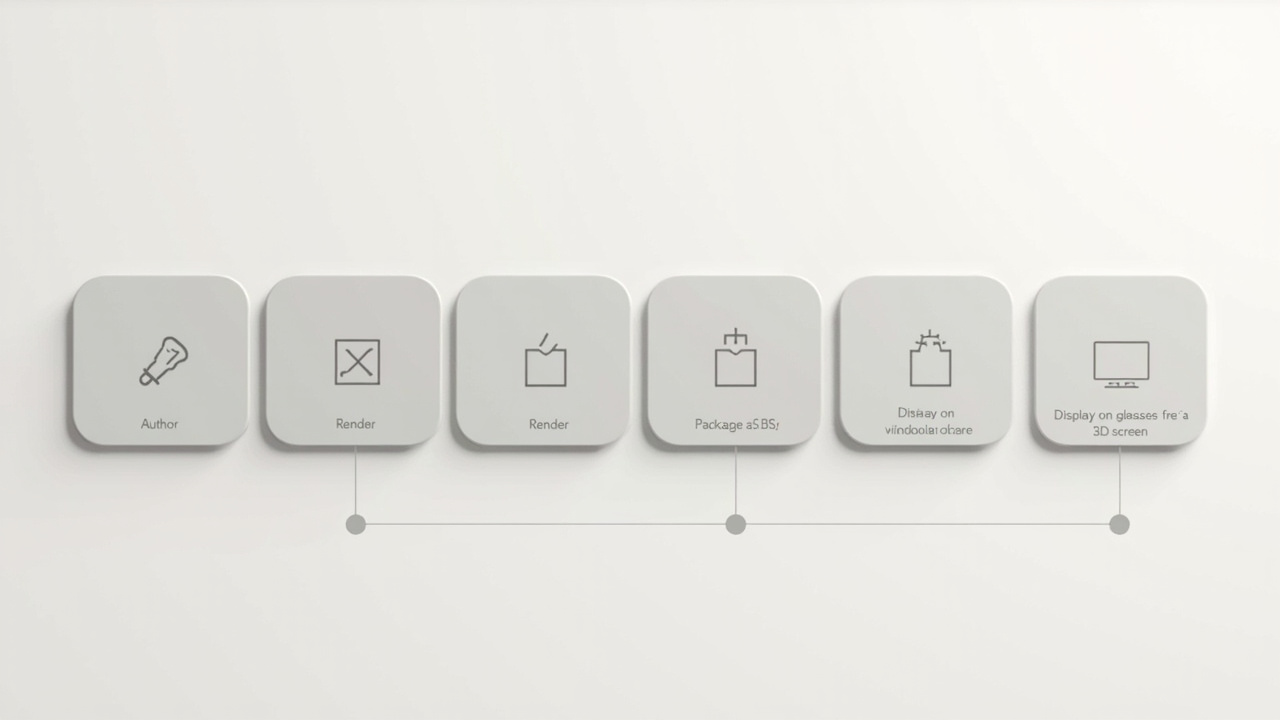
A stereo-aware pipeline preserves left/right separation from authoring through delivery to the display.
Limitations and common pitfalls
Stereoscopic animation introduces constraints that do not exist for ordinary animation. Key limitations include:
- Viewer comfort. Strong depth, fast motion in depth, and large interaxial offsets can cause eye strain or discomfort, especially during long review sessions.
- Resolution cost. Most delivery formats give each eye roughly half the source resolution, so the perceived sharpness of stereo content is lower than the source frame would suggest.
- Tooling coverage. Not every animation tool, render farm, or editing suite preserves stereo end to end. A pipeline that mixes stereo-aware and stereo-unaware steps will silently flatten content.
- Single-viewer constraints. Many glasses-free 3D displays are optimized for one primary viewer at a time. Animation that is designed for a collaborative audience may need additional design choices around seating and content pacing.
Next steps for evaluation
Teams considering stereoscopic animation as part of a review or demonstration workflow can take a structured approach:
- Audit a representative sample of existing animations to see which already contain stereo output, which can be re-rendered with a stereo camera, and which would require conversion.
- Pilot a short SBS animation on the target display class before committing to a full pipeline rebuild.
- Define authoring conventions for interaxial distance, convergence, motion in depth, and UI placement so content stays consistent across contributors.
- Confirm that editing, review, and distribution tools preserve the stereo layer end to end.
For buyers connecting this content to hardware decisions, the Autostereoscopic Display: Technical Explainer provides a wider view of the display family, while the stereoscopic monitor buyer guide linked above helps translate animation requirements into display selection criteria.
Ready to explore 3D displays?
Browse our detailed comparisons and buying guides to find the right spatial display for your workflow.
View Best 3D MonitorsDisclosure: This article is part of 3DMonitor.net's educational content. Product recommendations are based on research and may contain affiliate links. See our full disclosure.