How to Choose a 32-Inch 3D Monitor
A buyer-guide-style overview of what to evaluate when choosing a 32-inch 3D monitor, including glasses-free versus stereoscopic tradeoffs, panel specs, viewer ergonomics, and workflow fit.
How We Chose
Editorial recommendations are organized by reader intent, workflow fit, supplied evidence, and clearly stated limitations. Product-specific details require source verification.
How to Choose a 32-Inch 3D Monitor
A 32-inch screen is a popular size for a 3D monitor because it balances desktop footprint with enough surface area for comfortable stereo viewing. This buyer-guide-style article walks through what to evaluate before choosing one, with a focus on glasses-free and other spatial display approaches where the source bundle supports it. Specific brand specs, prices, and certifications are not invented here; instead, the guide frames the decisions a buyer needs to make and points to where evidence is still needed.
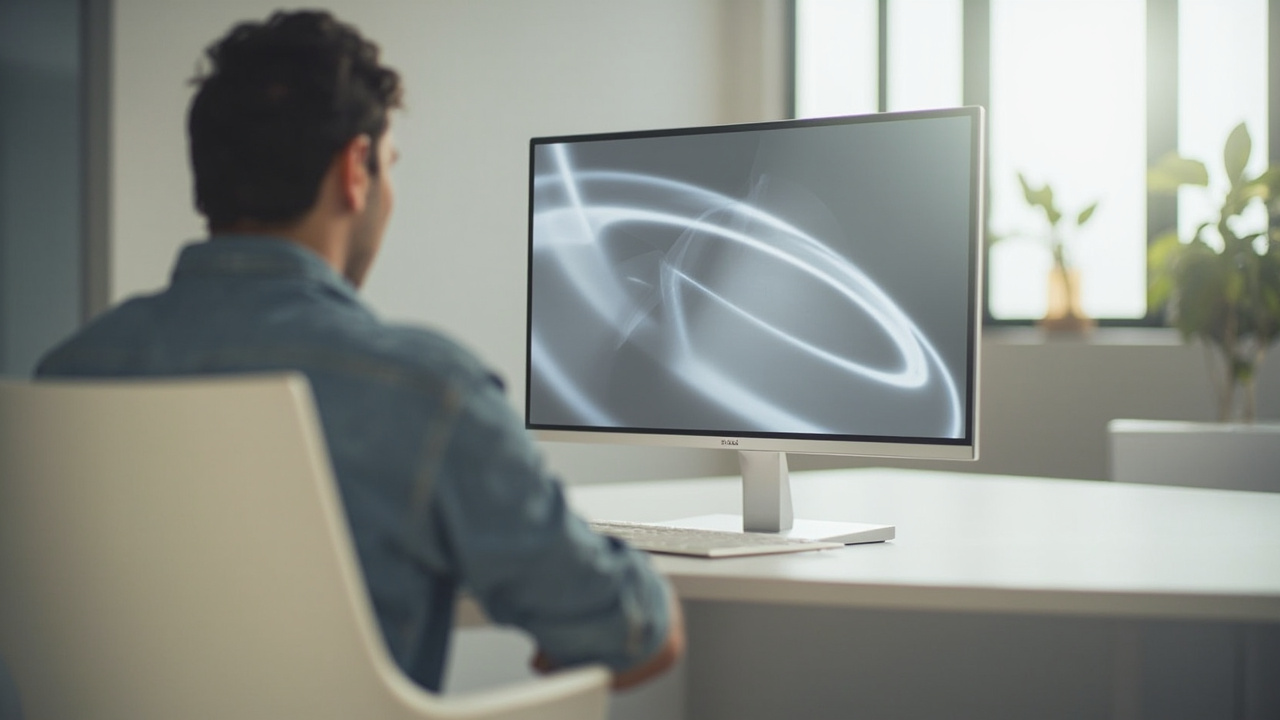
A 32-inch screen size is a common choice for a 3D monitor because it allows comfortable stereo viewing at desk distance.
What “32-inch 3D monitor” usually means
Searches for a “32-inch 3D monitor” can cover several very different products. Buyers typically encounter at least three categories, and the right choice depends on which one matches the intended workflow.
- Glasses-free 3D monitors that rely on autostereoscopic optics (parallax barrier or lenticular lens layers) and eye tracking to deliver left- and right-eye views without headgear.
- Stereoscopic 3D monitors that require active shutter or polarized glasses to fuse separate left- and right-eye images.
- VR-style monitor replacements or head-mounted displays that are sometimes marketed alongside 32-inch monitor comparisons but are not really monitors at all.
The first two are the most relevant categories for a buyer comparing 32-inch 3D monitors as desktop displays. The third is a different product class and should be filtered out when the goal is a monitor-style workflow.
For background on how each category works, see the Autostereoscopic Display explainer and the Stereoscopic 3D Monitor buying guide.
How 3D is delivered on a 32-inch display
At 32 inches, the delivery mechanism matters as much as the panel itself. Three factors are most influential.
- Optical layer. Glasses-free 3D monitors typically add a parallax barrier or lenticular lens layer in front of the LCD. This affects brightness, viewing angles, and crosstalk, and it is a key reason glasses-free 3D monitors look dimmer than their 2D counterparts.
- Eye tracking. Eye-tracked glasses-free 3D monitors can follow the viewer’s position and adjust the stereo view mapping dynamically. Without tracking, the sweet spot is narrow and multiple viewers may see degraded depth.
- Stereo signal path. A 3D monitor needs the host system to deliver left- and right-eye views. Common paths include side-by-side (SBS) input, dual-input stereo, or content rendered natively by a 3D engine. If the workflow cannot output a stereo signal, the 3D capability of the monitor is wasted.
These concepts are covered in more depth in the Spatial 3D Display explainer.
Panel and image-quality factors that matter at 32 inches
At 32 inches, several standard display specifications influence whether a 3D monitor is pleasant to use for long sessions.
- Resolution. A 32-inch panel typically runs at 4K (3840 × 2160) or similar. Because glasses-free 3D often halves the effective horizontal resolution per eye, native 4K helps keep per-eye images sharp. Specific resolution figures for individual models are not asserted here.
- Refresh rate. Higher refresh rates reduce flicker, which matters more in stereoscopic 3D because each eye effectively sees a higher-frequency image. Exact supported refresh rates vary by model and are not stated.
- Brightness and contrast. The optical layer used in glasses-free 3D reduces apparent brightness. Buyers should weight brightness heavily in a 32-inch glasses-free 3D monitor compared with a non-3D 32-inch monitor.
- Color accuracy. For review workflows such as design or medical imaging, color consistency across 2D and 3D modes is important.
General screen-hardware considerations are summarized in the 3D Display Screen explainer.
Viewer ergonomics, viewing zone, and room fit
A 32-inch monitor is large enough that the physical setup affects the 3D experience significantly.
- Viewing distance. Larger panels push the comfortable viewing distance back. Many buyers find that 32-inch 3D monitors are best at roughly 0.8 to 1.2 meters from the viewer. Specific manufacturer recommendations vary.
- Sweet spot. For glasses-free 3D monitors, the sweet spot can be narrow. Eye-tracked systems widen the practical zone, but seated viewing is still more reliable than standing or leaning.
- Single vs. multiple viewers. Most 32-inch glasses-free 3D monitors are tuned for a single primary viewer. Group viewing tends to favor either a non-tracked autostereoscopic display with compromises or a stereoscopic display with glasses.
- Desk depth. A 32-inch 3D monitor usually needs a deeper desk than a 27-inch display to keep the recommended viewing distance.
Buyers planning a dedicated 3D review room or shared viewing station should review the Glasses-Free 3D workflow tradeoffs article before committing to a layout.
Workflow and content compatibility
A 32-inch 3D monitor is only useful if the workflow can actually produce stereo content. The most common compatibility considerations are listed below.
- Stereo output from software. 3D modeling tools, medical viewers, and simulation engines that can output side-by-side or dual-input stereo are the best match. Ordinary 2D software cannot be converted into real depth without preparation.
- Content types that work well. SBS video, stereo-ready CAD or DICOM viewers, Unity/Unreal/WebGL pipelines with stereo camera rigs, and pre-rendered stereo assets.
- Content types that may need preparation. Flat 2D images and videos, applications that output a single view, and assets without stereo metadata.
- Host hardware. A discrete GPU helps drive both 4K and stereo output smoothly, especially for CAD and 3D engine workflows.
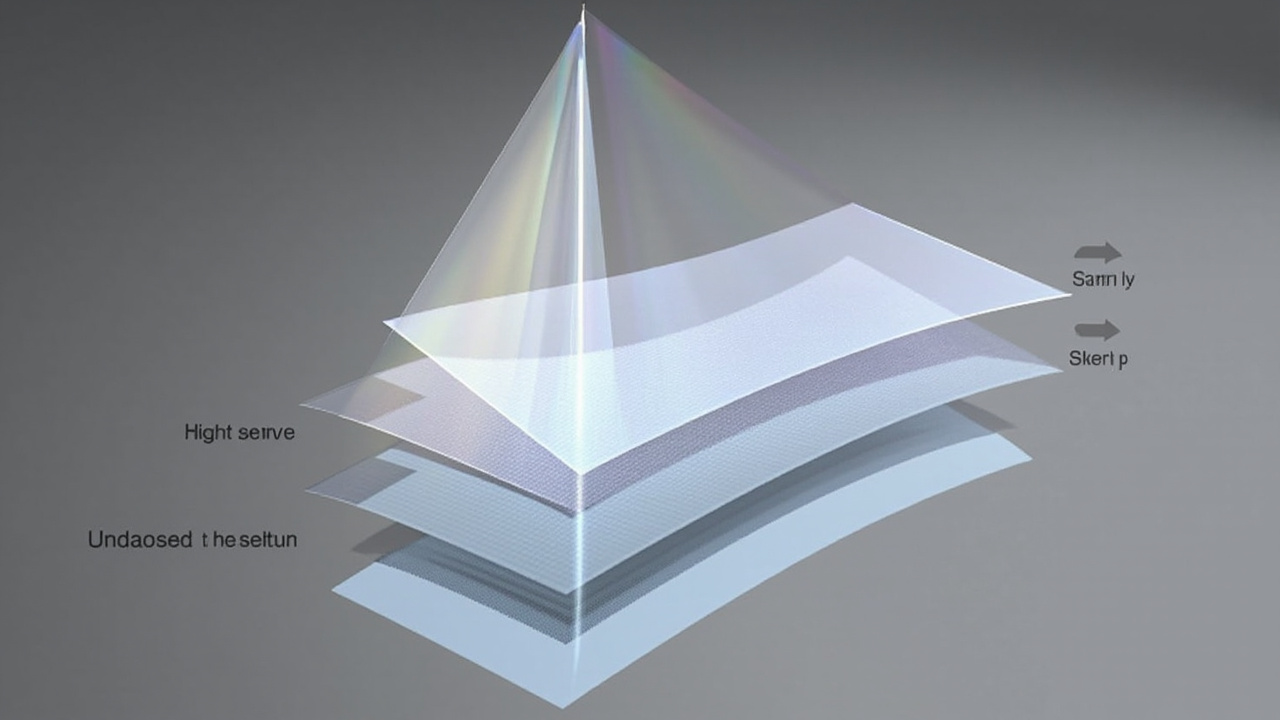
Glasses-free 3D monitors use an optical layer to direct separate left- and right-eye views to the viewer.
Limitations and tradeoffs to weigh
No single 32-inch 3D monitor is right for every buyer. Honest tradeoffs to keep in mind include the following.
- Glasses-free 3D reduces brightness. The optical layer that creates depth also filters light, so a glasses-free 3D monitor looks dimmer than a comparable 2D monitor.
- Resolution is split per eye. Autostereoscopic displays typically allocate horizontal pixels between left and right views. Effective per-eye resolution is lower than the panel spec.
- Narrow viewing zones on non-tracked displays. Without eye tracking, head movement can break the 3D effect or cause crosstalk.
- Stereoscopic displays need glasses. Active or passive glasses add setup, hygiene, and battery considerations for shared or frequent use.
- Content preparation effort. Stereo content must be authored deliberately. Importing flat assets usually does not produce convincing depth.
- Price and availability vary. 32-inch 3D monitors sit in a specialized segment, and current pricing and stock fluctuate. The source bundle does not include verified current prices, so buyers should confirm with the manufacturer or reseller before purchase.
Pre-purchase checklist
A short checklist can keep a 32-inch 3D monitor evaluation focused.
- Confirm whether the goal is glasses-free 3D, stereoscopic 3D, or VR-style; these are different product categories.
- Verify the panel resolution, refresh rate, and brightness, and check how those change between 2D and 3D modes.
- Ask whether the display includes eye tracking and how wide the supported viewing zone is.
- Map the existing software stack against the monitor’s supported stereo input formats (SBS, dual HDMI/DP, native stereo).
- Confirm desk depth and room layout against the manufacturer’s recommended viewing distance.
- Decide whether one primary viewer or multiple viewers is the main use case.
- Check warranty, service, and return terms, since specialized monitors are harder to replace than standard displays.
- Re-verify price, lead time, and availability at the time of order rather than relying on older listings.
Next steps
For a broader purchasing framework that extends beyond 32-inch screens, see the Spatial 3D Display Buying Guide. Buyers who already know they prefer a non-glasses workflow can use the technology explainers linked above to narrow down between parallax-barrier and lenticular autostereoscopic approaches, then validate any specific model against the checklist in this article.
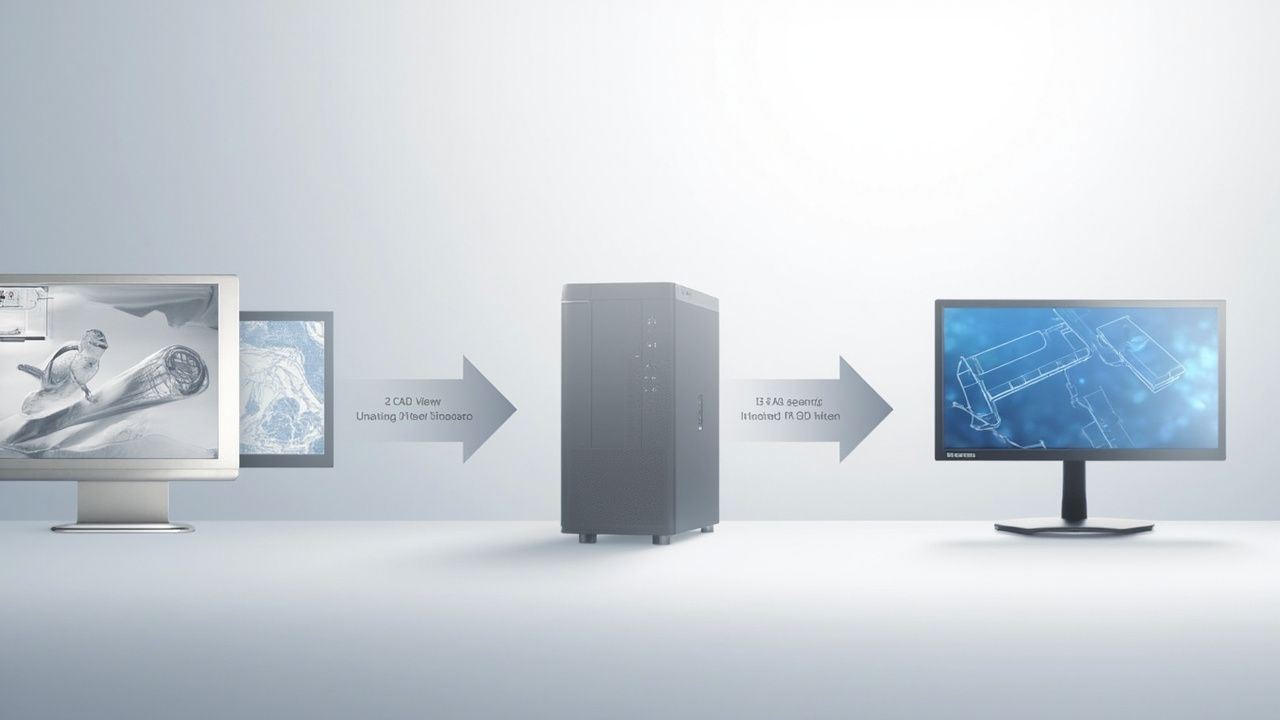
A 32-inch 3D monitor is only useful when the host workflow can output stereo content such as SBS, dual-input, or native stereo.
Ready to explore 3D displays?
Browse our detailed comparisons and buying guides to find the right spatial display for your workflow.
View Best 3D MonitorsDisclosure: 3DMonitor.net's best lists are editorially independent. We may earn affiliate commissions on qualifying purchases. Rankings are based on hands-on testing, specifications, and expert assessment. Full disclosure.