Spatial 3D Display Software Workflow and Compatibility Guide
Practical guide to spatial 3D display software: how content pipelines, stereo formats, and viewer tools determine what actually works on a glasses-free 3D workflow.
Spatial 3D Display Software Workflow and Compatibility Guide
Buyers searching for spatial 3D display software usually already know the hardware category. The harder question is what runs on it, what content reaches it in stereo, and where the pipeline breaks before anything ever appears on screen. This guide walks through the software layer of a glasses-free 3D workflow in practical terms, grounded in the way autostereoscopic spatial displays actually consume content.
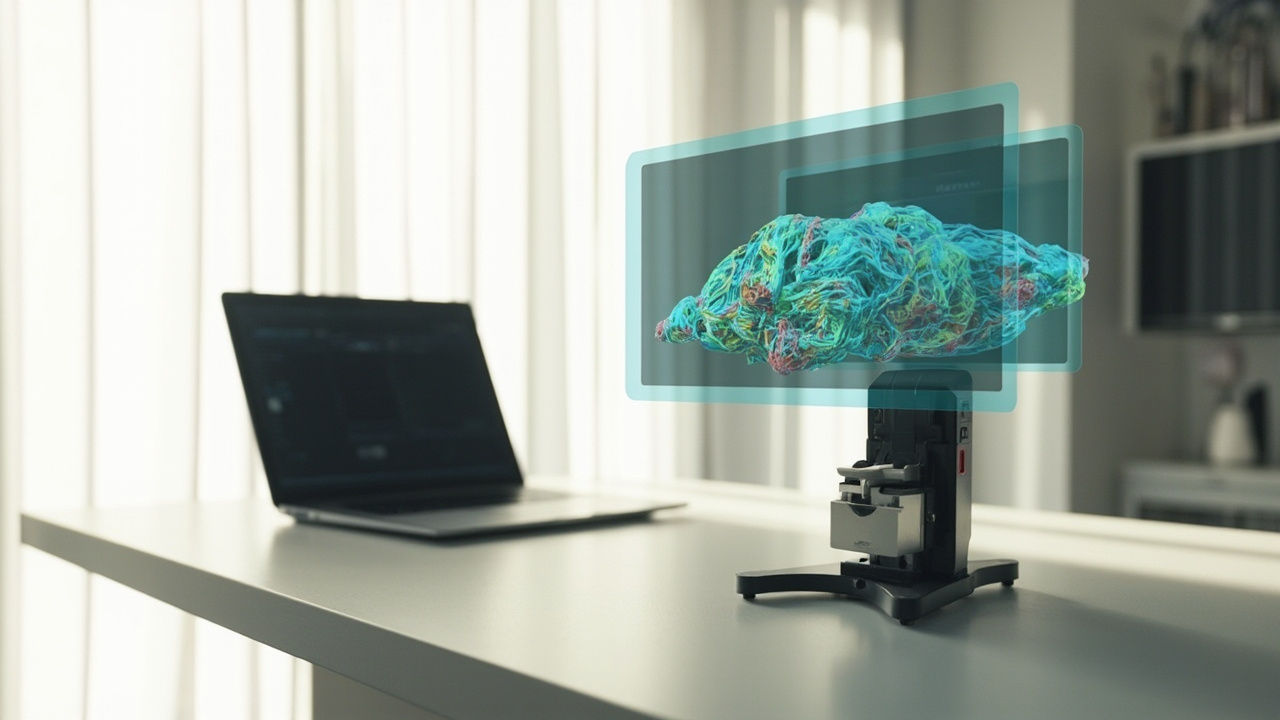
A spatial 3D display sits next to a viewer application that feeds it stereo content
What “spatial 3D display software” actually means
There is no single canonical product called spatial 3D display software. The phrase usually refers to the combined layer of:
- Content authoring tools that produce 3D models, stereo renders, medical volumes, or CAD data.
- Viewers, players, and plug-ins that output that content in a stereo or depth-aware format the display can route.
- Display-side firmware and configuration utilities that calibrate eye tracking, view mapping, and 2D/3D switching on the monitor itself.
When teams describe a spatial display as “software-driven,” they usually mean the viewer layer is the bottleneck, not the panel. The optics and FPGA pipeline on an autostereoscopic display are largely fixed; what reaches the screen is determined upstream by the software stack feeding it. That is why “will my content work?” is almost always a software question first and a hardware question second.
For background on the display family this software targets, the Spatial 3D Display: Technical Explainer and the Autostereoscopic Display: Technical Explainer set the terminology used here. If the distinction between “3D” and “stereoscopic” is still fuzzy, the What Is The Difference Between 3D And Stereoscopic guide is a useful primer.
The content pipeline a glasses-free 3D workflow depends on
A spatial 3D workflow is a chain, and each link has to hand off the next a stereo or depth-aware signal. A simplified version of that chain:
- Source content — CAD assemblies, DICOM volumes, CT/MRI exports, 3D scans, stereo video, or 3D-ready renders.
- Authoring or capture tool — CAD packages, medical viewers, 3D engines, or capture pipelines.
- Stereo output stage — either a built-in stereo mode (SBS, anaglyph, quad-buffer OpenGL) or a pipeline that bakes a left/right pair.
- Player or viewer — desktop app, browser/WebGL viewer, or a dedicated spatial player.
- Display-side mapping — eye-tracked autostereoscopic routing that places the correct view per eye.
The most common failure mode is not at step 5. It is at step 3: a tool that only exports a flat 2D view. Once content is flattened upstream, no display-side setting can recover the depth. The Autostereoscopy: Technical Explainer covers the eye-tracking and view-mapping that step 5 relies on.
Stereo formats and viewer tools that work today
The software layer is fragmented, but a small set of formats and tool categories covers most real workflows.
Side-by-side (SBS) stereo. The most portable format across the glasses-free 3D ecosystem. SBS content is straightforward to author, route through a media player, and verify on a spatial display. It is the format most commonly used for pre-rendered stereo video, demo reels, and prepared training material.
Stereo camera output in real-time engines. Engines such as Unity and Unreal can render to a stereo camera pair for use with display-side drivers. This is the standard route for interactive 3D applications, simulation content, and visualization work that needs head tracking or live camera control.
WebGL / browser-based viewers. Stereo WebGL viewers let a team publish spatial content through a browser without installing per-workstation software. Performance and view quality depend heavily on the implementation, and not all viewers expose stereo output controls in a useful way.
CAD and 3D model viewers. Native CAD packages and dedicated 3D viewers vary widely in their stereo support. Some ship with a stereo output mode that feeds the display correctly; others export only a single 2D view and need an external pipeline to produce a stereo pair.
Medical and volume viewers. DICOM and CT/MRI viewers for clinical, education, and NDT use are a distinct category. Their value on a spatial display depends on whether the viewer supports volume rendering with a stereo output path, not just standard 2D slice review.
A useful mental model: treat the software stack as a filter. Each tool either preserves depth information end-to-end or it does not. The shorter and more transparent the pipeline, the easier it is to debug when something looks wrong.
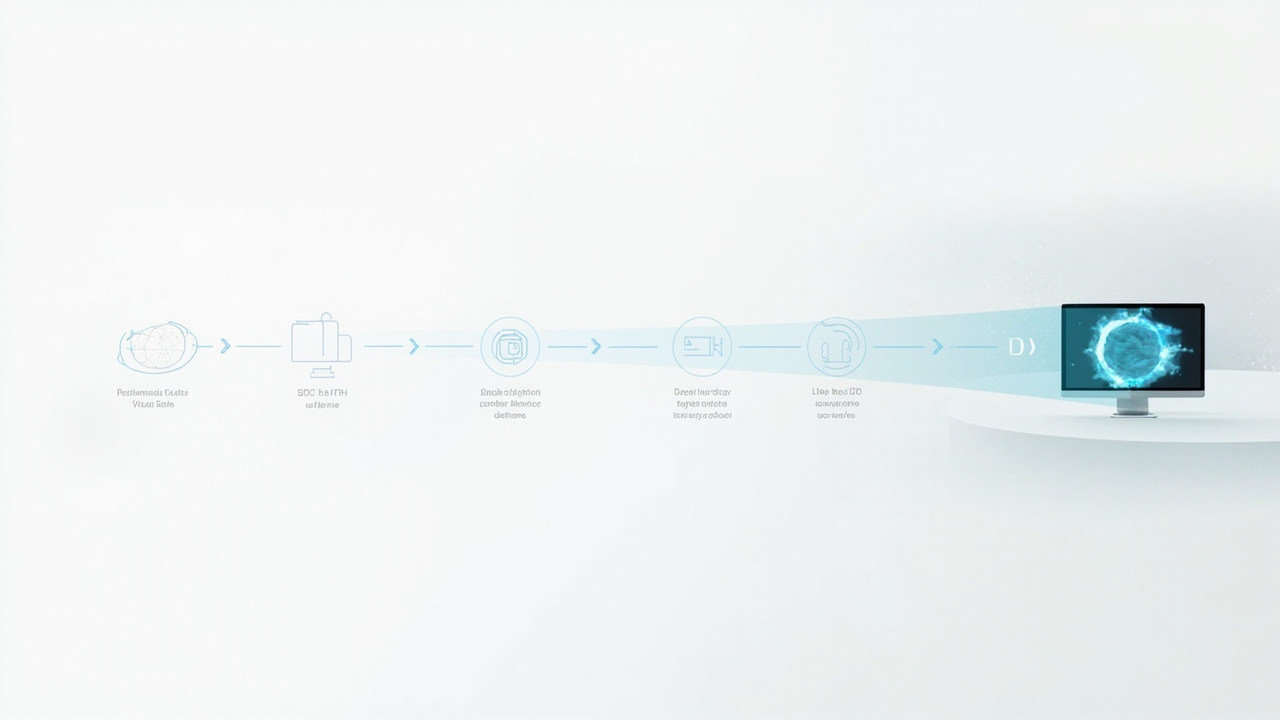
A content pipeline runs from source files through authoring tools, stereo output, and a player before reaching the display
Content types that fit and content types that need prep
The content categories that tend to fit a spatial 3D workflow with minimal preparation:
- Pre-rendered SBS stereo video prepared for review or training.
- CAD assemblies exported through a viewer with stereo output enabled.
- Medical volumes and industrial CT/MRI exports through a DICOM viewer with stereo volume rendering.
- Interactive 3D applications built in Unity or Unreal with a stereo camera rig.
- Stereo-ready WebGL content published for browser-based review.
The categories that usually need preparation before they look right on a spatial display:
- Ordinary 2D video or images — these display correctly as flat content but carry no depth.
- Software that only emits a single 2D render — depth has to be reconstructed or a stereo pair produced elsewhere.
- 3D applications without a stereo camera or SBS export — visually 3D, but not stereo-display-ready without an extra pipeline step.
The rule of thumb: if the source can already produce a left/right pair, a volume render with depth, or a 3D-ready export, the spatial display experience tends to be straightforward. If the source is locked to a single flat view, the team should expect to add a preparation step or accept a 2D review.
Workflow fit by buyer scenario
Different buyer groups hit the software question from different angles.
Medical visualization and education. The binding question is whether the existing DICOM viewer supports stereo volume rendering on a glasses-free display. If yes, the workflow is monitor-style and shareable in a teaching room. If no, the team should expect a custom pipeline or a switch to a viewer that does.
Industrial inspection and NDT. CT and X-ray volume review is a strong fit when the inspection software outputs depth-aware stereo or a 3D-ready export. Flat 2D slice review is the default; spatial review is an upgrade path that depends on viewer support.
CAD and design review. The fit depends on whether the CAD package or a compatible viewer exposes stereo output. Teams should verify this against their current toolchain before assuming any spatial display will “just work” with their assemblies.
Microscope and research review. Glasses-free 3D microscope workflows pair autostereoscopic displays with stereo microscope camera outputs. The software question is whether the microscope system can route a stereo signal to the spatial display rather than a flat capture.
Showrooms and demonstrations. Pre-rendered SBS content, looped stereo reels, and prepared WebGL demos are the lowest-friction routes. They avoid dependency on any live software toolchain during a demonstration.
For a fuller look at how this connects to model selection, the Spatial 3D Display Buying Guide and the How Does 3DV Compare To 2D article address the workflow trade-offs on the buyer side.

A team reviews 3D content directly on a glasses-free 3D display in a meeting room
Limits, uncertainty, and what to verify before buying
Honest limits are part of this picture.
- Viewer support is uneven. Not every CAD package, DICOM viewer, or 3D engine exposes a stereo output path that a glasses-free display can use. Treat any “compatible with 3D” claim as viewer-specific until verified against the actual toolchain in use.
- One viewer, one sweet spot. Autostereoscopic displays are typically tuned for a single primary viewer within an eye-tracking sweet spot. Multi-viewer experiences are not the default workflow.
- 2D vs 3D switching. Some workflow steps (text-heavy UI, dense 2D documentation) are better handled in 2D. A practical workflow alternates modes rather than forcing every task through a 3D view.
- Content prep is real work. Teams with mostly flat 2D content will need a preparation step — a stereo export, a WebGL rebuild, or a viewer upgrade — before a spatial display pays off.
- Format drift. Stereo output methods, drivers, and SDKs change over time. Anything tied to a specific SDK version should be re-checked at procurement time.
What to verify before committing:
- Whether the primary viewer in the current toolchain already supports stereo output to a glasses-free display.
- Whether the content types the team uses daily (CAD assemblies, DICOM volumes, CT exports, stereo video) can be routed through that stereo path.
- Whether the team has the appetite to add a preparation step for content that does not yet have a stereo route.
- Whether the use case is single-viewer review (typical) or multi-viewer demonstration (less common, plan accordingly).
Next steps
If the software layer is the unknown, the practical sequence is:
- Map the current toolchain and flag every tool that only outputs a flat 2D view.
- Identify which of those tools have a stereo or 3D-ready export path, even if it is not the default.
- Run a short pilot with one prepared SBS asset and one native stereo output to confirm the display renders depth as expected.
- Match the result against the workflow scenarios above to decide whether a spatial 3D display is the right fit.
For teams already considering 3DV specifically, the Spatial 3D Display Buying Guide covers model fit, and the technical explainers linked above cover the underlying terminology. No single “spatial 3D display software” product will solve every content pipeline — but the right combination of authoring tool, stereo viewer, and display-side mapping usually does, once the pipeline is mapped honestly.
Ready to explore 3D displays?
Browse our detailed comparisons and buying guides to find the right spatial display for your workflow.
View Best 3D MonitorsDisclosure: This article is part of 3DMonitor.net's educational content. Product recommendations are based on research and may contain affiliate links. See our full disclosure.