How Does 3DV Compare To 2D Displays
An objective comparison of glasses-free 3DV spatial displays versus conventional 2D monitors, covering depth perception, workflow fit, content requirements, and tradeoffs.
What “3DV” and “2D” mean in this comparison
When buyers ask how 3DV compares to 2D, they are usually weighing two different monitor experiences:
- A conventional 2D monitor, the kind most professional workstations already use. A flat panel shows one image to both eyes. Depth cues come only from shading, perspective, motion parallax, and the viewer’s prior knowledge of the scene.
- A 3DV-style glasses-free 3D display, sometimes called an autostereoscopic or “spatial” display. The panel uses optical layering and per-eye view mapping so each eye receives a slightly different image, producing binocular depth without a headset or shutter glasses.
The “2D” in the question is not really a single product. It is the baseline experience of flat-panel computer monitors used for documents, design tools, medical viewers, and engineering software. The “3DV” side refers to a specific category of glasses-free spatial 3D monitors built for professional 3D review workflows.
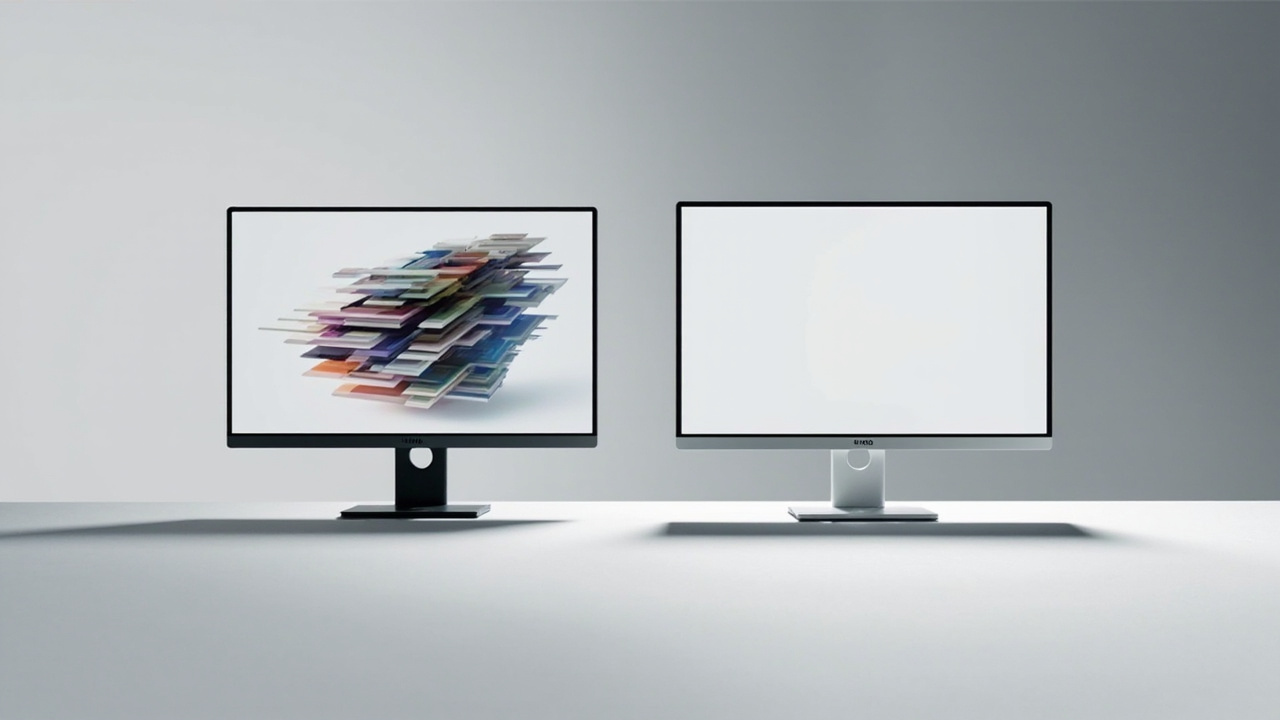
Glasses-free spatial displays add binocular depth to a workflow that already runs on a flat 2D monitor.
A useful way to frame the choice is: a 2D monitor is a general-purpose surface for any visual task, while a glasses-free 3DV display is a specialized review tool for content that already has, or can produce, stereo depth information.
How a 3DV display produces depth without glasses
Glasses-free 3D monitors do not create depth by magic. They rely on a small set of established optical techniques, which the Spatial 3D Display: Technical Explainer covers in detail. The core ingredients are:
- An optical layer over the LCD panel, usually a lenticular lens array or a parallax barrier, that directs different columns of pixels toward different viewing angles.
- Per-eye view mapping, where the left-eye image and the right-eye image are interleaved across the panel so each eye sees only the view intended for it.
- Eye tracking, used in higher-end autostereoscopic systems, that follows the viewer’s head position and updates the view mapping in real time so the sweet spot stays correct as the viewer moves.
- A stereo or multi-view source feed, typically side-by-side (SBS), a stereo camera pair, a 3D engine with stereo output, or a pre-rendered stereo asset.
The result is binocular parallax: each eye receives a slightly different viewpoint, and the brain fuses them into a perception of depth. This is the same depth cue used in natural vision, which is why glasses-free 3D can feel closer to looking at a real object than to looking at a flat screen.
The Autostereoscopy: Technical Explainer and the Autostereoscopic Display: Technical Explainer go deeper into the optical sub-methods if you want the full taxonomy.
What a conventional 2D monitor does well
A standard 2D monitor is not a weak product being replaced. It is a mature, broadly compatible tool that handles the majority of daily computer work extremely well.
Strengths of a conventional 2D display include:
- Universal compatibility with virtually any software, operating system, and content format.
- Sharp text rendering for documents, spreadsheets, code, and long reading sessions.
- Consistent image quality across the whole panel, with no head-tracking or sweet-spot dependency.
- Lower cost per inch than most glasses-free 3D options, and a much wider range of sizes, refresh rates, and panel types.
- Multi-viewer use without configuration, since the same image is visible from any angle.
- Mature color calibration, HDR support, and ergonomic options for long working hours.
For tasks that are inherently flat, like word processing, web browsing, email, most spreadsheets, and many 2D dashboards, a 2D monitor is the correct tool. A glasses-free 3D display does not improve these tasks and may add unnecessary constraints.
Side-by-side comparison: depth, comfort, setup, compatibility
The honest comparison is not “3D good, 2D bad.” It is “different tools for different jobs.” The table below summarizes how the two categories typically differ on the dimensions buyers ask about most.
| Dimension | Conventional 2D monitor | Glasses-free 3DV-style display |
|---|---|---|
| Depth perception | Monocular cues only (shading, perspective, motion) | Binocular depth from per-eye view mapping |
| Eyewear required | None | None (no glasses, no headset) |
| Viewing angle | Wide, image visible from many positions | Narrower sweet spot; eye-tracked models widen it |
| Head movement | No effect on image | Some effect; tracking compensates in better models |
| Content compatibility | Universal, any 2D source | Requires stereo or 3D-ready source content |
| Software setup | Plug and play for almost everything | Often needs a stereo-capable viewer, player, or engine |
| Multi-viewer use | Unlimited, identical view | Often tuned for one primary viewer at a time |
| Text and UI clarity | Excellent for long reading | Usable, but stereo content is the priority |
| Cost | Broad range, generally lower per inch | Specialized, higher per inch |
| Best fit | General productivity, 2D creative work, mixed documents | 3D model review, stereo visualization, spatial inspection |
The glasses-free 3D column is intentionally cautious about specifics because actual performance depends heavily on the exact model, its optical layer, and whether it includes eye tracking.
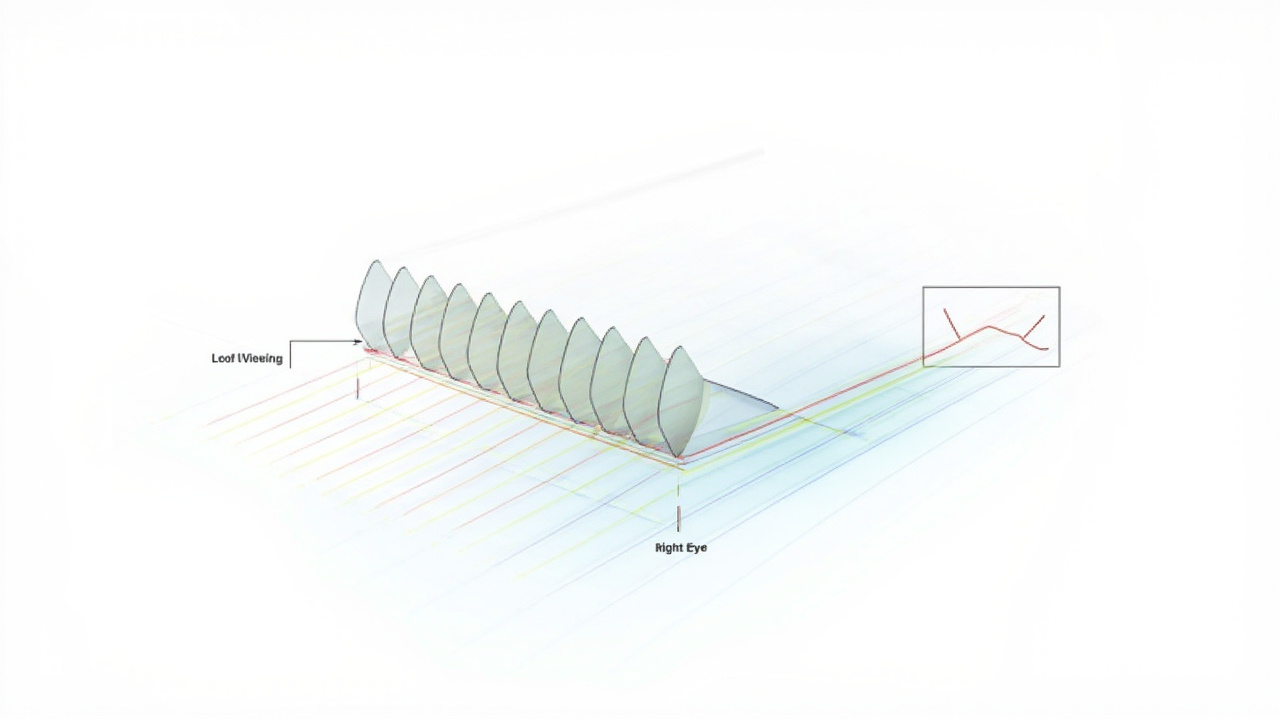
Per-eye view mapping is what gives a glasses-free 3D display its depth without eyewear.
Workflow fit: when 3DV earns its place
A glasses-free 3DV display is not a generic upgrade. It earns its cost in workflows where depth perception materially changes the reviewer’s understanding of the data.
Workflows where buyers commonly report meaningful gains:
- Medical and anatomy visualization, where reviewing volumetric data, anatomical models, or surgical planning assets with real depth helps a clinician or trainee understand spatial relationships.
- Industrial inspection and non-destructive testing (NDT), where reviewers examine CT scans, defect maps, or part internals and benefit from seeing depth without rotating the model manually.
- CAD and product design review, where teams discuss curvature, clearance, assembly fit, and surface transitions that are difficult to judge from orthographic projections alone.
- Microscope and microscopy collaboration, where teams inspect prepared slides, microstructures, or industrial samples in stereo to communicate findings.
- Education and demonstration, where instructors and presenters want the audience to perceive the 3D structure of a specimen, model, or simulation without issuing eyewear.
In each case, the value comes from the viewer being able to see depth the way they would see a physical object, without translating between a 3D model and a flat image. For more on how these workflows operate in practice, the Glasses-Free 3D Collaborative Review Workflow Tradeoffs article is a useful companion read.
Workflow fit: when a 2D monitor is still the right tool
There are also many situations where introducing a glasses-free 3D display adds cost and complexity without a clear return.
A conventional 2D monitor remains the better choice when:
- The primary work is text-heavy, such as writing, editing, coding, data entry, or back-office tasks.
- The source content is fundamentally 2D, such as photography retouching, page layout, 2D illustration, or most video editing on flat footage.
- Multiple people need to view the same screen at the same time from different positions, and the workflow does not support viewer-specific tuning.
- The team has no stereo or 3D-ready content pipeline, and producing one would be a larger project than the review task itself.
- Color accuracy, HDR mastering, or print-soft-proofing is the dominant requirement, since specialized 2D panels dominate this category.
- Budget is constrained and a reliable general-purpose display is the priority.
A common pattern in professional teams is to keep one or more high-quality 2D monitors for everyday work and add a glasses-free 3D display as a dedicated review station for the specific tasks that benefit from depth.
Content and software compatibility considerations
The single biggest practical difference between a 3DV-style display and a 2D monitor is content. A 2D monitor accepts anything the GPU can render to a flat framebuffer. A glasses-free 3D display needs source content that can be split into left-eye and right-eye views, or rendered from a 3D engine with stereo output.
Content types that typically work well on a glasses-free 3D display:
- Side-by-side (SBS) stereo video and stills, including medical and industrial stereo captures.
- CAD and 3D model viewers that can output stereo views.
- Unity, Unreal, WebGL, and custom 3D applications configured for stereo rendering.
- DICOM and medical viewers that support stereo or volume rendering with depth output.
- Pre-rendered stereo assets for product demos, training, and museum exhibits.
Content types that usually need preparation or are not a good fit:
- Ordinary 2D videos and flat images, which have no depth information to show.
- Software that only outputs a single 2D view and offers no stereo mode.
- Web pages, documents, and spreadsheets, where stereoscopic depth adds no information.
- Color-critical grading on flat footage, where the panel’s stereo mode is irrelevant.
Before adopting a glasses-free 3D display, it is worth auditing the actual content your team reviews. If most of it is inherently flat, a better 2D monitor is likely the higher-value purchase.
Limitations and tradeoffs to weigh
No editorial comparison would be complete without naming the honest tradeoffs of the glasses-free 3D side.
- Resolution per eye is typically lower than the panel’s native 2D resolution because the pixels are shared between left and right views.
- The sweet spot is narrower than on a 2D monitor, and viewers who fall outside it may see ghosting or a flat image. Eye-tracked models reduce this issue but rarely eliminate it.
- Viewing comfort varies between individuals. Some viewers find stereo viewing comfortable for long sessions, others experience fatigue, especially with strong depth.
- Multi-viewer support is limited. Most glasses-free 3D monitors are tuned for a single primary viewer, with some models supporting two viewers at fixed positions.
- Content pipelines often need real work. Adopting the hardware is the visible cost; preparing stereo-ready content is the hidden cost.
- Pricing is higher than comparable-size 2D monitors, reflecting the optical layer, eye-tracking hardware where present, and lower production volumes.
These tradeoffs are not disqualifying. They are simply the price of the depth perception the display is designed to provide.
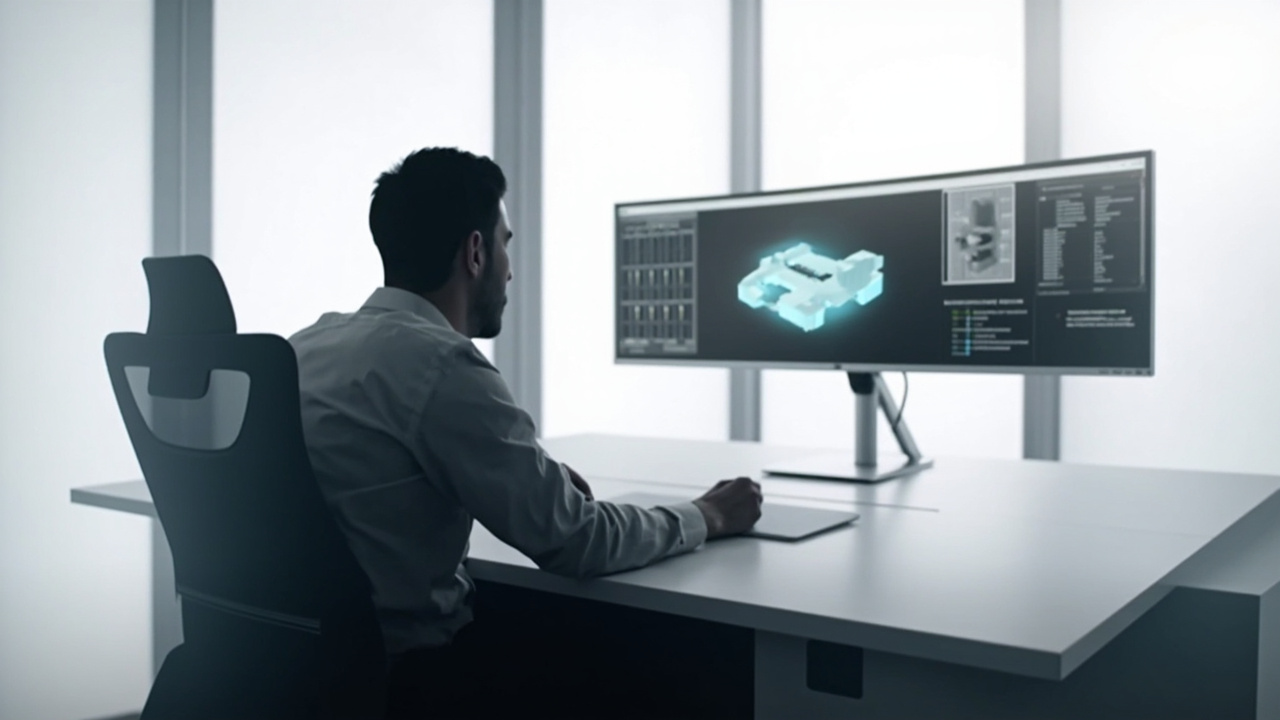
A common deployment pattern: a dedicated 3D review station alongside standard 2D productivity displays.
Next steps before deciding
A clear decision usually comes from answering a few practical questions before buying.
- What is the dominant content type on the screens where depth would help, and can that content be output in stereo or from a 3D engine?
- How many viewers need to see depth simultaneously, and from what positions?
- Will the display be a dedicated review station, or does it need to double as an everyday monitor?
- Is the team prepared to invest in stereo-ready content, or is the priority plug-and-play compatibility?
- Does the workflow require touch interaction, or is a non-touch glasses-free display acceptable?
If most of these answers point toward specialized depth review of stereo or 3D-ready content, a glasses-free 3DV-style display is worth evaluating alongside alternatives such as those covered in the Lenovo 3D Display Alternatives and Workflow Fit comparison and the broader How to Choose Stereoscopic 3D Monitor buyer guide. If they point toward general productivity, color-critical 2D work, or multi-viewer flat-screen use, a better 2D monitor is usually the smarter investment.
For teams still in the exploration phase, the Spatial 3D Display Buying Guide and the Stereoscopic Displays: Technical Explainer provide additional grounding before committing to either path.
Ready to explore 3D displays?
Browse our detailed comparisons and buying guides to find the right spatial display for your workflow.
View Best 3D MonitorsDisclosure: Comparisons on 3DMonitor.net are based on published specifications, hands-on testing where available, and editorial assessment. Affiliate links may be present. Full disclosure.