Leia 3D Monitor Alternatives and Workflow Fit
An objective, third-party comparison guide evaluating where the Leia 3D monitor fits in glasses-free 3D workflows, the selection criteria that matter, and which alternatives buyers should consider.
Leia 3D Monitor Alternatives and Workflow Fit
Buyers researching the Leia 3D monitor are usually trying to answer one practical question: will a glasses-free 3D display fit the way they actually work, and what should they compare it against? This guide is a third-party editorial comparison. It does not represent Leia, any alternative vendor, or 3DV. It is meant to help buyers apply consistent selection criteria before they request a demo or commit budget.
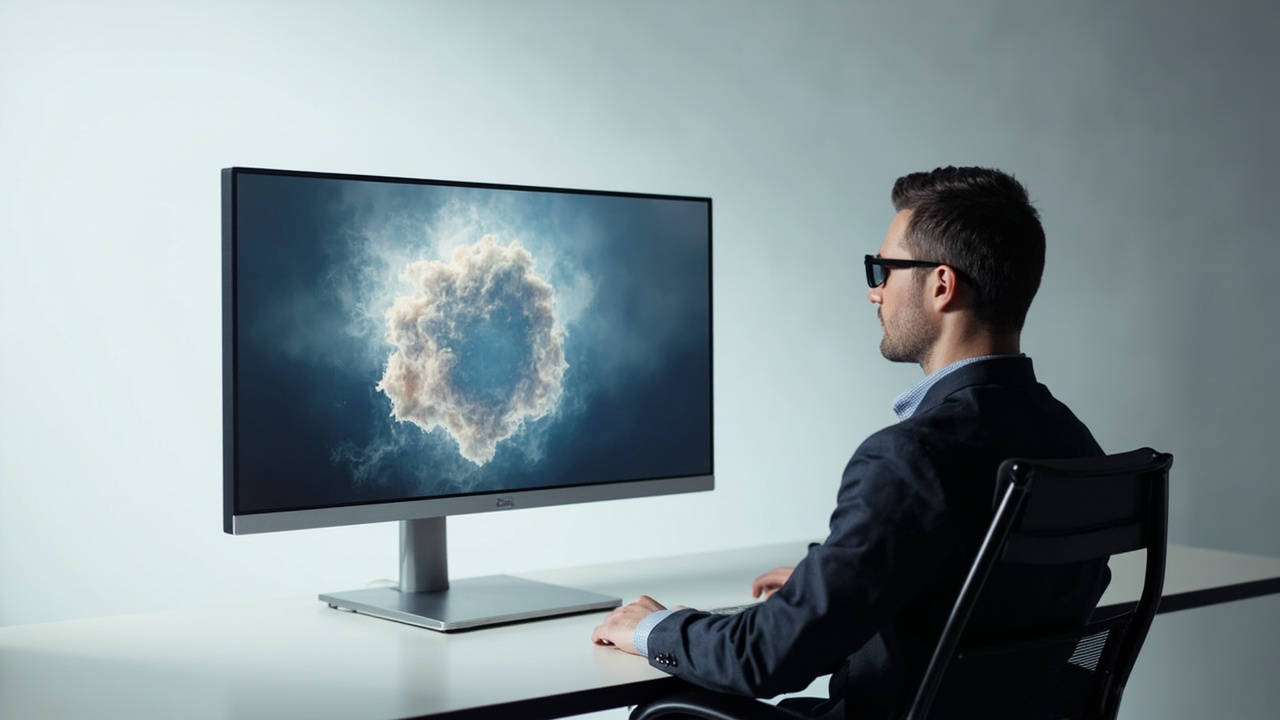
Glasses-free 3D monitors like the Leia 3D monitor keep a monitor-style workflow instead of requiring a headset.
Who this article is for
This article is written for buyers and evaluators who:
- Are considering the Leia 3D monitor as a candidate for a glasses-free 3D review or demonstration setup.
- Want a neutral framework for comparing it against other glasses-free, autostereoscopic, and stereoscopic monitors.
- Need to understand workflow fit before arranging a demo, not after.
If you are new to glasses-free 3D terminology, the 3D Display: Technical Explainer and the Autostereoscopic Display: Technical Explainer are useful starting points. Buyers specifically focused on Leia-style viewing should also review the Naked-Eye 3D: Technical Explainer to keep vendor terminology in context.
Selection criteria buyers should apply to any glasses-free 3D monitor
Before comparing specific products, it helps to fix the criteria. Most buyers evaluating the Leia 3D monitor end up weighing the same handful of variables, even when the marketing language differs.
1. Viewing method
Confirm whether a candidate display is:
- Eye-tracked autostereoscopic – the display follows the viewer and renders stereo views per eye, usually supporting a small number of viewers with limited head movement.
- Multi-view autostereoscopic – the display projects several views simultaneously so multiple viewers can see 3D from different angles, sometimes with reduced per-view resolution.
- Glasses-required stereoscopic – still 3D, but requires active or passive glasses; not the same purchase as a glasses-free monitor.
The Leia product line has historically been associated with diffractive light-field backlighting, which is distinct from parallax-barrier or lenticular approaches. Buyers should ask vendors which sub-method is used, how many simultaneous views are supported, and what the recommended viewing distance and head-tracking box look like.
2. Source-content compatibility
A glasses-free monitor is only as useful as the content you can feed it. The questions that matter:
- Does the display accept side-by-side (SBS) stereo input from existing tools?
- Does it work with your existing 3D engine output (Unity, Unreal, WebGL, custom OpenGL/Vulkan pipelines)?
- Can it handle medical or industrial 3D exports (DICOM volumes, surface meshes, CT slices) directly, or do you need an intermediate converter?
- Does it switch between 2D and 3D modes, and how disruptive is the switch for daily work?
The Stereoscopic Display Software Workflow and Compatibility Guide walks through these compatibility questions in more depth.
3. Viewer count and collaboration model
Single-user eye-tracked displays tend to optimize for one primary viewer at a time. If your workflow involves a reviewer pointing at features while a colleague watches, ask how the display handles a second viewer and whether the stereo image collapses gracefully when more than one person leans in.
4. Form factor and use case
Glasses-free monitors are not interchangeable. Common form factors include:
- Compact tablet-class screens for portable demos.
- Mid-size desktop monitors (roughly 15–27 inch) for engineering and review desks.
- Large-format displays (32 inch and up) for shared review, lab, and showroom environments.
Each form factor implies a different default workflow. Buyers should match the form factor to the room and to the dominant use case rather than picking the largest screen available.
5. Software stack and ecosystem
Vendor SDKs, player applications, and reference integrations vary widely. Confirm whether the vendor provides an SDK, a player application, or both, and whether your existing software already targets the same rendering path. Ask for documentation on color management, latency, and frame-rate expectations before assuming the display will drop into your current pipeline.
6. Support, warranty, and roadmap
Glasses-free 3D displays are still a specialized category. Vendor stability matters. Buyers should ask about warranty terms, expected product lifecycle, and whether the SDK and firmware will continue to receive updates.
How the Leia 3D monitor approaches glasses-free 3D
The Leia 3D monitor is positioned around a light-field-style backlight that enables glasses-free 3D on an LCD panel. For buyers, the practical implications are:
- No glasses required. The display delivers stereo views without active or passive eyewear.
- Display panel rather than headset. Buyers keep a monitor-style workflow, which is often easier to integrate into existing review and demonstration rooms.
- Vendor-defined viewing sweet spot. Like other eye-tracked and light-field monitors, the stereo image is best within a defined head-tracking zone; performance outside that zone can degrade.
Because the publicly verifiable specifications change over time, this article intentionally avoids quoting specific resolution numbers, refresh rates, brightness, or price points for the Leia 3D monitor. Buyers should pull the current spec sheet directly from the vendor and verify against their own content pipeline.
For terminology context, the Glasses-Free 3D Collaborative Review Workflow Tradeoffs article discusses how light-field and lenticular approaches differ when multiple people need to see the screen at once.
Workflow fit: where a Leia-style monitor tends to work
A glasses-free monitor in the Leia family is generally a better fit when:
- The primary viewer is one person at a time. A reviewer can sit at the sweet spot and inspect depth accurately.
- The content already supports stereo output. SBS exports from medical visualization tools, engineering review tools, or 3D engines will usually display correctly.
- The room is a controlled lighting environment. Glasses-free monitors vary in their tolerance for ambient light, and a controlled demo room helps maintain image quality.
- The buyer values a monitor form factor over a headset. This is the central use case: collaborative or shared viewing where headsets are impractical.
Workflow fit: where a Leia-style monitor may struggle
It is equally important to flag the workflows where glasses-free monitors in this category tend to underperform:
- Multi-person viewing without seating control. If three or four people need to see 3D simultaneously while moving around, an eye-tracked or narrow-zone monitor is usually the wrong tool.
- Pure 2D daily work. Buyers who spend most of the day in spreadsheets, documents, or standard 2D creative tools will see most of the value of a 2D-focused monitor. A glasses-free 3D monitor should be evaluated primarily on its 3D workflow, not its 2D baseline.
- Existing pipelines that cannot output stereo. If your toolchain only renders a single 2D view, a glasses-free 3D monitor will not unlock depth on its own. Plan for an upstream content conversion step or accept that the display will run in 2D mode for most of the day.
- Highly mobile or field use. A fixed-position monitor with a defined head-tracking zone is harder to use in a moving vehicle, on a tradeshow floor with shifting lighting, or in field-deployed inspection scenarios.
Practical alternatives and how to compare them
When buyers ask about “alternatives,” they usually mean one of three categories. Each one solves a different problem.
1. Other eye-tracked glasses-free 3D monitors
These are the closest substitutes. They share the same monitor form factor and similar viewing-sweet-spot constraints. The Owl 3D Monitor Alternatives and Workflow Fit comparison follows the same editorial structure and is a useful reference for the kind of criteria to apply.
When comparing within this category, focus on:
- Tracking box size and refresh rate.
- Whether the SDK is documented and stable.
- 2D image quality when the display is used in non-3D mode.
- Reference customers in your industry (medical, industrial, CAD).
2. Multi-view autostereoscopic displays
Multi-view displays sacrifice some per-view resolution in exchange for supporting several viewers at once. They are often a better fit for showroom, museum, and small-group demonstration scenarios. The trade-off is that no single viewer sees a fully resolved stereo image at the panel’s native pixel count.
3. Glasses-required stereoscopic monitors
Active-shutter and polarized stereoscopic monitors are a mature category. They are not “Leia alternatives” in the strict glasses-free sense, but they sometimes win on price, 2D image quality, and content ecosystem support. If glasses are not a deal-breaker for your team, a stereoscopic monitor with a well-supported SDK can be a lower-risk path.
A note on 3DV products
3DV is one of several vendors in the broader glasses-free 3D display category. The editorial position of this site is that 3DV’s Spatial Display line is a valid candidate for buyers whose primary need is professional glasses-free review, but that it should be evaluated against the same criteria as any other vendor: source content compatibility, viewer count, room constraints, and ecosystem stability. This article does not recommend or de-recommend 3DV for any specific buyer.
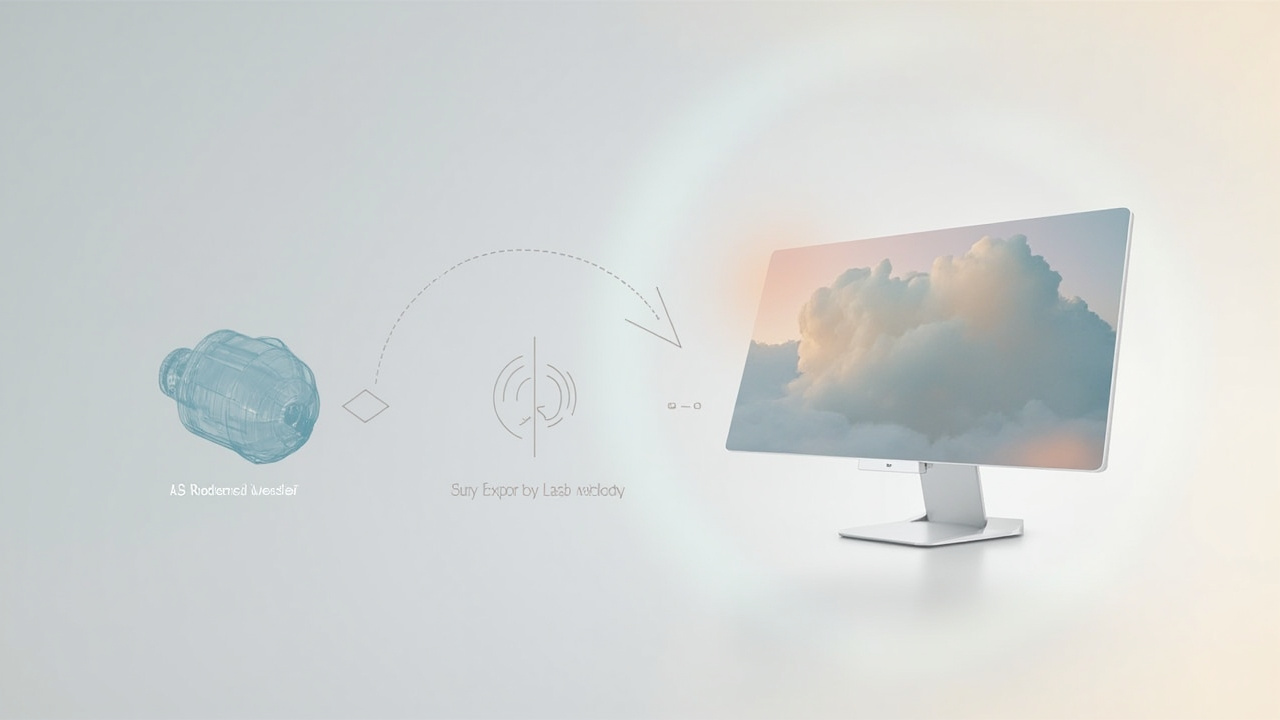
Workflow fit depends on whether existing tools can export stereo content the display can render.
Limitations and uncertainty to keep in mind
A few points of uncertainty apply to any comparison in this category:
- Vendor specifications drift. Glasses-free monitor specifications, supported content formats, and pricing change frequently. Always verify against the vendor’s current public documentation before committing budget.
- Demo conditions are not customer conditions. Vendor demos are usually run in controlled lighting, with optimized content, and within the recommended head-tracking zone. Plan to validate the display in your own room before signing a purchase order.
- The “alternatives” landscape is uneven. Some alternatives are direct substitutes; others solve a related but different problem (for example, multi-view vs. eye-tracked). Keep the comparison scope honest about that.
- Software support is the long pole. Hardware is often the easier decision; the harder one is whether your existing toolchain can produce content the display will render correctly.
Next steps for buyers evaluating Leia
A practical evaluation path looks like this:
- Write down your workflow. List the software tools you actually use, the content formats they can export, and how many people need to see the screen at once.
- Pull the current Leia 3D monitor spec sheet. Confirm viewing method, supported inputs, recommended viewing distance, and any SDK documentation.
- Compare against at least one alternative in each category. Use the criteria in this article to keep the comparison honest.
- Request an in-room demo. If possible, bring your own content and run it under your lighting conditions.
- Pilot before scaling. A single-seat pilot is far cheaper than a multi-room rollout if the workflow does not hold up.
For broader buying context, the Spatial 3D Display Buying Guide covers the full evaluation framework, including categories that fall outside the Leia direct-comparison scope.
Bottom line
The Leia 3D monitor is one option in a small but growing category of glasses-free 3D displays. It is best understood as a monitor-form-factor, primarily single-viewer solution for teams that already have stereo-capable content and a controlled viewing environment. Alternatives range from other eye-tracked monitors, to multi-view autostereoscopic displays, to mature glasses-required stereoscopic monitors. Apply the same criteria to all of them, verify current vendor specifications, and prioritize an in-room pilot over spec-sheet comparisons.
This article is editorial third-party coverage produced for 3dmonitor.net. It is not affiliated with Leia, Inc., or with any other vendor mentioned. Specifications, pricing, and availability change frequently; always confirm directly with the vendor before purchasing.
Ready to explore 3D displays?
Browse our detailed comparisons and buying guides to find the right spatial display for your workflow.
View Best 3D MonitorsDisclosure: Comparisons on 3DMonitor.net are based on published specifications, hands-on testing where available, and editorial assessment. Affiliate links may be present. Full disclosure.