3D Display: Technical Explainer
An objective technical explainer covering how 3D displays work, the main display families, glasses-free autostereoscopic approaches, and what to evaluate before choosing a 3D display for a professional workflow.
3D Display: Technical Explainer
A 3D display is a screen engineered to present visual content with a sense of depth, rather than as a single flat image. This explainer walks through what a 3D display actually is, how the main approaches generate depth, where they fit in professional workflows, and what limitations to keep in mind before choosing one.
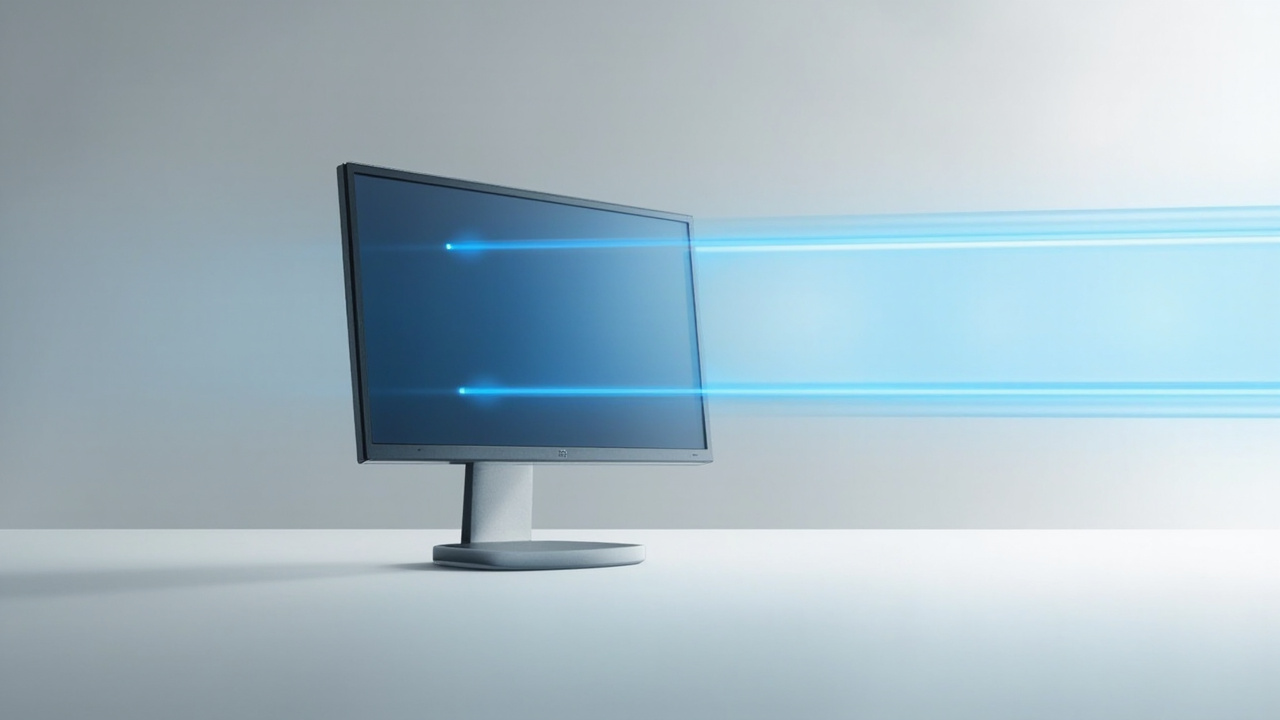
A 3D display routes different views to each eye, producing the perception of depth on a flat panel.
What a 3D Display Is
At its core, a 3D display is any display device that delivers separate visual information to the viewer’s left and right eyes. The brain then combines those two slightly different views into a single perception of depth.
This depth perception is the same cue humans rely on in everyday life. Real-world objects appear solid partly because each eye sees the scene from a marginally different angle. A 3D display attempts to reproduce that geometry on a flat panel.
Two important distinctions sit underneath the term “3D display”:
- The display hardware itself. Different panels, optical layers, and electronics support different depth methods.
- The content fed into the display. A 3D display can only show depth if the source material includes left-eye and right-eye information.
For a broader framing of what a 3D display does in practice, see the What Does 3D Display Do primer.
How 3D Displays Create Depth
3D displays rely on a small set of techniques to make sure each eye receives its own image.
Common depth-creation methods include:
- Stereoscopic delivery, where two views are shown together and separated for each eye.
- Autostereoscopic delivery, where the display itself directs different views to different eyes without eyewear.
- Light-field and volumetric approaches, where multiple views or layers reconstruct a fuller spatial representation.
- Head- or eye-tracked delivery, where the display adjusts the stereo image based on where the viewer is looking.
Most modern professional 3D displays sit in the stereoscopic or autostereoscopic categories. The deeper science of how stereo vision is rebuilt on a panel is covered in Autostereoscopy: Technical Explainer.
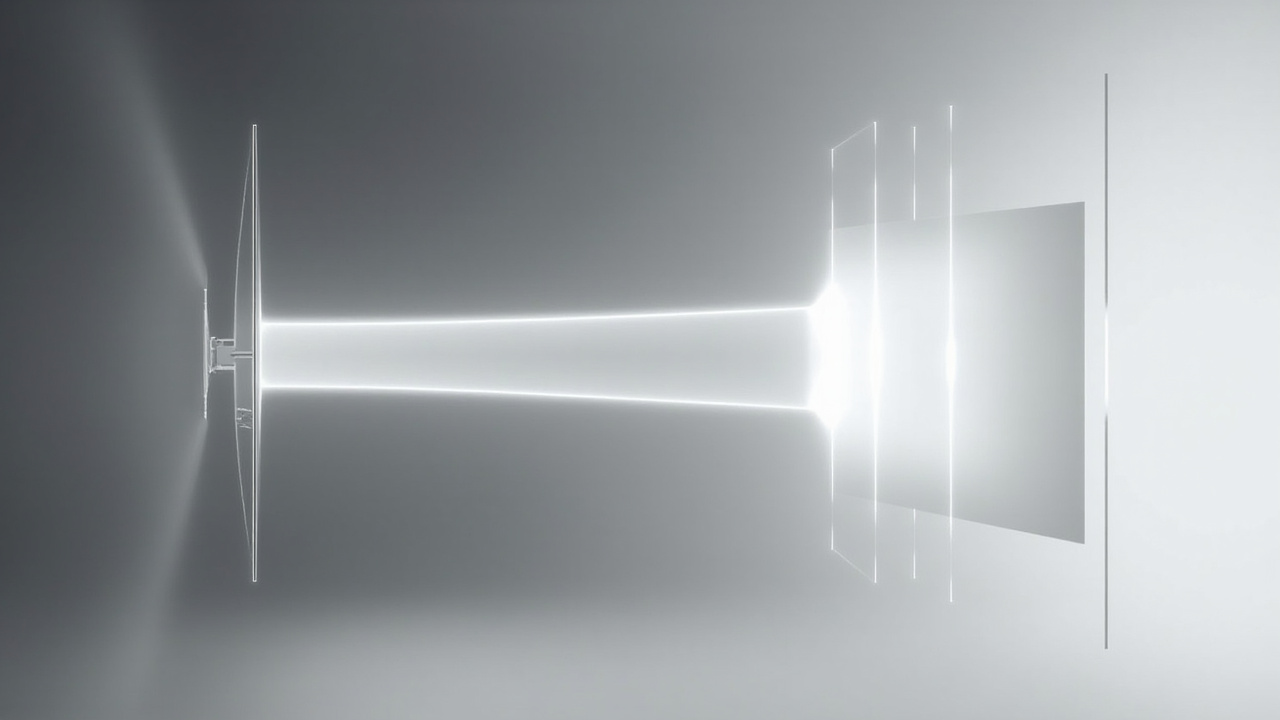
Stereoscopic and autostereoscopic 3D displays both rely on separate left- and right-eye views, but deliver them through different optical paths.
Main 3D Display Families
The term “3D display” covers a broad family of devices. Three families dominate current buyer evaluation:
- Stereoscopic 3D displays. These rely on glasses or headset-style separation and are widely used in simulation, CAD review, and medical imaging. See Stereoscopic 3D Display: Technical Explainer.
- Autostereoscopic 3D displays. These are glasses-free and are commonly referred to as glasses-free 3D displays or naked-eye 3D displays. See Autostereoscopic Display: Submethods and 3D Display Family.
- Spatial 3D displays. A subset of autostereoscopic systems aimed at professional review workflows such as medical visualization, industrial inspection, and CAD. See Spatial 3D Display: Technical Explainer.
Each family has different hardware requirements, viewing rules, and content expectations.
Glasses-Based vs Glasses-Free 3D Displays
A first-pass filter for any 3D display buyer is whether eyewear is required.
Glasses-based 3D displays:
- Use active-shutter or polarized glasses to route separate images to each eye.
- Tend to support full-resolution-per-eye image quality.
- Require the viewer to wear and maintain the glasses.
- Work well for single-viewer deep review sessions.
Glasses-free 3D displays:
- Use optical layers such as lenticular lenses or parallax barriers, sometimes combined with eye tracking.
- Allow multiple viewers to see depth without wearing anything.
- Trade off some resolution or viewing-zone freedom for that convenience.
- Are the focus of much current professional buyer interest.
For a comparison framed around collaborative review, see 3D Without Glasses: Technical Explainer. For terminology, Naked-Eye 3D: Technical Explainer explains the consumer-facing phrasing.
Autostereoscopic 3D Displays in Detail
Because glasses-free 3D displays are a frequent buyer search, it is worth a closer look.
Two dominant optical approaches appear in modern 3D displays:
- Lenticular lens 3D displays. A microlens or lenticular layer sits in front of the panel and refracts different pixels toward each eye.
- Parallax barrier 3D displays. A barrier layer blocks certain pixel columns so each eye sees a different subset. See Parallax Barrier Display: Technical Explainer.
Many professional glasses-free 3D displays also add eye tracking. The display updates the stereo image as the viewer moves, which keeps the depth effect stable and can widen the effective viewing zone.
The trade-offs buyers commonly encounter:
- Resolution is shared across left and right views in many designs.
- There is usually a defined sweet spot or tracking range.
- Content must be authored or exported in a stereo-ready format.
These are engineering constraints rather than flaws, and they shape the buyer question from “is it 3D” to “is this 3D display right for this workflow.”
Where 3D Displays Are Used Professionally
3D displays are not a single-use product. They appear in several professional scenarios, each with its own expectations.
- Medical visualization. Anatomy review, surgical planning, and education teams use 3D displays to view DICOM and reconstructed volumes with spatial cues.
- Industrial inspection and NDT. CT and X-ray inspection teams look for defects whose shape is hard to read on a flat 2D panel.
- CAD and design review. Engineers and designers examine 3D models with true parallax instead of rotating a 2D projection.
- Spatial microscope review. Microscope workflows can use 3D displays to share depth information with colleagues and trainees. See the spatial 3D display category for context.
- Showrooms, museums, and demo spaces. Visitors experience 3D content without putting on glasses.
For software and content preparation considerations, Stereoscopic Display Software Workflow and Compatibility Guide and Spatial 3D Display Software Workflow and Compatibility Guide cover the workflow side.
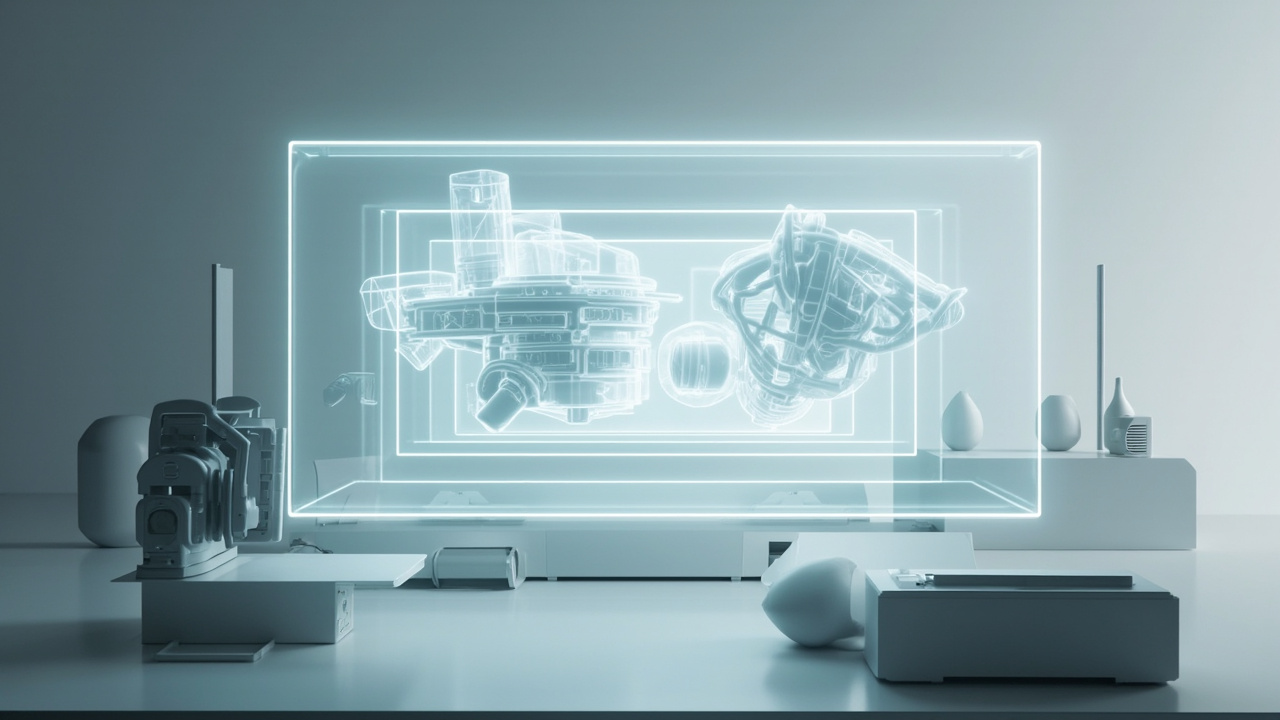
Professional 3D displays are most useful when the source content can output stereo or 3D-ready visual data.
Limitations and Tradeoffs of 3D Displays
No 3D display fits every buyer. Common limitations include:
- Viewing-zone dependence. Many 3D displays only deliver the full effect inside a defined zone.
- Content availability. Stereo or 3D-ready source content is not always available out of the box.
- Software support. Some applications need configuration or specific output modes to feed a 3D display.
- Single-viewer vs multi-viewer behavior. A 3D display optimized for one tracked viewer may behave differently with several people in front of it.
- Price relative to a conventional monitor. A 3D display is typically a specialty purchase.
A balanced view of these constraints is in What Are the Disadvantages of 3D Screens.
How to Evaluate a 3D Display Before Buying
A practical evaluation framework for a 3D display:
- Confirm the display family. Stereoscopic, autostereoscopic, or spatial 3D display. Each implies different workflow expectations.
- Check the viewing model. One viewer, multiple viewers, head-tracked, or eye-tracked.
- Confirm content compatibility. Stereo side-by-side, multi-view, depth-map, or volumetric inputs.
- Look at software support. Drivers, SDKs, and player compatibility for the tools you already use.
- Look at room and lighting conditions. Some optical layers perform differently under bright ambient light.
- Decide between professional and consumer intent. A 3D display for engineering review is not the same purchase decision as one for entertainment demos.
If terminology is getting in the way, What Is the Difference Between 3D and Stereoscopic and What Is a Three-Dimensional Display Called can help frame the language.
Related Explainers and Next Steps
This article is part of a broader explainer set on 3D display technology. Useful follow-ups:
- What Does 3D Display Do
- Autostereoscopy: Technical Explainer
- Spatial 3D Display: Technical Explainer
- Stereoscopic Displays: Technical Explainer
- Stereoscopic 3D Display: Technical Explainer
- 3D Display Screen: Technical Explainer
- Naked-Eye 3D: Technical Explainer
- Parallax Barrier Display: Technical Explainer
- Autostereoscopic Display: Submethods and 3D Display Family
- 3D Without Glasses: Technical Explainer
Specs, prices, certifications, and benchmarks change frequently. Verify any specific claim against current vendor documentation before treating it as a final answer.
Ready to explore 3D displays?
Browse our detailed comparisons and buying guides to find the right spatial display for your workflow.
View Best 3D MonitorsDisclosure: This article is part of 3DMonitor.net's educational content. Product recommendations are based on research and may contain affiliate links. See our full disclosure.