What Does a 3D Display Do
A plain-language technical explainer covering what a 3D display actually does, how glasses-free autostereoscopic monitors deliver depth, the input formats they rely on, and where the workflow fits in professional review.
What Does a 3D Display Do
A 3D display is a monitor that creates a perception of depth on the screen, so that flat-looking 2D content is rendered as objects with real volume, parallax, and spatial relationships. Instead of showing one flat image to both eyes, a 3D display delivers separate left-eye and right-eye views, and the viewer’s brain combines them into a single three-dimensional image.
That depth is the headline capability, but it is only useful when the rest of the system lines up. A 3D display also has to (1) steer the left and right views to the correct eye, (2) follow the viewer as they move, (3) accept input that actually carries stereo information, and (4) stay usable as an everyday monitor when the user wants flat 2D content. The sections below explain each of those jobs in turn.
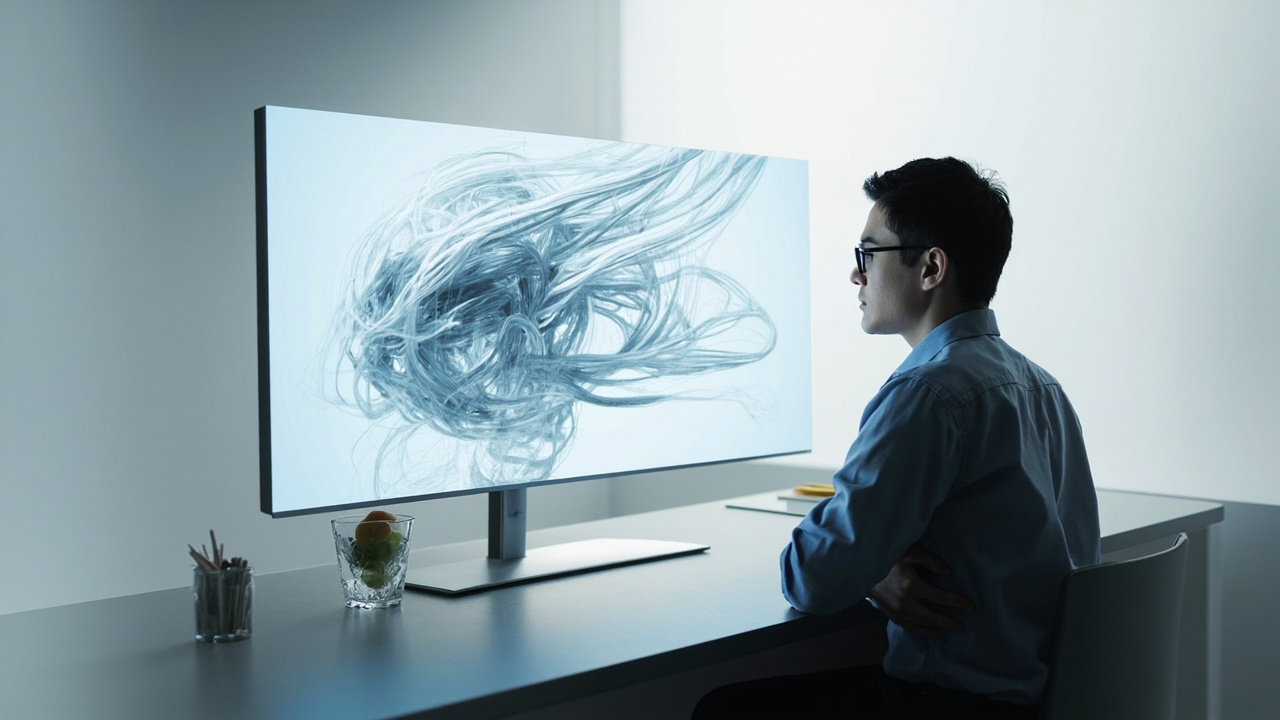
A glasses-free 3D display renders depth directly on the panel without requiring the viewer to wear glasses.
Quick answer: what a 3D display does
In practical terms, a 3D display does four things that an ordinary monitor does not:
- Renders scenes with true binocular depth, so a 3D model looks like it has volume rather than appearing as a flat image with shading.
- Preserves motion parallax, meaning the view shifts naturally as the user moves their head, reinforcing the depth cue the way real-world objects do.
- Enables glasses-free viewing for one or more viewers, depending on the design, instead of forcing every viewer to wear active-shutter or polarized glasses.
- Switches between 2D and 3D modes so the display can be used as a normal monitor for spreadsheets, documents, web browsing, and 2D video when 3D depth is not needed.
What a 3D display does not do is create depth from any source automatically. The display shows depth only when the input content already contains the left and right view information (or a 3D model that the display’s player can render as a stereo pair).
How a 3D display creates depth without glasses
The depth effect on a glasses-free 3D display comes from optical structures layered in front of the LCD panel. These structures ensure that the left half of the panel’s pixels reach the viewer’s left eye while the right half reach the right eye. There are two main submethods:
- Parallax barrier displays place a fine vertical slit mask in front of the panel. The mask blocks the wrong-eye pixels from each eye’s view, so each eye sees a slightly different image.
- Lenticular displays replace the slit mask with an array of tiny cylindrical lenses. The lenses refract each column of pixels in slightly different directions, again so each eye receives a different image.
Either way, the goal is the same: deliver two different images at once, one to each eye, without requiring glasses. The tradeoffs differ. Parallax barrier designs tend to be thinner and cheaper to manufacture but lose more light through the barrier. Lenticular designs tend to be brighter but introduce visible lens structure at certain viewing distances. For a deeper comparison, see the Autostereoscopy: Technical Explainer and Parallax Barrier Display: Technical Explainer pages.
The wider category term is autostereoscopic display, which simply means “stereoscopic without glasses.” That category sits inside the larger Stereoscopic 3D Display and Stereoscopic Displays families, which include older active-shutter and polarized approaches that still require eyewear.
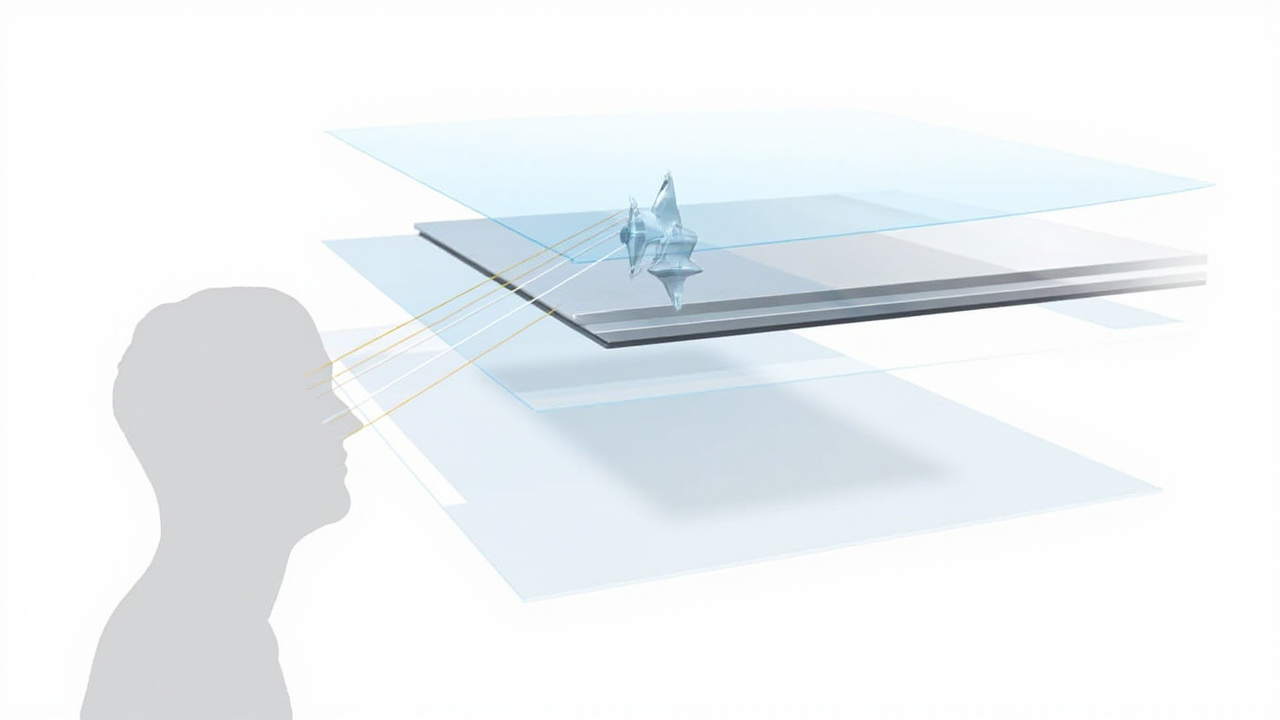
Lenticular and parallax barrier optics deliver separate left- and right-eye views directly to the viewer, which is the core mechanism behind glasses-free 3D.
The role of eye tracking and view mapping
A fixed optical structure only delivers correct left/right separation inside a narrow range of viewing positions, called the “sweet spot.” If the viewer leans left or right, the eye that was meant to see the right image may start seeing the left image, and the depth effect collapses into a blurry or doubled picture.
This is why most professional glasses-free 3D displays include eye tracking. A sensor (typically a structured-light or camera-based module above or below the panel) watches the viewer’s eyes and reports their horizontal position in real time. The display controller then shifts the mapping of which pixels belong to the left view and which belong to the right view, so the sweet spot follows the viewer’s face. Eye-tracked autostereoscopic systems also widen the usable viewing range and let a second viewer sit next to the first without breaking the effect for either of them.
Eye tracking is not strictly required for every 3D display, but it is what turns a glasses-free panel from a curiosity into a usable workstation tool. The tradeoffs around single-viewer sweet spots versus multi-viewer designs are discussed further in the 3D Without Glasses: Technical Explainer page.
What content a 3D display can actually show
A 3D display does not invent depth out of thin air. To show 3D, it needs source content that already describes two viewpoints or a true 3D scene. Common compatible input formats and pipelines include:
- Side-by-side (SBS) stereo content, where the left half of the frame is the left-eye view and the right half is the right-eye view. SBS is the most common interchange format for stereo video.
- Top-and-bottom stereo, an alternative packing used by some cameras and players.
- Stereo-ready CAD and 3D model viewers that can render two camera views from a single 3D model in real time and feed both to the display.
- DICOM, CT, MRI, and industrial scan data that can be volume-rendered into a stereo pair on the fly.
- Real-time engines such as Unity, Unreal, WebGL, and custom OpenGL or DirectX pipelines that output stereo cameras.
What a 3D display will not turn into 3D by itself:
- Flat photographs with no depth metadata.
- Ordinary 2D video, unless the display or player applies an artificial 2D-to-3D conversion. The result of such conversion is usually a mild, parallax-style effect rather than true binocular depth.
- Software that outputs a single non-stereo view.
In practice, the “will my content work on this display?” question is one of the most important buyer-side questions. The Spatial 3D Display: Technical Explainer page discusses content fit in more depth, and the Spatial 3D Display Buying Guide translates it into selection criteria.
Where a 3D display fits in a professional workflow
A 3D display is most useful when the underlying task already involves 3D data: reviewing CAD geometry, examining medical imaging, inspecting industrial CT or NDT scans, walking through architectural massing models, or teaching with stereo microscopy. In those workflows, a glasses-free 3D display lets the reviewer keep a normal monitor posture (seated, mouse and keyboard, no headset) while gaining true depth perception.
Common workflow patterns include:
- CAD and design review where teams examine prototypes, assemblies, and ergonomic fit without printing or VR-rigging the model.
- Medical visualization for anatomy education, case review, and surgical planning, where volume data benefits from real depth.
- Industrial inspection for CT, X-ray, and NDT scans, where defects and inclusions are easier to localize when depth and parallax are present.
- Microscope collaboration for shared review of stereo specimens without forcing multiple viewers into VR headsets.
- Showroom and demonstration contexts where customers and stakeholders benefit from seeing a 3D asset without managing eyewear.
The How Does 3DV Compare to 2D page goes deeper into the practical difference this makes during a typical review session.
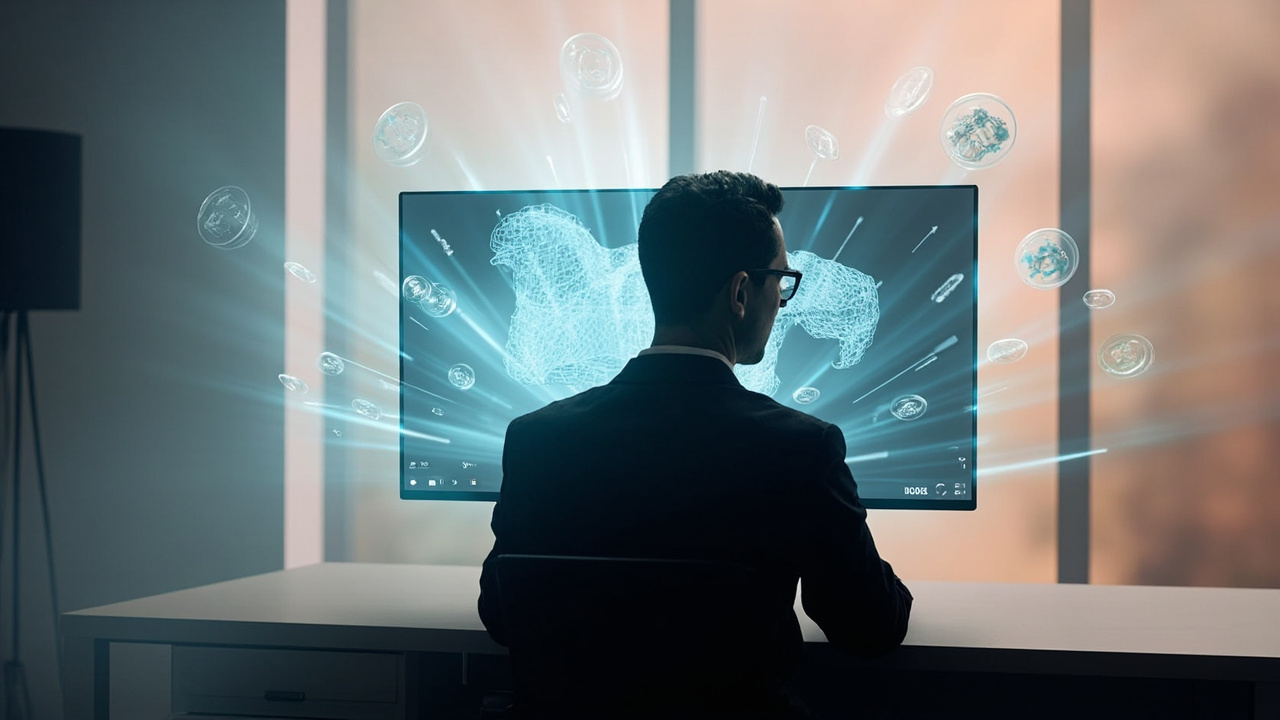
A glasses-free 3D display fits into a normal review workflow when the source pipeline can output stereo or 3D-ready content.
Limitations and what a 3D display does not do
A 3D display is a specialized tool, and it helps to be clear about what it cannot do, or cannot do well, today:
- Resolution is shared. Each eye receives roughly half the panel’s horizontal pixels in many designs, so per-eye sharpness can look lower than the panel’s headline resolution until the viewer is at the optimal distance.
- Sweet spots still exist. Even with eye tracking, viewing zones have limits. Sitting well outside the supported range will degrade or break the effect.
- Not all content is stereo. Flat 2D content, including most streaming video and many business apps, will simply be shown as 2D. The 3D display does not retrofit depth onto content that does not carry it.
- It is not a hologram or light-field display. A 3D display typically shows two-view stereo, not a true volumetric or multi-view light-field image that supports look-around from arbitrary angles. Glossary distinctions are collected on the What Is a Three-Dimensional Display Called page.
- It is not a VR headset. A 3D display is a monitor you sit in front of. It does not track your full head pose for immersive environments, and it does not isolate you from the room.
Some of these tradeoffs are covered in more detail in What Are the Disadvantages of 3D Screens and in the glasses-free collaborative review tradeoffs page.
How to evaluate whether a 3D display will work for you
Once you know what a 3D display does, the next questions are about your own content and workflow. A short pre-purchase checklist:
- Identify the dominant content type. Is your day mostly flat 2D work with occasional 3D review, or is it mostly 3D review with some 2D? The balance matters for 2D/3D switching quality.
- Confirm stereo output. Can your CAD tool, DICOM viewer, microscopy platform, or 3D engine actually output a stereo pair or SBS feed? If not, the display will spend most of its life in 2D mode.
- Pick a size and seating distance. Larger displays need more viewing distance to feel comfortable and to keep eye tracking accurate. Compact displays work better at a desk.
- Check viewer count. Will one person review, or will a small team look on together? Eye-tracked single-viewer designs tend to have the cleanest image; multi-viewer designs share resolution across viewers.
- Confirm input and connectivity. Does the display accept your signal pipeline (HDMI, DisplayPort, USB-C with stereo transport, or a software-side player)?
- Plan content preparation. Some content needs re-export or a stereo-aware player. Plan for that step before deployment.
These criteria line up with the buyer-guide pages How to Choose Stereoscopic Display 3D Monitor and How to Choose Stereoscopic 3D Monitor.
FAQ
Does a 3D display need special glasses? Modern glasses-free 3D displays do not. They use autostereoscopic optics such as parallax barriers or lenticular lenses to deliver separate left and right views. Older stereoscopic 3D systems do require active-shutter or polarized glasses; those are a different category covered in the stereoscopic display explainers.
Can a 3D display turn any video into 3D? Not by itself. It needs source content that already contains left and right view information, or a true 3D model that a player can render as a stereo pair. Some players offer a 2D-to-3D conversion that synthesizes a mild parallax effect, but it is not the same as true binocular depth.
Is a 3D display the same as VR? No. A 3D display is a monitor you sit in front of, typically glasses-free. VR is a head-mounted display that fills your entire field of view and tracks your full head pose. They solve different problems and are not direct substitutes.
Is a 3D display the same as a holographic or light-field display? Not exactly. A typical 3D display shows two-view stereo with optional eye tracking. Holographic and light-field displays aim to reproduce many viewing angles simultaneously so that the image stays correct as the viewer moves more freely. The terminology is mapped out in the What Is a Three-Dimensional Display Called glossary page.
How many viewers can use one at once? It depends on the design. Single-viewer eye-tracked designs give the cleanest image to one seated user. Multi-viewer designs support two or more simultaneous viewers but share resolution across them. The collaborative review tradeoffs are explored in the 3D Without Glasses: Technical Explainer page.
Sources and further reading
The technical descriptions above draw on the public-facing explainers on this site and on the broader category pages that map terminology, submethods, and workflow fit. Suggested next reads, grouped by intent:
- For category background: Spatial 3D Display: Technical Explainer, Autostereoscopic Display: Technical Explainer, Naked-Eye 3D: Technical Explainer.
- For terminology: What Is the Difference Between 3D and Stereoscopic, What Is a Three-Dimensional Display Called.
- For hardware context: 3D Display Screen: Technical Explainer.
- For evaluation and selection: Spatial 3D Display Buying Guide, How to Choose Stereoscopic Display 3D Monitor, How to Choose Stereoscopic 3D Monitor.
- For a direct 2D comparison: How Does 3DV Compare to 2D.
Editorial note: this explainer is written as a third-party technology overview. It does not include prices, certification claims, or benchmark numbers. Model-level pricing and availability should be verified against current vendor documentation before any purchase decision.
Ready to explore 3D displays?
Browse our detailed comparisons and buying guides to find the right spatial display for your workflow.
View Best 3D MonitorsDisclosure: This article is part of 3DMonitor.net's educational content. Product recommendations are based on research and may contain affiliate links. See our full disclosure.